PixVerse Growth Studio Connects to Meta Catalog Video
PixVerse Growth Studio connects product-specific video ads to Meta catalogs, helping merchants prepare and review creative across more of their inventory.
Read Article
Product Updates
Stay informed about the latest product updates and improvements
PixVerse Growth Studio Connects to Meta Catalog Video
PixVerse Growth Studio connects product-specific video ads to Meta catalogs, helping merchants prepare and review creative across more of their inventory.
PixVerse and OpenAI Announce Prompt to Production
Explore PixVerse and OpenAI’s Prompt to Production initiative, upcoming October webinars, and existing plugin, Canvas, and CLI paths for creative work.

PixVerse Introduces R2, Advancing Its Real-Time World Model Toward Persistent, Playable Worlds
R2 is the upgrade to PixVerse's real-time world model. The focus of this release is scaling: the model is capable of taking on more data, tasks, and input types while still running in real time.
Hot Templates
Explore the most popular creative templates and inspiration

Accidentally Entering the World of Hayao Miyazaki: PixVerse Anime Effect
Upload a photo and step into a Hayao Miyazaki-style anime world. PixVerse V6 turns one image into a 10-second fantasy clip with creatures and storybook places.
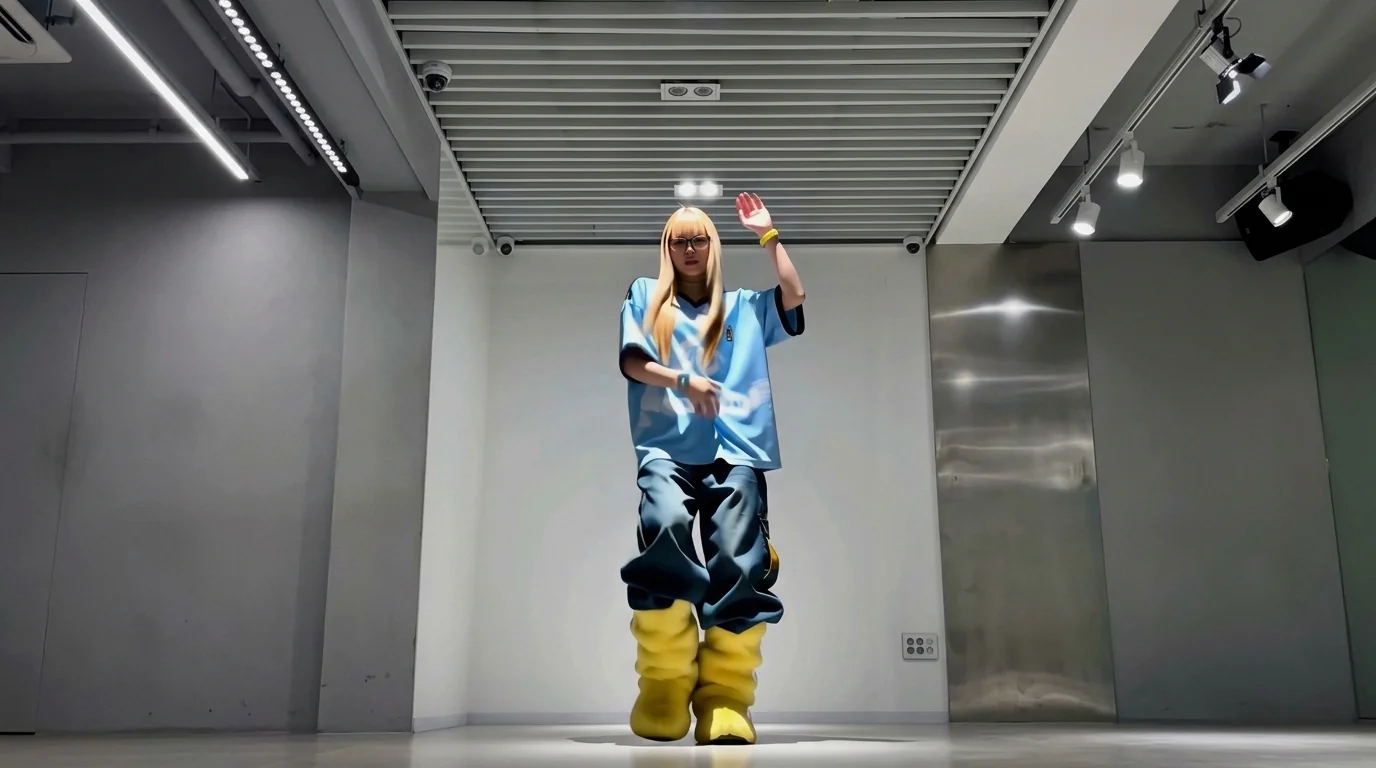
Brazilian Walk Mode: Turn Any Photo into a Cross-Step Dance Video
Upload one photo and hit the Brazilian cross-step with PixVerse V6. This 15-second image-to-video template turns a single shot into a vertical dance video.
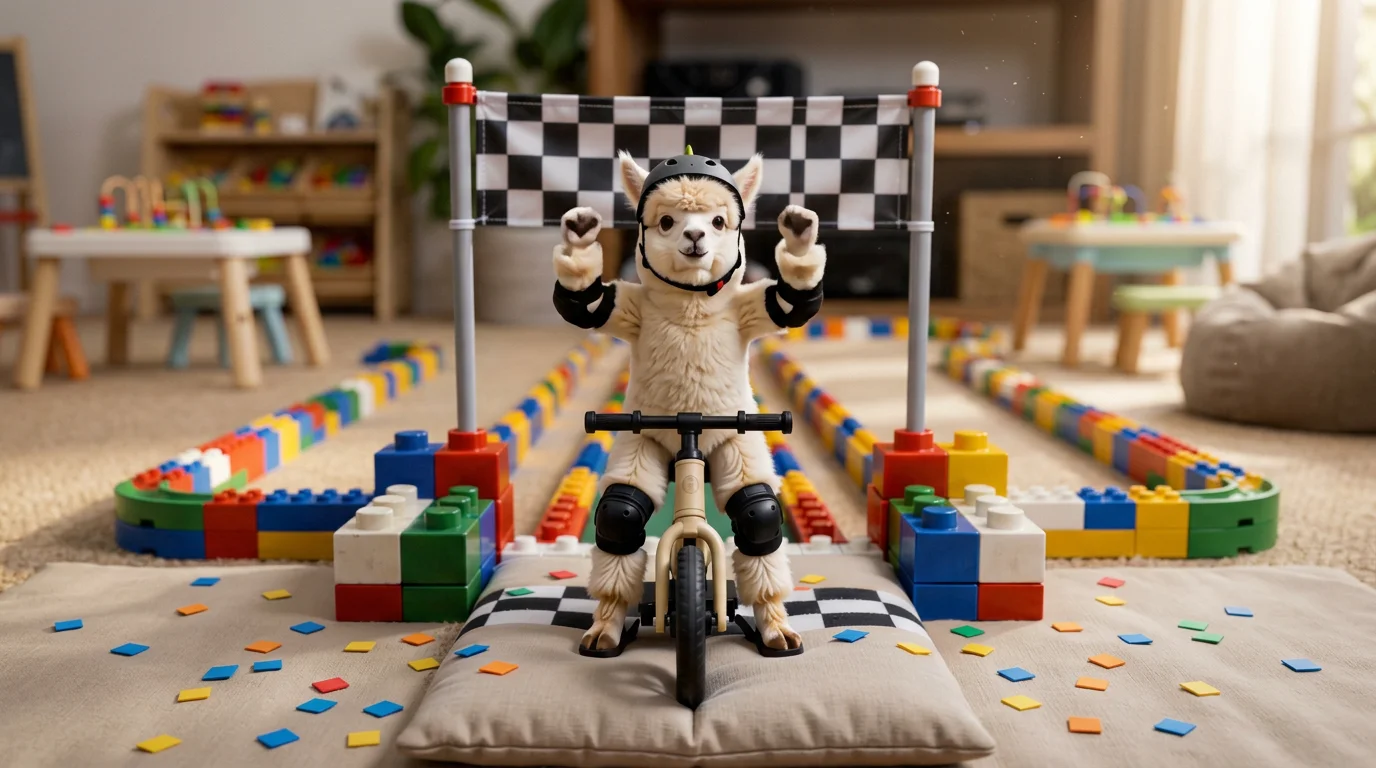
Building Block Balance Car Track: Turn Any Photo into a Toy Race Video
Upload your photo and race on the building block balance car track with PixVerse V6. This 8-second image-to-video template turns one shot into a vertical clip.
Features
Explore the powerful features of PixVerse
Nano Banana 2.1 on PixVerse: Images From 14 References
Nano Banana 2.1 is now on PixVerse: build an image from up to 14 reference images, with better text rendering and subject consistency. How to select it.
Seedance 2.5 on PixVerse: Features, Access, and How to Start
Explore Seedance 2.5 on PixVerse: Video, Transition, and Reference modes, 4–30 second clips, 480p–1080p output, and how to check access and credit costs.
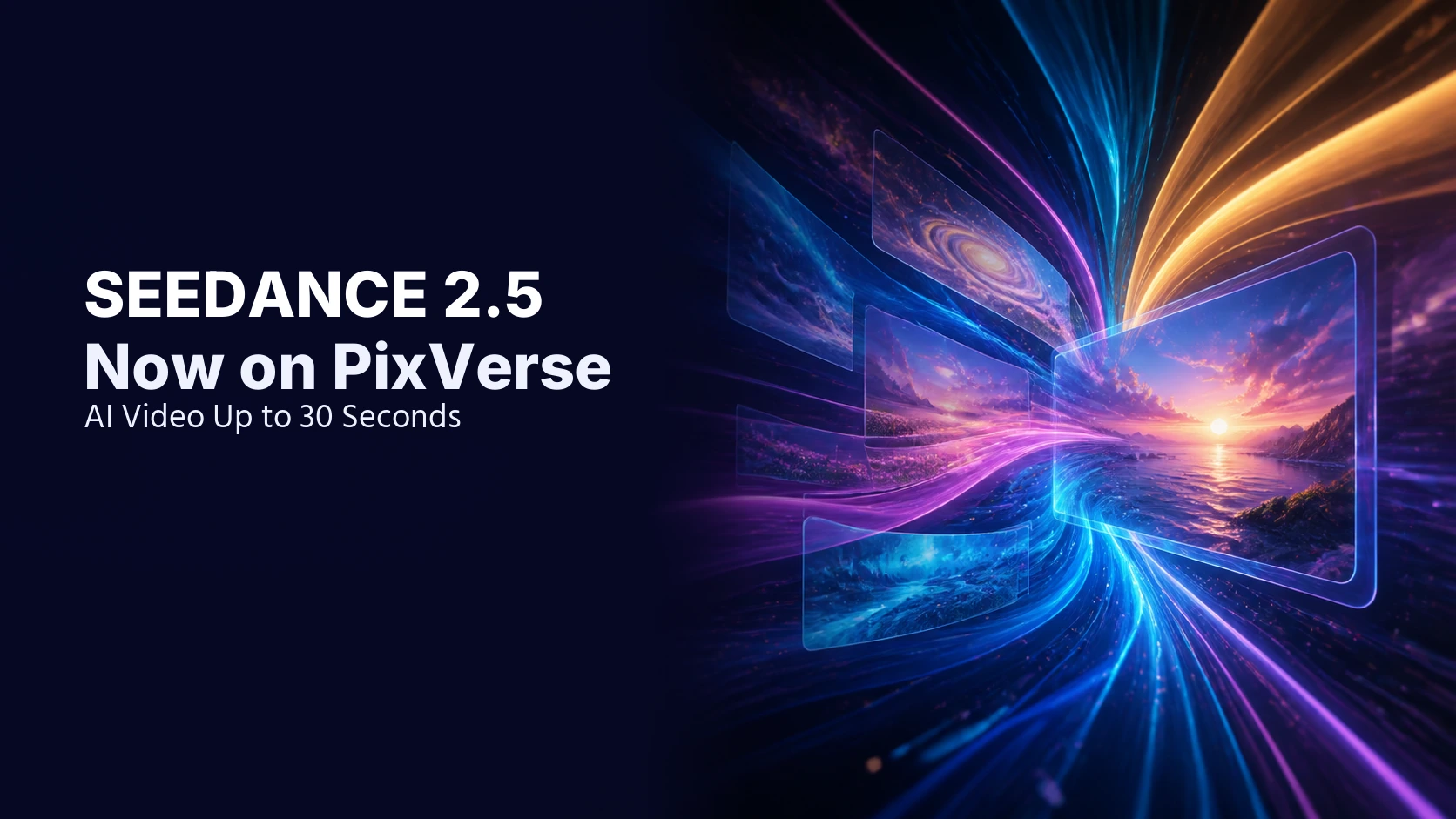
Seedance 2.5 Now on PixVerse: AI Video Up to 30 Seconds
Seedance 2.5 is now available on PixVerse for Pro, Premium, and Ultra members. Create 4-30 second AI videos with Video, Transition, and Reference modes.
Contests & Programs
Join community contests and programs, showcase your creative work
Join the PixVerse Creative Partner Program (CPP): Application & Member Guide
Apply to PixVerse CPP and review requirements, benefits, creator tiers, tier advancement, community expectations, weekly rewards, and FAQ.
PixVerse Kicks Off PixLight, a Global Competition for AI Filmmakers
PixLight, PixVerse's global AI film competition: USD 300,000 across 33 awards, five jurors named, and submissions now open until Oct 31, 2026 at 23:59 UTC.

PixLab: The Next Stage of Creator Partnership at PixVerse
PixLab is PixVerse's invite-only creator partnership. Learn how selected creators get credits, project support, and a path from CPP and PixLight.
Tutorials
Step-by-step guides to help you get the most out of our product
PixVerse Music Video: One-click MV, Pro DP and Visual Riff
PixVerse Music Video guide: turn a song of up to 6 minutes into a lyric-synced MV, direct shots with Pro DP, or make an 8-15s Visual Riff from a photo.
FLUX 3 Image Klein Local Guide: GPU, Setup, API Costs
Run FLUX 3 Image Klein locally: 5.6B open weights, RTX 3090-class GPU, Diffusers or ComfyUI setup, and API costs from $0.009 at 1K versus your GPU.
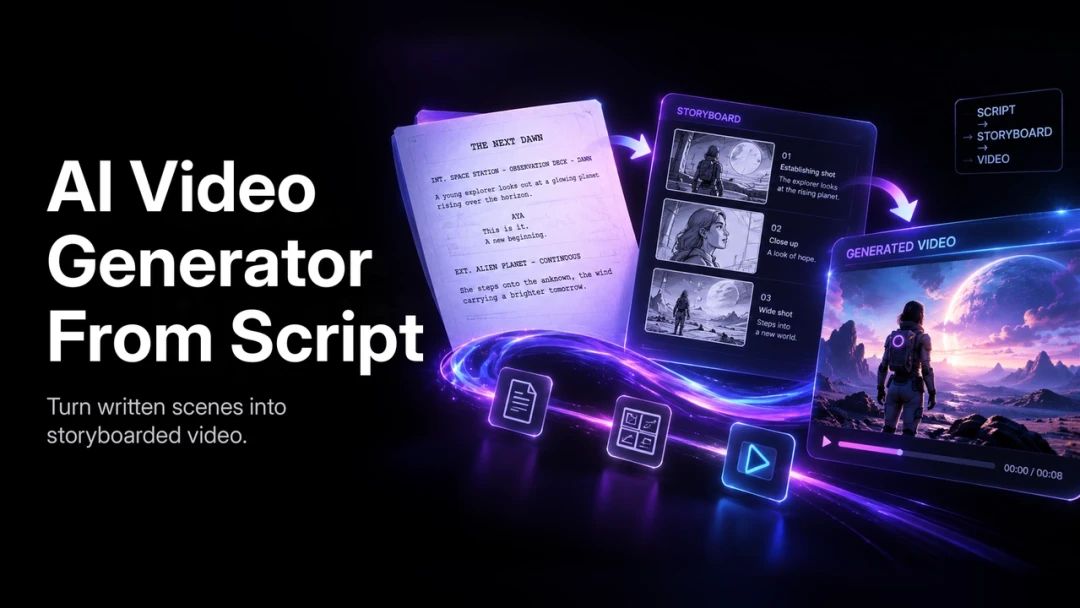
AI Video From a Script: Plan, Generate, and Edit
Turn a script into a PixVerse shot plan with a reusable brief, copy-ready prompt examples, continuity checks, and a practical review and export workflow.
Blogs
Insights, stories, and perspectives from our team
Odyssey-3 vs PixVerse R2: Real-Time World Models Compared
Odyssey-3 vs PixVerse R2: compare world inputs, control and access, plus Odyssey's 66.1 best-of-8 Physics-IQ result versus its 63.37 four-run average.
Open-Source Image Models for Commercial Use: License Guide
Open-source image models for commercial use: FLUX 3 Image Klein, Qwen-Image-2.1-Turbo and Iris-3B licenses compared, including a US$5M revenue cap.
Reference-to-Video Limits: Kling 4.0, Vidu Q4, Seedance 2.5
Reference-to-video limits compared: Seedance 2.5 takes 30 images, 10 videos and 10 audio clips. Kling 4.0, Vidu Q4 and HeyGen Video 1.0 caps side by side.
Creators
Meet our creator community and their amazing work
FAQ
Frequently asked questions about PixVerse
How Long Are PixVerse Videos Saved? Video Retention Policy
Learn about PixVerse video retention policy. Your AI-generated videos are saved for 6 months. Find out how to preserve your valuable content.

Can You Use PixVerse Videos for Commercial Purposes? Complete Guide
Learn about PixVerse commercial use policy. All subscription plans (Elite, Standard, Pro, Premium, Ultra) allow commercial use of AI-generated videos.

Does PixVerse Support Multi-Account or Multi-Device Login?
Learn about PixVerse login policies: one web session + one app session per account. Understand our security measures and what happens with duplicate logins.