PixVerse Music Video: One-click MV, Pro DP and Visual Riff
PixVerse Music Video guide: turn a song of up to 6 minutes into a lyric-synced MV, direct shots with Pro DP, or make an 8-15s Visual Riff from a photo.
FLUX 3 Image Klein Local Guide: GPU, Setup, API Costs
Run FLUX 3 Image Klein locally: 5.6B open weights, RTX 3090-class GPU, Diffusers or ComfyUI setup, and API costs from $0.009 at 1K versus your GPU.
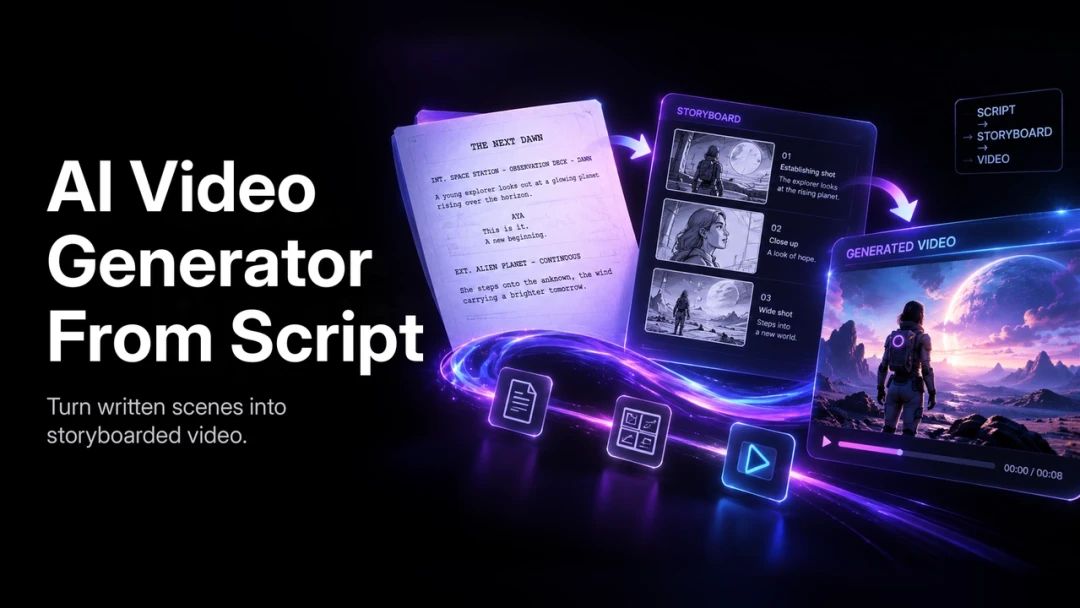
AI Video From a Script: Plan, Generate, and Edit
Turn a script into a PixVerse shot plan with a reusable brief, copy-ready prompt examples, continuity checks, and a practical review and export workflow.
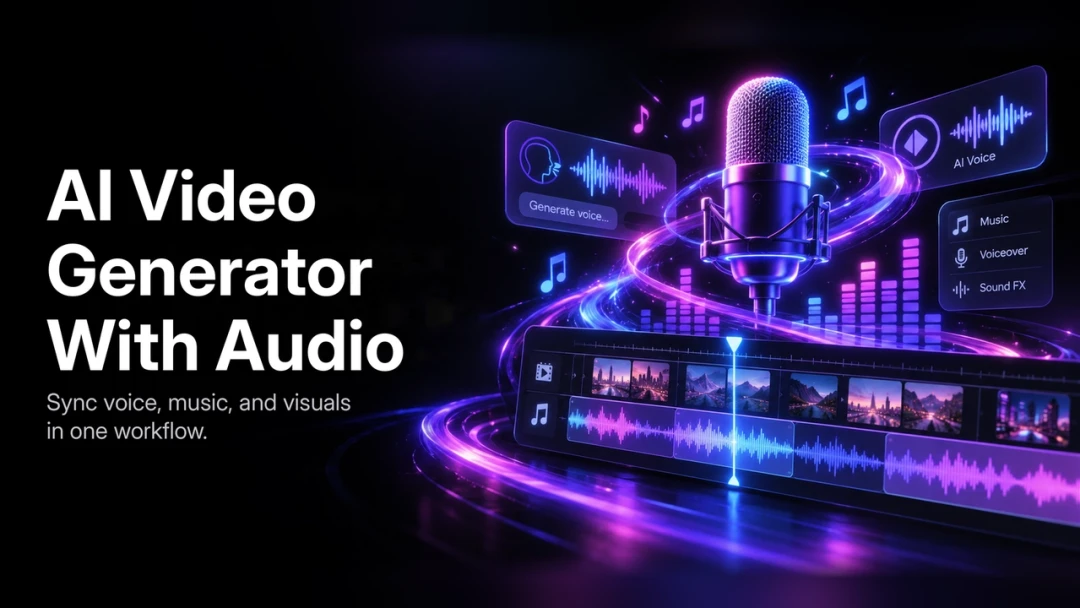
AI Video With Audio: Plan Voice, Music, and Sound
Build a PixVerse video workflow with a scene-level sound plan, copy-ready audio briefs, dialogue review, captions, and clear limits on model audio support.
Build Cinematic Videos with PixVerse and GPT-6 Astra: Creator Guide and Use Cases
Build cinematic videos, motion graphics, and interactive experiences with PixVerse and GPT-6 Astra using controlled AI video workflows.
AI Explainer Video Generator for SaaS and Training
Learn how to use an AI explainer video generator for product marketing, SaaS demos, and internal training with a practical production workflow.
How to Add Music to a Video: Step-by-Step Guide
Learn how to add music to a video, balance dialogue and soundtrack levels, use AI audio tools, and handle music licensing before publishing.
How to Improve Video Quality with AI: Practical Guide
Learn practical ways to improve video quality with AI upscaling, stabilization, noise reduction, color correction, and a review-first export workflow.
Faceless YouTube AI Video Generator: Workflow Guide
Learn how to plan, produce, and improve faceless YouTube videos with an AI video generator and a repeatable channel-growth workflow.
How to Create a Talking Avatar from a Photo with AI
Learn how to create a talking avatar from a photo: prepare an image, add a voice or script, generate lip sync, and export for social video.
How to Create a Viral Video: A Practical 2026 Guide
Learn a practical workflow for creating viral videos: stronger hooks, platform-native edits, faster AI production, and data-led iteration.
How to Use FLUX 3 AI Video Generator: Practical Guide
Learn how to use the FLUX 3 AI video generator: choose an input mode, write prompts, direct audio, test drafts, and review short clips.
Seedance 2.5 Prompt Guide: How to Write Better AI Video Briefs
A practical Seedance 2.5 prompt guide with a reusable brief structure, product and narrative examples, reference tips, and a how-to checklist for PixVerse.
How to Make AI TikTok Videos: A Step-by-Step Guide
Learn how to make AI TikTok videos: write a script, generate 9:16 visuals, add voiceover and music, export, and disclose AI content before posting.
PixVerse CLI: Generate AI Videos and Images in Terminal
Install PixVerse CLI, generate AI videos, images, voice, and music from the terminal, and automate agent workflows with JSON output, retries, and pipelines.
Gemini Omni Flash on PixVerse: A Step-by-Step Prompt Workflow
A hands-on tutorial for using Gemini Omni Flash on PixVerse: pick the right input, set duration and ratio, structure prompts, and review output.
How to Use Gemini Omni Flash on PixVerse: Workflow Guide
Learn how to use Gemini Omni Flash on PixVerse for text-to-video, image-to-video, reference images, prompts, 3-10s 720p settings, and five creator use cases.
AI Video Prompt Guide: 7 Tested Fixes for Better Videos
Learn seven tested AI video prompt fixes with good and bad examples, PixVerse 5-second tests, and cross-model rules for Seedance, V6, C1, and Kling O3.
7 AI Video Prompt Mistakes That Quietly Wreck Your Clips
Fix the seven habits that break AI video prompts, with side-by-side examples and PixVerse tests showing what actually improves motion, camera, and consistency.
AI Music Video Generator: Make a Video from a Song
Upload a song to VibeMV AI on PixVerse, add lyric subtitles and a character, compare generator vs visualizer workflows, check rights, and export 9:16 or 16:9.
Turn a Song Into an AI Music Video: VibeMV Tutorial
Step-by-step tutorial for turning a finished song into a music video with PixVerse VibeMV AI: upload audio, sync lyrics, add a character, and export.
How to Change Aspect Ratio Without Cropping (2026 AI Guide)
Change a photo's aspect ratio without cropping using AI outpainting. Expand images to 9:16, 16:9, and 1:1 for TikTok, YouTube, and Instagram in seconds.
Resize a Photo for Every Social Platform Without Cropping
Use AI canvas expansion to resize one photo for TikTok, YouTube, and Instagram without cropping out your subject. A step-by-step PixVerse Magic Extend workflow.
YouTube Shorts AI Video Generator: Ideas, Tools, Workflow
Learn how to use a YouTube Shorts AI video generator for ideas, prompts, editing, PixVerse 9:16 clips, analytics, and repeatable short-form workflows.
Convert Video Aspect Ratio with AI — No Cropping Required
Turn one video into every aspect ratio your channels need. Learn how AI reframing grows the frame instead of cutting it, using PixVerse Video Expand.
How to Expand a Video Frame with AI in 2026
Expand any video frame with AI outpainting — no cropping, no black bars. Convert 16:9 to 9:16, 1:1, and 21:9 for TikTok, Reels, YouTube, and ads in PixVerse.
How to Add a Person to a Photo Using AI (2026 Guide)
Learn how to add a person to a photo with PixVerse AI editing tools. Follow a step-by-step merge workflow, compare apps, and get professional-looking results.
Merge Someone Into a Photo With AI: A Practical Workflow
Learn how to merge a person into a photo using AI compositing tools. A practical workflow covering image prep, blending, lighting, and PixVerse's toolset.
AI Video Prompt Guide for Cinematic Scenes on PixVerse
Learn how to write AI video prompts for cinematic scenes on PixVerse. Master lighting, camera moves, composition, and iteration for high-quality results.
How to Turn Product Photos into Video Ads with PixVerse AI
Learn how to turn product photos into video ads using PixVerse AI. A step-by-step tutorial covering uploads, motion prompts, voiceovers, and export.