What a Day: Recreate the Joyful Street Group Dance with PixVerse V6
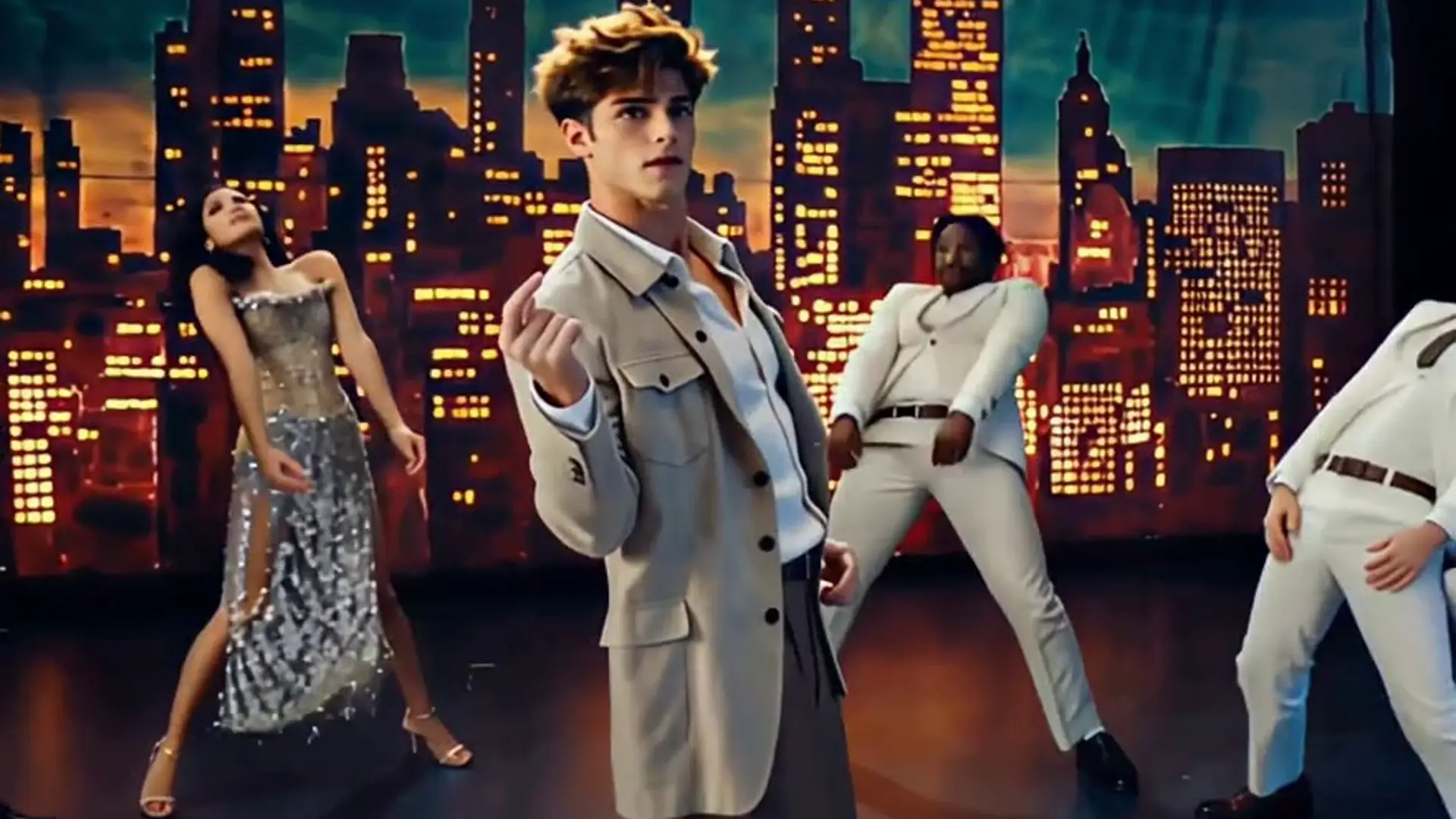
Step in as your character and recreate the iconic street group dance—where every move hits the beat of pure joy! That is the official prompt for PixVerse’s What a Day template.
The official preview captures an exhilarating street group dance where performers synchronize their upbeat steps, full of smiles, celebration, and pure festive joy in a sunny urban setting.
See It In Action
What Is the What a Day Template?
What a Day is an uplifting group choreography template powered by PixVerse V6. You upload one photo; PixVerse V6 generates a 15-second video casting your character at the center of an iconic, cheerful street group dance.
Template details
| Template details | Output |
|---|---|
| Template name | What a Day |
| Template ID | 417025009850560 |
| Output | Video |
| Model | PixVerse V6 |
| Input | 1 photo |
| Duration | 15 seconds |
| Quality | 360p / 540p / 720p / 1080p |
| Audio | Off |
| Custom prompt | Off |
| Launched | Aug 03 2026 |
How it works
- Upload 1 photo — a clear photo works best
- Select What a Day — search the name in PixVerse templates, or use Template ID
417025009850560 - Generate — PixVerse V6 applies the effect automatically
- Download and share — export the 15-second clip for TikTok, Reels, or Shorts
What’s in the Official Preview
The template preview showcases a polished, cohesive scene built around the official theme:
- Iconic synchronized street group dance choreography
- Full 15-second joyful dance sequence packed with smiles
- Celebratory urban atmosphere with high-energy movement
- Natural facial preservation throughout lively group dancing
How to Create Your What a Day Video
Step 1: Choose a happy full-body photo
Select a full-body standing photo with a cheerful or smiling expression for the best group dance energy.
Step 2: Open PixVerse
Visit PixVerse on web or in the app, then open the template library.
Step 3: Find What a Day
Search What a Day or look under newly launched templates. Confirm Template ID 417025009850560.
Step 4: Generate
Upload the photo and generate. The template does not accept a custom prompt, so you do not need to describe the scene.
Tips
- Smiling or upbeat expressions match the joyful group celebration best
- Casual or brightly colored outfits stand out nicely in the dance group
- Full-body photos ensure seamless footwork and dance transitions
- Export at 1080p for a crisp, celebration-ready video
Frequently Asked Questions (FAQ)
Q: Do I need to write a prompt? A: No. What a Day has custom prompts turned off. Upload your photo and generate.
Q: How long is the video? A: 15 seconds, generated with PixVerse V6.
Q: What quality is available? A: 360p / 540p / 720p / 1080p.
Q: How many photos do I upload? A: 1 photo. This template creates the full animation from your uploaded image.
Q: Does this video feature a synchronized group dance? A: Yes! Your uploaded character becomes the lead dancer in a joyful, synchronized street group choreography.
Ready to create your video? Open PixVerse, search What a Day, and generate from 1 photo.
Related templates:
- C-Walk — rhythmic hip-hop street dance
- Move Like Animal — unleash wild primal dance instincts
- Red Carpet Moment — step into the celebrity spotlight
- Little Gymnast — miniature gymnast on the rings