Vintage Photo Restoration: Create a PixVerse Template Video
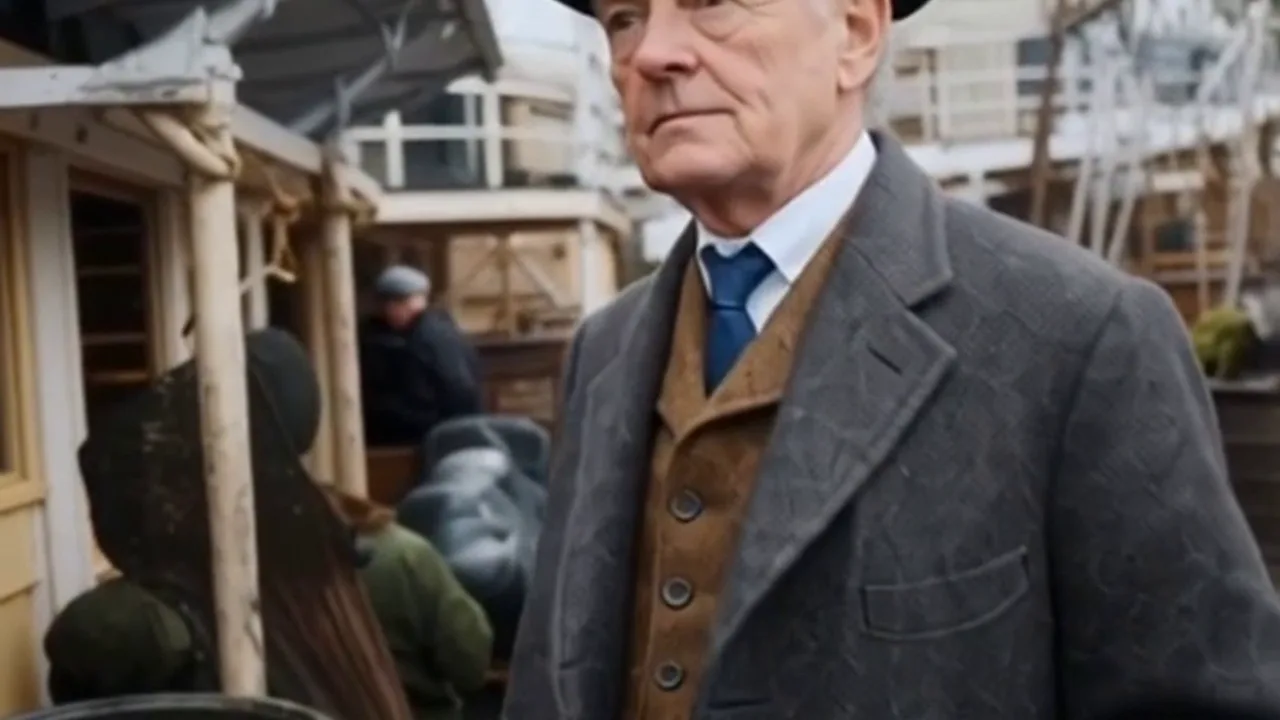
Upload your photo and try Vintage Photo Restoration on PixVerse. The official prompt is: Brings them back—just as you remember. ✨ This one-photo template uses PixVerse to create a 5-second video with audio.
See It In Action
What Is the Vintage Photo Restoration Template?
Vintage Photo Restoration is an official PixVerse image-to-video template. You upload one photo; PixVerse generates a 5-second video. Custom prompts are off, so the locked official prompt keeps the effect consistent.
Template details
| Field | Value |
|---|---|
| Template name | Vintage Photo Restoration |
| Template ID | 378092244437760 |
| Output | Video |
| Model | PixVerse template |
| Input | one photo |
| Duration | 5 seconds |
| Quality | 360p / 540p / 720p / 1080p |
| Audio | Included |
| Custom prompt | Off |
| Launched | Dec 26 2025 |
How it works
- Upload one photo — choose a clear image with the main subject visible.
- Select Vintage Photo Restoration — search in PixVerse templates or use Template ID
378092244437760. - Generate — PixVerse applies the locked official prompt automatically.
- Download and share — export the 5-second clip for social platforms.
What’s in the Official Preview
The official preview demonstrates the stated effect: Brings them back—just as you remember. ✨ Your uploaded photo supplies the subject while PixVerse applies the template’s locked transformation.
How to Create Your Vintage Photo Restoration Video
Step 1: Choose a photo
Upload one photo — choose a clear image with the main subject visible.
Step 2: Open PixVerse
Visit PixVerse on web or in the app, then open the template library.
Step 3: Find the template
Search Vintage Photo Restoration or confirm Template ID 378092244437760.
Step 4: Generate
Upload your photo and generate. Custom prompts are off for this template.
Tips
- Use a clear, well-lit photo with one main subject.
- Keep the face or subject visible for best results.
- Review the preview before downloading and sharing.
Frequently Asked Questions (FAQ)
Q: Do I need to write a prompt? A: No. Custom prompts are off. The template uses: Brings them back—just as you remember. ✨
Q: How many photos do I upload? A: one photo.
Q: How long is the video? A: 5 seconds.
Q: Is audio included? A: Included.
Ready to try it? Open PixVerse, search Vintage Photo Restoration, and generate from one photo.
Related templates: