this and that: Join the Viral Social Dance Trend on PixVerse
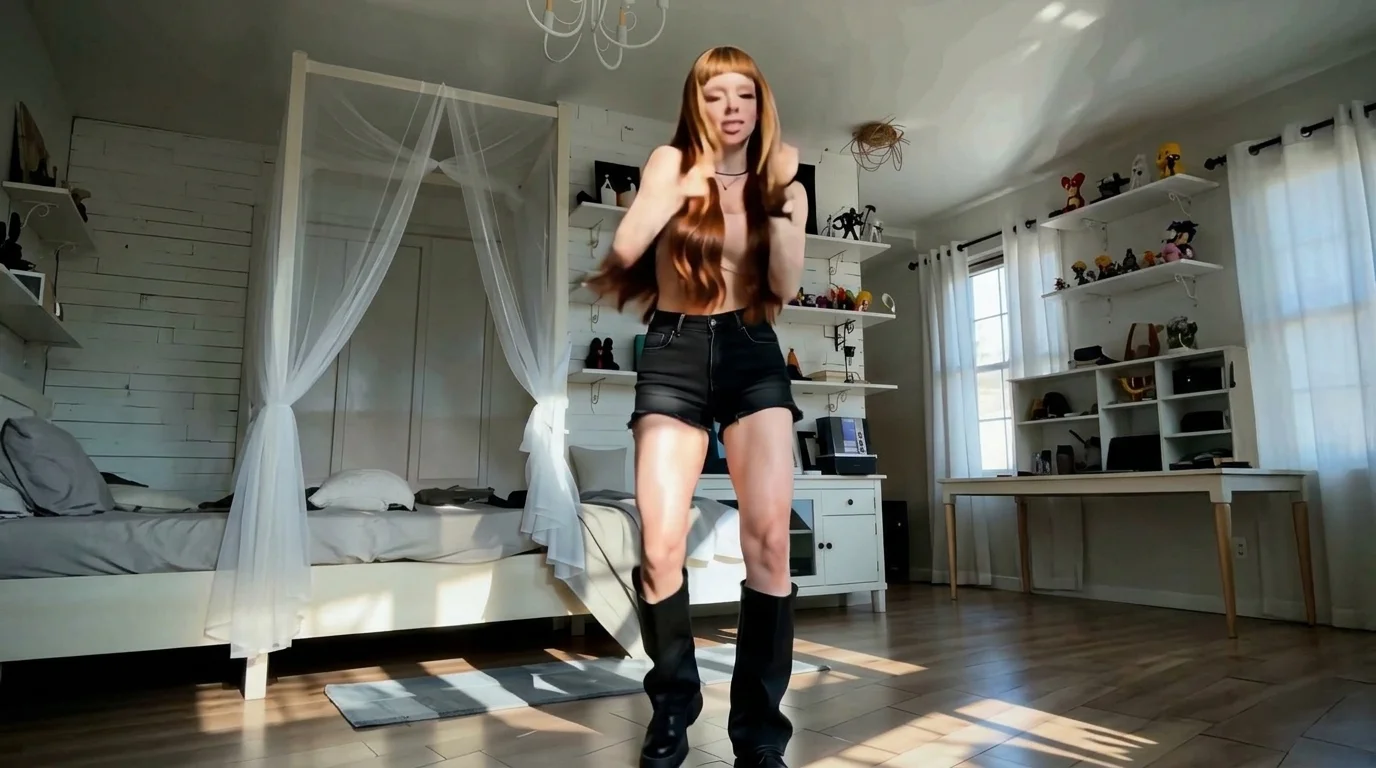
The hottest template right now, come catch up with the trend and show off your dance moves! That is the official prompt for PixVerse’s this and that template — a punchy 7-second V6 social dance effect that animates any portrait into a viral TikTok-ready routine.
The official preview showcases clever alternating hand gestures, playful hip sway, and sharp beat-drops that make this dance addictive to watch. Upload one photo and effortlessly join the social media wave.
See It In Action
What Is the this and that Template?
this and that is a trending short-form dance template powered by PixVerse V6. Upload one full-body image to generate a 7-second vertical video featuring beat-synced motion, rhythmic transitions, and crystal-clear output up to 1080p.
Template details
| Field | Value |
|---|---|
| Template name | this and that |
| Template ID | 419659359392256 |
| Output | Video |
| Model | PixVerse V6 |
| Input | 1 photo |
| Duration | 7 seconds |
| Quality | 360p / 540p / 720p / 1080p |
| Custom prompt | Off |
| Launched | Aug 18 2026 |
How it works
- Upload one photo — a clear portrait or full-body shot works best
- Select this and that — search the name in PixVerse templates, or use Template ID
419659359392256 - Generate — PixVerse V6 applies the effect automatically
- Download and share — export the 7-second clip for TikTok, Reels, or Shorts
What’s in the Official Preview
The template preview brings the official concept to life:
- Playful ‘this or that’ alternating hand signs synced to musical drops
- Energetic body groove maintaining consistent clothing textures and lighting
- Fast 7-second high-engagement format crafted for Reels and TikTok algorithms
- Catchy pop beat with crisp audio-visual timing out of the box
The effect preserves facial identity while generating fluid, coherent animation matching the prompt.
How to Create Your this and that Video
Step 1: Choose a photo
Choose a clear full-body photo where the torso and hands are unobstructed. A confident smiling expression adds wonderful charisma to the dance routine.
Step 2: Open PixVerse
Visit PixVerse on web or in the app, then open the template library.
Step 3: Find this and that
Search this and that or look under newly launched templates. Confirm Template ID 419659359392256.
Step 4: Generate
Upload the photo and generate. The template does not accept a custom prompt, so you do not need to describe the scene.
Tips
- Casual streetwear, stylish jackets, or sneakers enhance the trendy vibe
- Photos with clean neutral backgrounds yield the crispest edge definition
- Export at 1080p for superior clarity on smartphone screens
- Try paired or dual photo concepts by creating multiple dance clips
Frequently Asked Questions (FAQ)
Q: Do I need to write a prompt? A: No. this and that has custom prompts turned off. Upload one photo and generate.
Q: How long is the video? A: 7 seconds, generated with PixVerse V6.
Q: What quality is available? A: 360p / 540p / 720p / 1080p.
Q: How many photos do I upload? A: One. This is a single-image template.
Q: Does the template support exporting in 1080p? A: Yes. this and that supports 360p, 540p, 720p, and full 1080p resolutions.
Ready to show off your dance moves? Open PixVerse, search this and that, and jump into the hottest trend.
Related templates:
- Two Dance — catchy beat-synced duo routine
- Michico Dance Challenge — playful rhythm and hand gestures
- Subject 3 Fever — global viral dance phenomenon
- Little Gymnast — miniature gymnast on rings