The Band in the Kitchen: Turn Your Photo into a Kitchen Concert
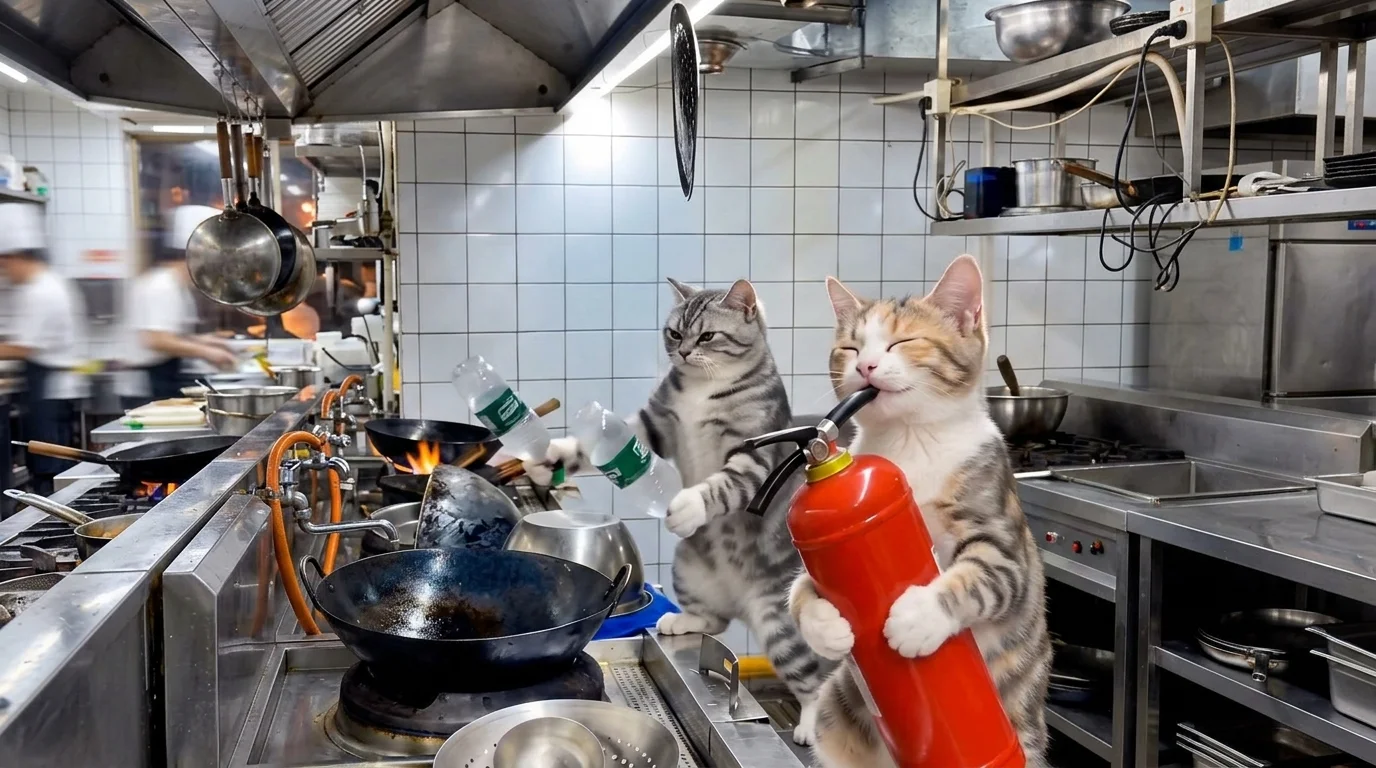
“Upload a photo and start your music tour.” That is the official prompt for PixVerse’s The Band in the Kitchen template — a playful 15-second V6 musical effect.
The official preview is a vertical short-form clip generated from a single uploaded photo: The template turns ordinary kitchenware into a full live band performance with humor and rockstar energy.. The same one-click flow works with portraits, selfies, and everyday photos alike.
See It In Action
What Is the The Band in the Kitchen Template?
The Band in the Kitchen is a new PixVerse image-to-video template. You upload one photo; PixVerse V6 generates a 15-second vertical video. You do not write a prompt — the template prompt is locked, so the effect stays consistent.
Template details
| Field | Value |
|---|---|
| Template name | The Band in the Kitchen |
| Template ID | 420518562614720 |
| Output | Video |
| Model | PixVerse V6 |
| Input | 1 photo |
| Duration | 15 seconds |
| Quality | 360p, 540p, 720p and 1080p |
| Custom prompt | Off |
| Launched | Aug 23 2026 |
How it works
- Upload one photo — a clear, well-lit shot works best
- Select The Band in the Kitchen — search the name in PixVerse templates, or use Template ID
420518562614720 - Generate — PixVerse V6 applies the effect automatically
- Download and share — export the 15-second clip for TikTok, Reels, or Shorts
What’s in the Official Preview
The template preview is generated from a single uploaded photo:
- A lively kitchen setting with pots, pans, and utensils used as musical instruments
- The uploaded subject passionately performing as lead musician of the kitchen band
- Energetic camera movement, realistic kitchen lighting, and creative rhythm staging
- High likeness preservation with expressive performance energy throughout 15 seconds
The template turns ordinary kitchenware into a full live band performance with humor and rockstar energy.
How to Create Your The Band in the Kitchen Video
Step 1: Choose a photo
Use a well-lit shot where the subject is clear. Front-facing portraits and selfies match the official preview style best.
Step 2: Open PixVerse
Visit PixVerse on web or in the app, then open the template library.
Step 3: Find The Band in the Kitchen
Search The Band in the Kitchen or look under newly launched templates. Confirm Template ID 420518562614720.
Step 4: Generate
Upload the photo and generate. The template does not accept a custom prompt, so you do not need to describe the scene.
Tips
- Expressive, high-energy portraits match the rockstar performer vibe
- Casual or home attire looks right at home in the kitchen setting
- Good lighting keeps facial features and expressions crisp during fast cuts
- 15 seconds provides a complete musical chorus ideal for Instagram Reels and TikTok
Frequently Asked Questions (FAQ)
Q: Do I need to write a prompt? A: No. The Band in the Kitchen has custom prompts turned off. Upload one photo and generate.
Q: How long is the video? A: 15 seconds, generated with PixVerse V6.
Q: What quality is available? A: 360p, 540p, 720p and 1080p.
Q: How many photos do I upload? A: One. This is a single-image template.
Q: Where do I find this template?
A: Open PixVerse, search The Band in the Kitchen, or look it up by Template ID 420518562614720.
Ready to try The Band in the Kitchen? Open PixVerse, search The Band in the Kitchen, and generate from one photo.
Related templates:
- Stealing to Play with Mobile Phones — Your Pet Sneaks Your Phone
- Cow Cow Love — Turn a Selfie into a Sweet Moment with Cows
- Extreme Rock Climbing — Turn Your Photo into a Climbing Master Video
- Little Gymnast — tiny gymnast counterpart