Tennis Champion: Create with PixVerse V5.6
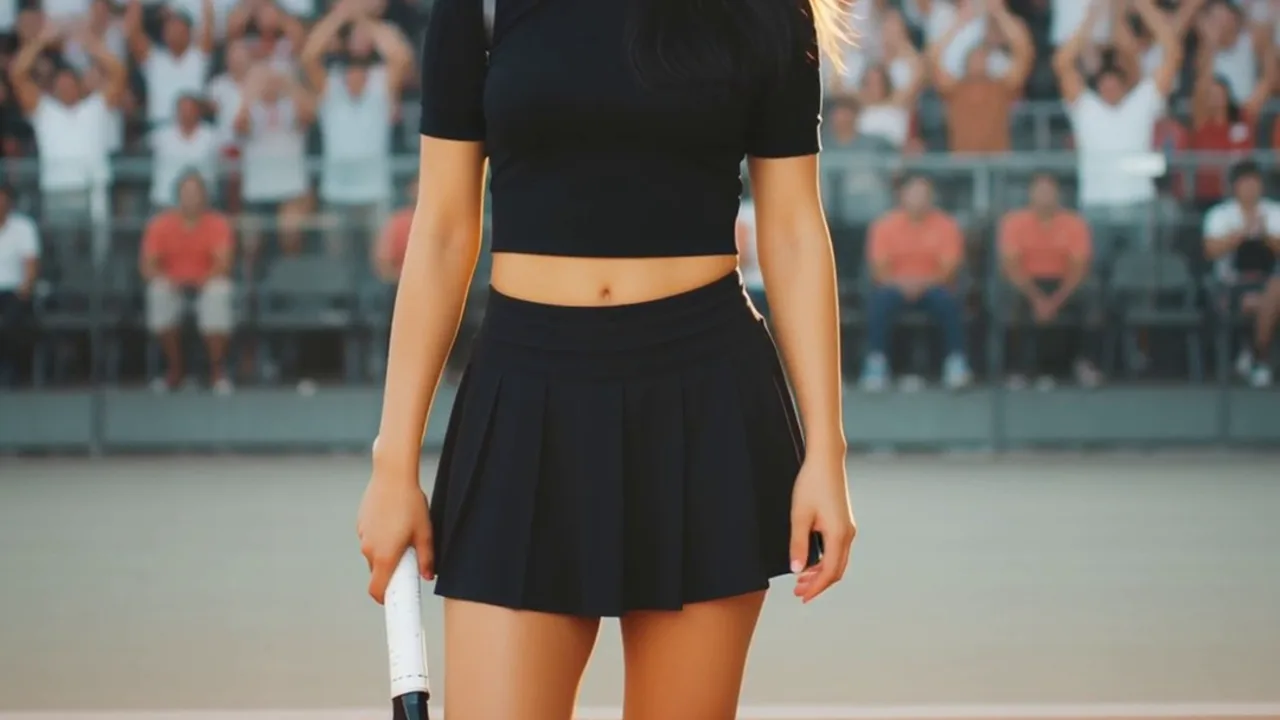
Upload one clear photo and let PixVerse apply the official template idea. Tennis Champion — Transform into a Tennis Champion.
Choose a clear, well-lit photo with the main subject easy to recognize. Transform into a Tennis Champion.
See It In Action
What Is the Tennis Champion Template?
Upload one clear photo and let PixVerse apply the official template idea. Tennis Champion. Transform into a Tennis Champion.
Template details
| Field | Value |
|---|---|
| Template name | Tennis Champion |
| Template ID | 402900233971776 |
| Output | Video |
| Model | PixVerse V5.6 |
| Input | 1 photo |
| Duration | 8 seconds |
| Quality | 360p / 540p / 720p / 1080p |
| Audio | Included |
| Custom prompt | Off |
| Launched | May 23 2026 |
How It Works
- Choose a clear, well-lit photo with the main subject easy to recognize.
- Open PixVerse, find the template by name or Template ID, upload your photo, and generate.
- Upload the photo and start generation.
- Ready to try Tennis Champion? Open PixVerse, search the template, and create your video.
What’s in the Official Preview
- Transform into a Tennis Champion.
- Tennis Champion
- Included
How to Create Your Tennis Champion
Template name
Choose a clear, well-lit photo with the main subject easy to recognize.
PixVerse
Open PixVerse, find the template by name or Template ID, upload your photo, and generate.
Tennis Champion
Upload the photo and start generation. No. Custom prompts are off, so the official prompt controls the result.
Tips
- Choose a clear, well-lit photo with the main subject easy to recognize.
- 1 photo
- Quality: 360p / 540p / 720p / 1080p
Frequently Asked Questions (FAQ)
Q: How many photos do I upload?
A: 1 photo.
Q: How long is the video?
A: 8 seconds.
Q: Is audio included?
A: Included.
Q: Can I add a custom prompt?
A: No. Custom prompts are off, so the official prompt controls the result.
Ready to try Tennis Champion? Open PixVerse, search the template, and create your video.
Related templates: