Summer Cover: Step Out of a Magazine into the Summer Sun
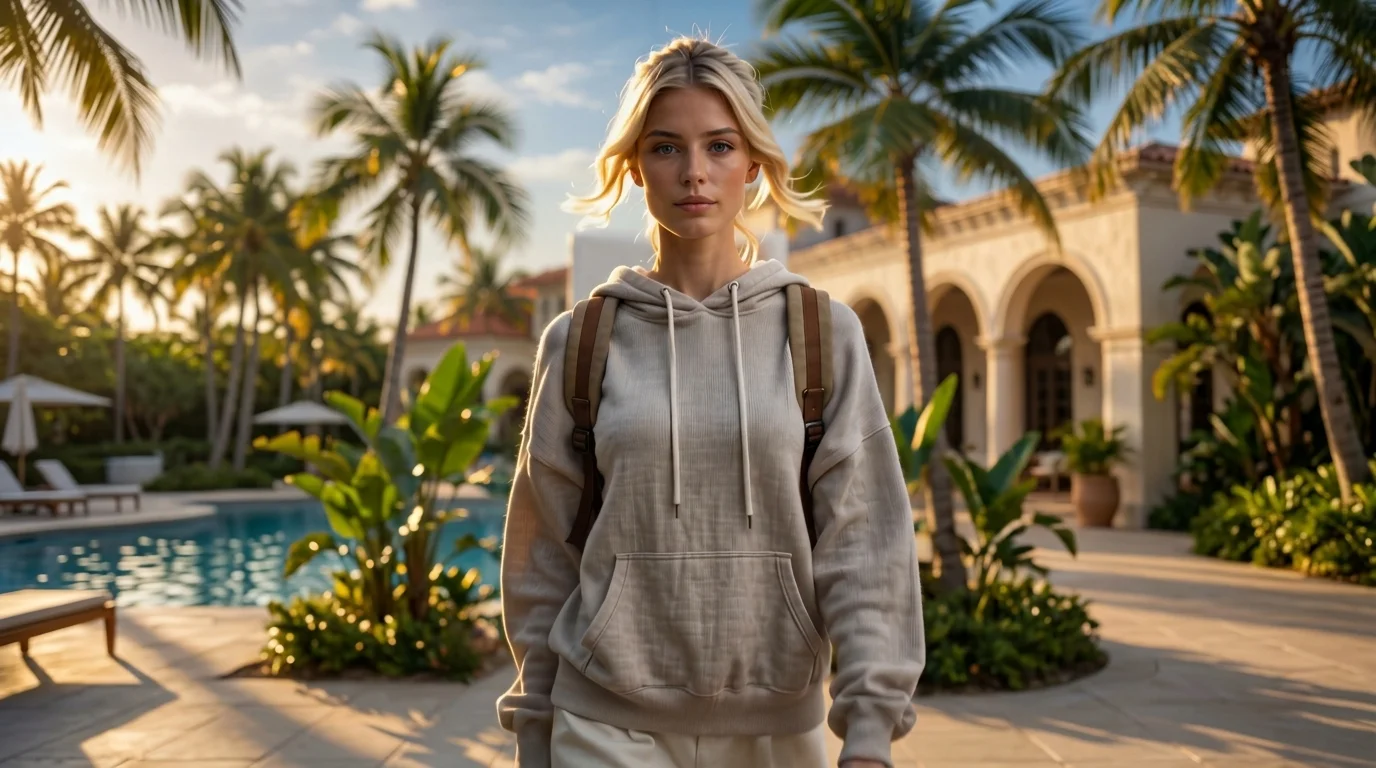
A template where you step straight into the page and into the sun. That is the official prompt for PixVerse’s newly launched Summer Cover template — a brilliant V6 image-to-video effect that turns your photo into a glossy magazine cover before stepping right out into a sun-drenched beach paradise.
The official preview shows the subject posing on a stylish fashion magazine cover, then effortlessly taking a physical step forward into the warm tropical sand and sunshine. The same one-click flow works with portraits of people, models, or pets.
See It In Action
What Is the Summer Cover Template?
Summer Cover is an innovative PixVerse image-to-video template powered by PixVerse V6. You upload one photo; PixVerse V6 generates a 15-second vertical video. You do not write a prompt — the template prompt is locked, so the effect stays consistent.
Template details
| Field | Value |
|---|---|
| Template name | Summer Cover |
| Template ID | 414421086317551 |
| Output | Video |
| Model | PixVerse V6 |
| Input | 1 photo |
| Duration | 15 seconds |
| Quality | 360p, 540p, 720p, 1080p |
| Audio | Included |
| Custom prompt | Off |
| Launched | Jul 28 2026 |
How it works
- Upload one photo — a clear portrait or well-lit photo works best
- Select Summer Cover — search the name in PixVerse templates, or use Template ID
414421086317551 - Generate — PixVerse V6 applies the effect automatically
- Download and share — export your clip for TikTok, Reels, or Shorts
What’s in the Official Preview
- A high-fashion magazine cover with stylish typography and summer layout
- A seamless physical step forward breaking the fourth wall into the real world
- An expansive tropical beach scene with turquoise ocean and swaying palms
- An upbeat summer pop soundtrack synchronized with the step-out transition
How to Create Your Summer Cover Video
Step 1: Choose a photo
Use a fashionable, clear portrait or model pose with good lighting.
Step 2: Open PixVerse
Visit PixVerse on web or in the app, then open the template library.
Step 3: Find Summer Cover
Search Summer Cover or look under newly launched templates. Confirm Template ID 414421086317551.
Step 4: Generate
Upload the photo and generate. The template does not accept a custom prompt, so you do not need to describe the scene.
Tips
- Fashionable poses and confident smiles fit the magazine cover aesthetic perfectly
- High-resolution photos keep cover text and facial details crisp and clean
- Summer outfits like sunglasses and swimwear enhance the beach transition
- Output is vertical up to 1080p, ready for TikTok, Instagram Reels, and Shorts
Frequently Asked Questions (FAQ)
Q: Do I need to write a prompt? A: No. Summer Cover has custom prompts turned off. Upload one photo and generate.
Q: How long is the video? A: 15 seconds, generated with PixVerse V6.
Q: What quality is available? A: 360p, 540p, 720p, and 1080p.
Q: How many photos do I upload? A: One. This is a single-image template.
Q: Is music included? A: Yes. A vibrant summer pop soundtrack is included automatically.
Ready to step out of the cover and into the sun? Open PixVerse, search Summer Cover, and generate from one photo.
Related templates:
- Summer Goddess — shoreline summer goddess castle transformation
- Tropical Serenade — tropical banjo music and Hawaiian clothing morph
- Farming Summer Aura — iconic summer agricultural glow
- Little Gymnast — tiny gymnast on gym rings