Summer Combustion: Ignite Fiery Energy as Temperatures Rise
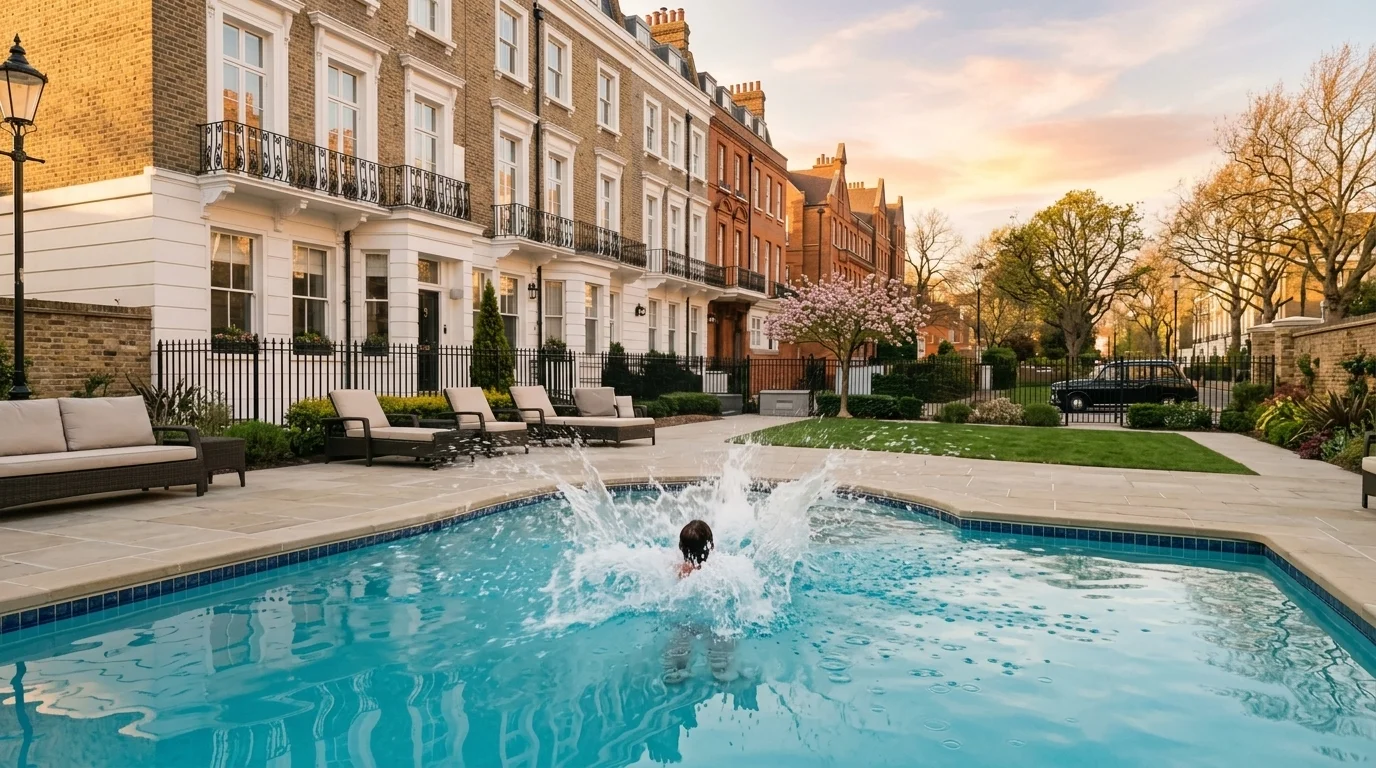
The temperature is rising — make your move. That is the official prompt for PixVerse’s scorching Summer Combustion template — an intense one-photo V6 visual effect that channels explosive fiery heat and cinematic combustion around your subject.
The official preview shows a confident subject surrounded by shimmering heat waves, bursting sparks, and swirling fiery embers as the summer heat reaches a boiling point. The same one-click flow works with your portrait, an athletic photo, or an action-ready avatar.
See It In Action
What Is the Summer Combustion Template?
Summer Combustion is a high-impact cinematic VFX template powered by PixVerse V6. You upload one photo; PixVerse V6 generates a 6-second vertical video erupting with dramatic flame bursts, heat distortion, and dynamic lighting. You do not write a prompt — the intense combustion effects and pulse-pounding rhythm are locked for maximum visual punch.
Template details
| Field | Value |
|---|---|
| Template name | Summer Combustion |
| Template ID | 415112869925373 |
| Output | Video |
| Model | PixVerse V6 |
| Input | 1 photo |
| Duration | 6 seconds |
| Quality | 360p / 540p / 720p / 1080p |
| Audio | Included |
| Custom prompt | Off |
| Launched | Jul 28 2026 |
How it works
- Upload one photo — a clear portrait or well-lit photo works best
- Select Summer Combustion — search the name in PixVerse templates, or use Template ID
415112869925373 - Generate — PixVerse V6 applies the effect automatically
- Download and share — export the 6-second clip for TikTok, Reels, or Shorts
What’s in the Official Preview
The template preview showcases a polished, cohesive scene built around the official prompt:
- Intense cinematic fire bursts, licking flames, and glowing cinder particles
- Realistic heat shimmer and atmospheric distortion blurring the background
- Dramatic warm rim lighting accentuating your subject’s silhouette and facial contours
- Crisp facial fidelity maintained even through dense particle and ember dynamics
The template turns summer heat into pure cinematic power: your photo becomes an unstoppable powerhouse radiating heat and confidence.
How to Create Your Summer Combustion Video
Step 1: Choose a photo
Select a sharp, front-facing portrait or heroic stance. Confident expressions, athletic gear, or streetwear stand out dramatically against the flames.
Step 2: Open PixVerse
Visit PixVerse on web or in the app, then open the template library.
Step 3: Find Summer Combustion
Search Summer Combustion or browse newly launched templates. Confirm Template ID 415112869925373.
Step 4: Generate
Upload the photo and generate. The template does not accept a custom prompt, so you do not need to describe the scene.
Tips
- High-contrast photos allow the bright orange and yellow fire lighting to pop
- A bold or serious expression fits the dramatic, high-energy combustion theme
- Avoid overly dark or blurry photos to ensure the fire VFX interacts cleanly with your body
- Export in 1080p for maximum detail in the crackling embers and flame tongues
Frequently Asked Questions (FAQ)
Q: Do I need to write a prompt? A: No. Summer Combustion has custom prompts turned off. Upload one photo and generate.
Q: How long is the video? A: 6 seconds, generated with PixVerse V6.
Q: What quality is available? A: 360p / 540p / 720p / 1080p.
Q: How many photos do I upload? A: One. This is a single-image template.
Q: Does the video include sound or music? A: Yes. The template includes explosive flame whooshes, crackling fire sounds, and a driving bass beat.
Ready to ignite your summer combustion? Open PixVerse, search Summer Combustion, and generate from one photo.
Related templates:
- Superhero Sea Leap — bound over heights into ocean waters
- La Tomatina — join Spain’s flying tomato festival
- Paradise Jump — dive into sun-soaked summer ocean waters
- Little Gymnast — tiny gymnast on the rings