Street Fashion Caricature: Hilarious Head Portraits with PixVerse
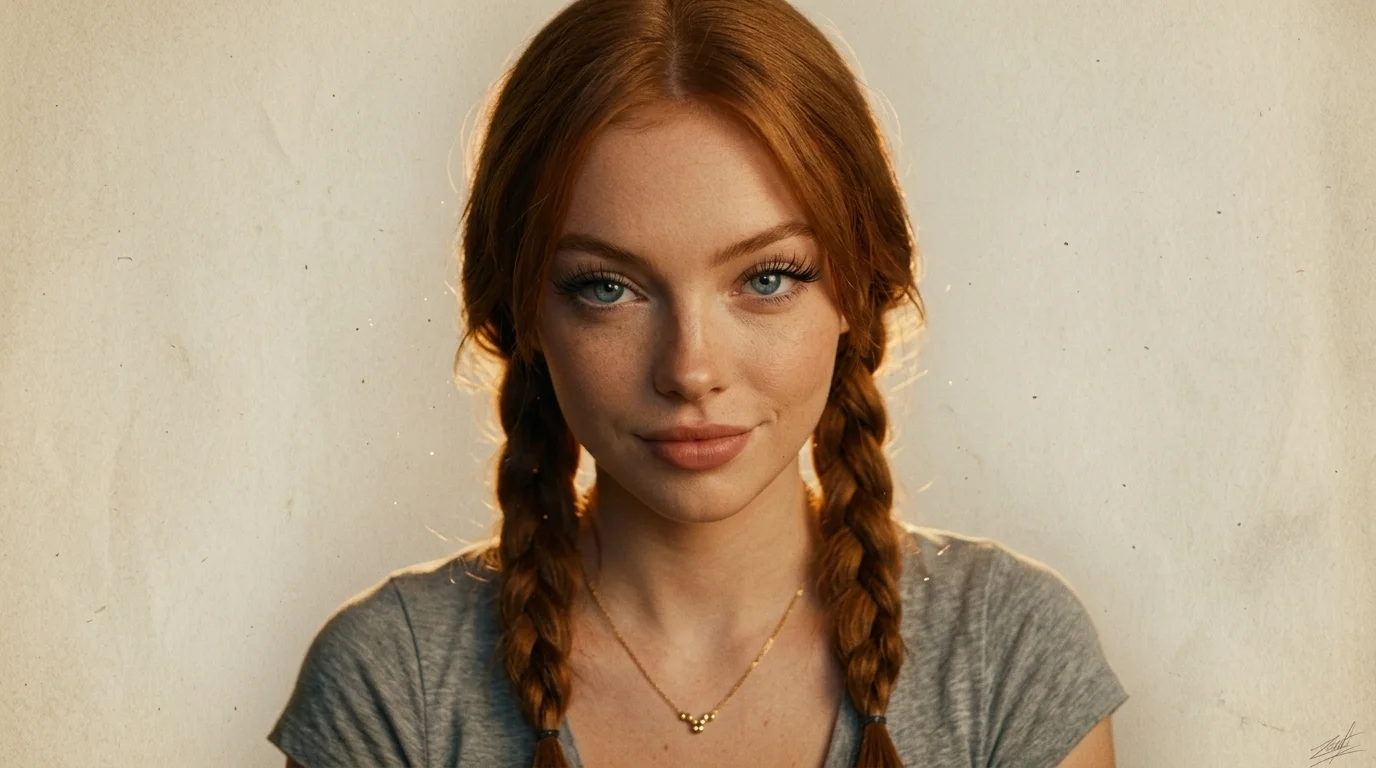
Hilarious, exaggerated caricatures capturing head portraits like a street fashion show. That is the official prompt for PixVerse’s Street Fashion Caricature template — a one-photo Qwen Image effect that redraws your face as a bold fashion-sketch caricature.
The official preview shows an orange-braided subject with oversized eyes and lips on textured paper, doodle badges like “TOO CUTE” and “NO FILTER NEEDED!”, plus a small circular inset of the real photo.
See It In Action
What Is the Street Fashion Caricature Template?
Street Fashion Caricature is a PixVerse image template. You upload one photo; Qwen Image generates a single stylized caricature portrait. Custom prompts are off.
Template details
| Field | Value |
|---|---|
| Template name | Street Fashion Caricature |
| Template ID | 415570833870784 |
| Output | Image |
| Model | Qwen Image |
| Input | 1 photo |
| Duration | Single image |
| Quality | 360p / 540p / 720p / 1080p |
| Custom prompt | Off |
| Launched | Jul 26 2026 |
How it works
- Upload one photo — a clear head portrait works best
- Select Street Fashion Caricature — search the name, or use Template ID
415570833870784 - Generate — Qwen Image applies the caricature look automatically
- Download and share — export up to 1080p for avatars, covers, or stories
What’s in the Official Preview
The sample reads like a street-fashion sketchbook page:
- Exaggerated head proportions with large eyes and lips
- Bright braided hair and a simple top with a necklace
- Paper texture, spiral-notebook edge, and hand-drawn stickers
- A small circular inset showing the original face
It is built for funny profile pics, fashion-mood posts, and before/after caricature shares.
How to Create Your Street Fashion Caricature
Step 1: Choose a photo
Use a well-lit headshot where facial features are clear. Front-facing portraits match the official style.
Step 2: Open PixVerse
Visit PixVerse on web or in the app, then open the template library.
Step 3: Find Street Fashion Caricature
Search Street Fashion Caricature. Confirm Template ID 415570833870784. The Chinese title is 街头时尚漫画.
Step 4: Generate
Upload and generate. You do not write a custom prompt.
Tips
- One clear face per photo
- Distinct hair and eye shape make the exaggeration pop
- Download 1080p to keep sketch texture and doodle text sharp
- Pair with Luxury Fashion Doll for a second stylized portrait
Frequently Asked Questions (FAQ)
Q: Do I need to write a prompt? A: No. Custom prompts are off.
Q: Is the output a video or an image? A: A single stylized image, generated with Qwen Image.
Q: How many photos do I upload? A: One.
Q: What quality is available? A: 360p, 540p, 720p, and 1080p.
Q: Does it work for profile pictures? A: Yes. The official look is a head-portrait caricature made for social avatars and covers.
Ready to try Street Fashion Caricature? Open PixVerse, search Street Fashion Caricature, and generate from one photo.
Related templates:
- Luxury Fashion Doll — premium collectible fashion doll portrait
- WonderPOP Surprise — desktop designer-toy surprise figure
- Mini Social Recharge — mini-me recharged by social likes
- Little Gymnast — tiny gymnast on the rings