Stealing to Play with Mobile Phones: Your Pet Sneaks Your Phone
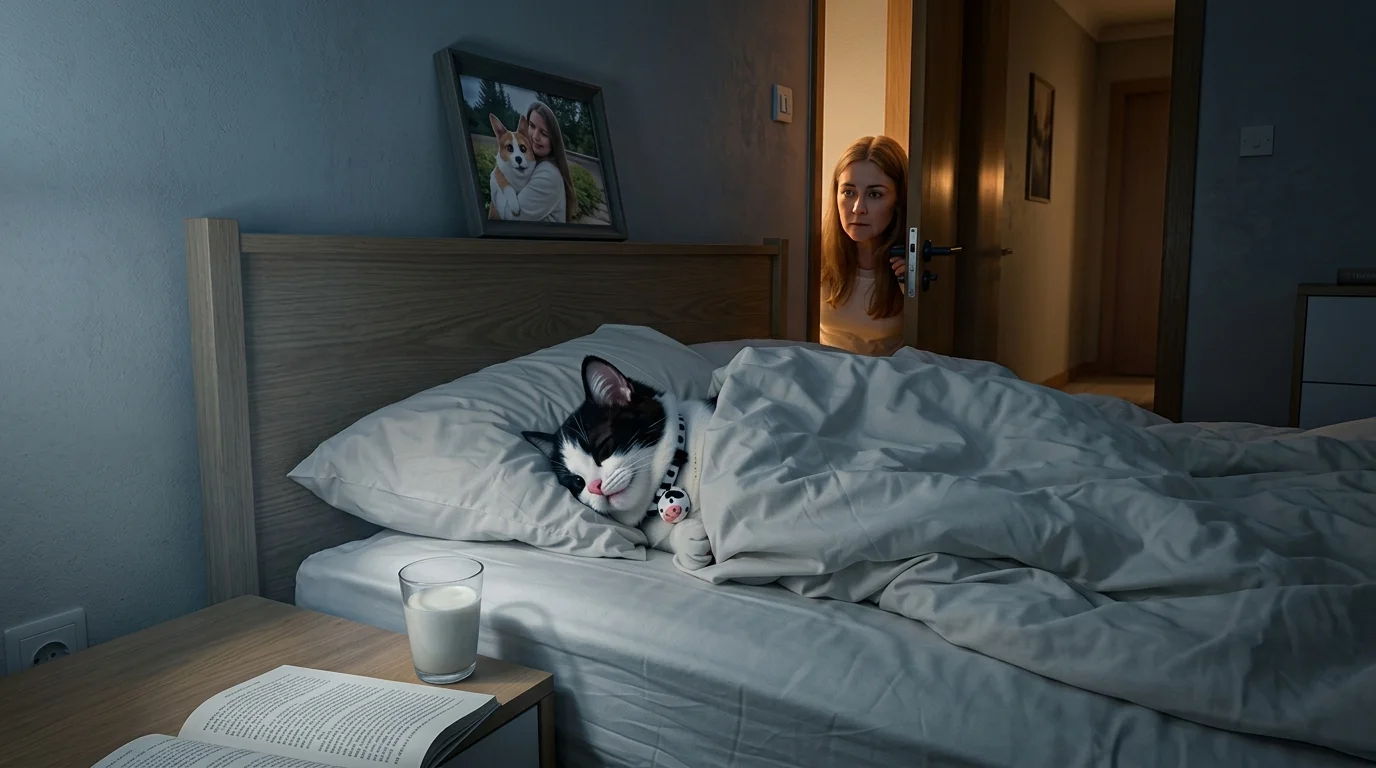
“Upload your pet, and then it can steal your phone!” That is the official prompt for PixVerse’s Stealing to Play with Mobile Phones template — a hilarious 9-second V6 pet effect.
The official preview is a vertical short-form clip generated from a single uploaded photo: The template turns your favorite pet photo into an adorable, funny story of smartphone theft.. The same one-click flow works with portraits, selfies, and everyday photos alike.
See It In Action
What Is the Stealing to Play with Mobile Phones Template?
Stealing to Play with Mobile Phones is a new PixVerse image-to-video template. You upload one photo; PixVerse V6 generates a 9-second vertical video. You do not write a prompt — the template prompt is locked, so the effect stays consistent.
Template details
| Field | Value |
|---|---|
| Template name | Stealing to Play with Mobile Phones |
| Template ID | 420518181907904 |
| Output | Video |
| Model | PixVerse V6 |
| Input | 1 photo |
| Duration | 9 seconds |
| Quality | 360p, 540p, 720p and 1080p |
| Custom prompt | Off |
| Launched | Aug 23 2026 |
How it works
- Upload one photo — a clear, well-lit shot works best
- Select Stealing to Play with Mobile Phones — search the name in PixVerse templates, or use Template ID
420518181907904 - Generate — PixVerse V6 applies the effect automatically
- Download and share — export the 9-second clip for TikTok, Reels, or Shorts
What’s in the Official Preview
The template preview is generated from a single uploaded photo:
- A sneaky domestic setting with a smartphone resting on a table or sofa
- The uploaded pet carefully creeping up and pawing the device away
- Hilarious, expressive facial cues as the pet inspects and taps the phone screen
- Smooth fur texture and authentic pet behaviors rendered up to 1080p
The template turns your favorite pet photo into an adorable, funny story of smartphone theft.
How to Create Your Stealing to Play with Mobile Phones Video
Step 1: Choose a photo
Use a well-lit shot where the subject is clear. Front-facing portraits and selfies match the official preview style best.
Step 2: Open PixVerse
Visit PixVerse on web or in the app, then open the template library.
Step 3: Find Stealing to Play with Mobile Phones
Search Stealing to Play with Mobile Phones or look under newly launched templates. Confirm Template ID 420518181907904.
Step 4: Generate
Upload the photo and generate. The template does not accept a custom prompt, so you do not need to describe the scene.
Tips
- Close-up portraits of cats or dogs with clear eyes deliver the funniest expressions
- Ensure your pet’s face is unobstructed by toys or hands for accurate generation
- Indoor shots naturally match the home environment of the template
- Render in 1080p to highlight subtle whisker twitches and playful paw details
Frequently Asked Questions (FAQ)
Q: Do I need to write a prompt? A: No. Stealing to Play with Mobile Phones has custom prompts turned off. Upload one photo and generate.
Q: How long is the video? A: 9 seconds, generated with PixVerse V6.
Q: What quality is available? A: 360p, 540p, 720p and 1080p.
Q: How many photos do I upload? A: One. This is a single-image template.
Q: Where do I find this template?
A: Open PixVerse, search Stealing to Play with Mobile Phones, or look it up by Template ID 420518181907904.
Ready to try Stealing to Play with Mobile Phones? Open PixVerse, search Stealing to Play with Mobile Phones, and generate from one photo.
Related templates:
- Stealing to Play with Mobile Phones — Your Pet Sneaks Your Phone
- The Band in the Kitchen — Turn Your Photo into a Kitchen Concert
- Obhcombisachet gesture dance — Catchy Dance Video with PixVerse AI
- Little Gymnast — tiny gymnast counterpart