Skeleton Beat: Shake It Like the Viral Meme Skeleton
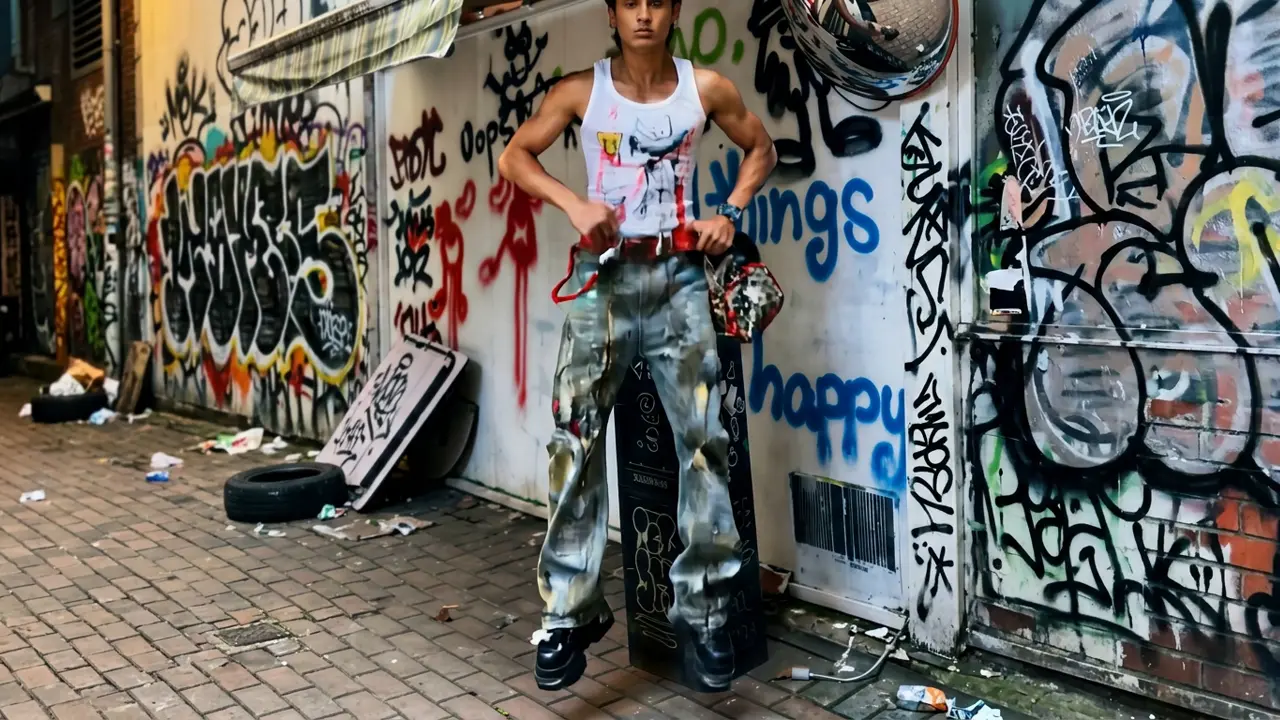
Shake it like that viral skeleton - it’s meme time! That is the official prompt for PixVerse’s Skeleton Beat ~ template — a single-photo V6 effect that brings your subject to life.
The official preview captures the hilarious, signature hip-swaying routine of the viral dancing skeleton, animated with effortless comedic groove. The same one-click flow works with your portrait, a pet, or an animated character.
See It In Action
What Is the Skeleton Beat ~ Template?
Skeleton Beat ~ is a viral meme dance template powered by PixVerse V6. You upload one photo; PixVerse V6 creates an 8-second vertical dance clip recreating the famous skeleton groove with full audio sync. You do not write a prompt — the choreography is locked for comedic perfection.
Template details
| Field | Value |
|---|---|
| Template name | Skeleton Beat ~ |
| Template ID | 418258677021824 |
| Output | Video |
| Model | PixVerse V6 |
| Input | 1 photo |
| Duration | 8 seconds |
| Quality | 360p / 540p / 720p / 1080p |
| Audio | Included |
| Custom prompt | Off |
| Launched | Aug 10 2026 |
How it works
- Upload one photo — a clear portrait or well-lit photo works best
- Select Skeleton Beat ~ — search the name in PixVerse templates, or use Template ID
418258677021824 - Generate — PixVerse V6 applies the effect automatically
- Download and share — export the 8-second clip for TikTok, Reels, or Shorts
What’s in the Official Preview
The template preview showcases a polished, cohesive scene built around the official prompt:
- Iconic hip-shaking choreography inspired by the viral skeleton meme
- Humorous exaggerated groove timed to a catchy beat
- Expressive character animation keeping the face crisp while moving
- Vibrant social-ready vertical framing with seamless movement loops
The template delivers pure internet humor: your photo takes on one of the most recognizable dance memes with zero animation experience required.
How to Create Your Skeleton Beat ~ Video
Step 1: Choose a photo
A clear front-facing portrait or standing picture works best to let the hips and shoulders move freely.
Step 2: Open PixVerse
Visit PixVerse on web or in the app, then open the template library.
Step 3: Find Skeleton Beat ~
Search Skeleton Beat ~ or browse newly launched templates. Confirm Template ID 418258677021824.
Step 4: Generate
Upload the photo and generate. The template does not accept a custom prompt, so you do not need to describe the scene.
Tips
- Standing poses allow the hip sway and arm swing to look most hilarious
- Pet photos and cartoon characters create exceptionally funny meme clips
- Clean backgrounds let the comedic silhouette stand out clearly
- Download at 1080p for crisp meme sharing on group chats and social channels
Frequently Asked Questions (FAQ)
Q: Do I need to write a prompt? A: No. Skeleton Beat ~ has custom prompts turned off. Upload one photo and generate.
Q: How long is the video? A: 8 seconds, generated with PixVerse V6.
Q: What quality is available? A: 360p / 540p / 720p / 1080p.
Q: How many photos do I upload? A: One. This is a single-image template.
Q: Does the video include sound or music? A: Yes. The iconic viral meme audio track is synchronized with the dance.
Ready to join the viral skeleton groove? Open PixVerse, search Skeleton Beat ~, and generate from one photo.
Related templates:
- Sugar on My Lips! — dance like popping candy
- Scuba Dance — casual cool gestures and snappy rhythm
- GOALS Rush — catch the groove and claim the crown
- Little Gymnast — tiny gymnast on the rings