Scuba dance: Create with PixVerse
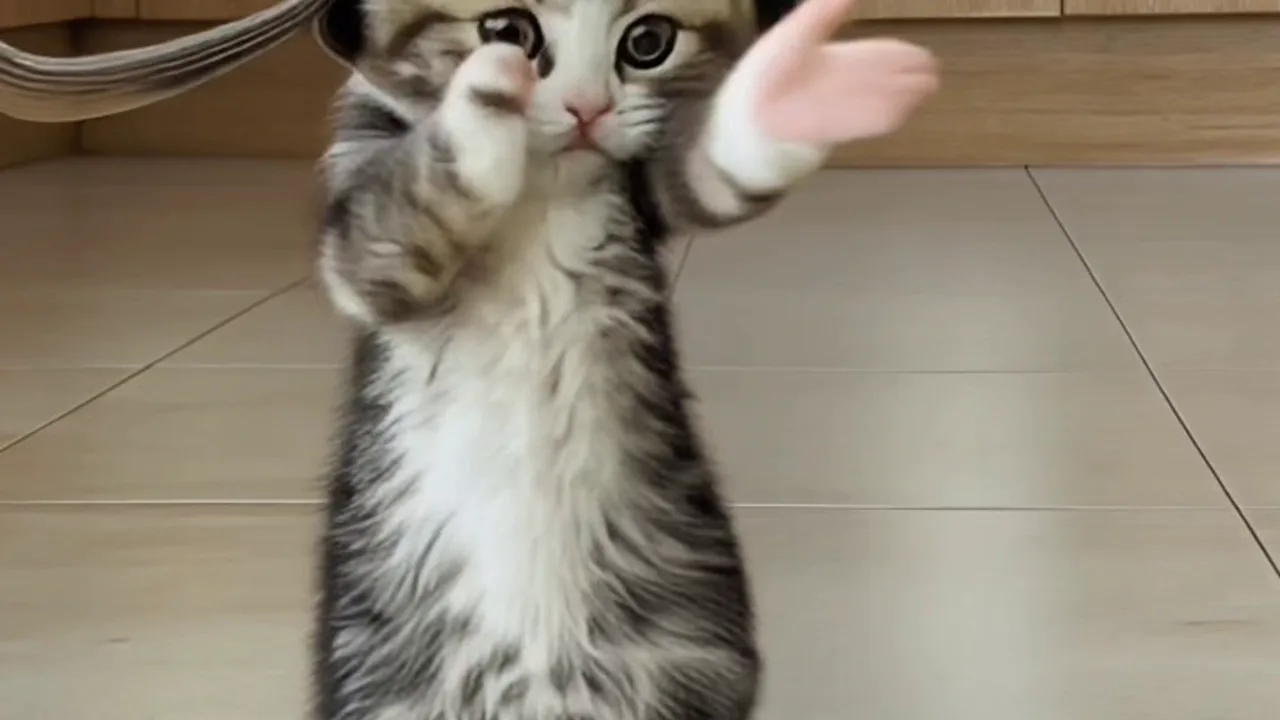
Try PixVerse’s Scuba dance template with the official prompt: Catchy beats paired with playful body moves have gone viral all over the internet. This official effect applies a consistent transformation to your upload for quick, shareable content.
See It In Action
What Is the Scuba dance Template?
Scuba dance is a PixVerse V6 image-to-video template. Its official prompt is “Catchy beats paired with playful body moves have gone viral all over the internet.” and custom prompts are off.
Template details
| Field | Value |
|---|---|
| Template name | Scuba dance |
| Template ID | 402364107875392 |
| Output | Video |
| Model | V6 |
| Input | 1 photo |
| Duration | 6 seconds |
| Quality | 360p / 540p / 720p |
| Audio | On |
| Custom prompt | Off |
| Launched | May 12 2026 |
What’s in the Official Preview
The official preview demonstrates the template’s stated concept: Catchy beats paired with playful body moves have gone viral all over the internet.. It is the reference for the fixed effect, so the result follows the template rather than a user-written scene description.
How to Create
- Prepare your input — use the number of photo(s) required by the template and keep the subject clear.
- Open PixVerse — visit PixVerse and open the template library.
- Select Scuba dance — search the name or confirm Template ID
402364107875392. - Generate — upload your input and let PixVerse apply the official prompt.
- Download and share — save the result when it is ready.
Frequently Asked Questions (FAQ)
Q: What does the template create? A: It creates a single video using the official effect.
Q: Do I need to write a custom prompt? A: No. The official prompt is built into the template.
Q: How many photos are required? A: 1 photo.
Q: What model and quality are available? A: V6 at 360p / 540p / 720p.
Ready to try Scuba dance? Open PixVerse and start with the official template.