Run For the Beach!: Create a PixVerse V6 Template Video
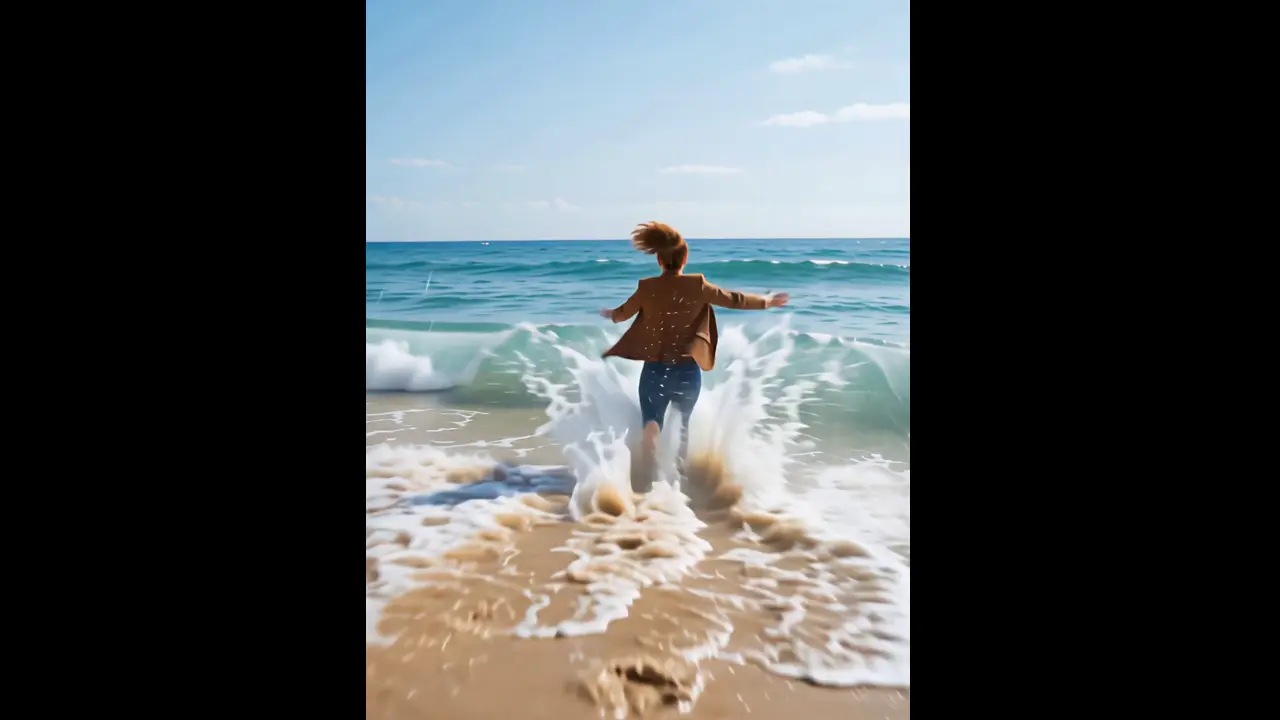
Bring a single photo to life with Run For the Beach!. PixVerse V6 applies the official effect prompt — When you can’t wait for beach time… — to create a ready-to-share template video.
See It In Action
What Is the Run For the Beach! Template?
Run For the Beach! is an official PixVerse V6 image-to-video template. Upload one photo and let the fixed effect prompt guide the transformation. The result includes audio and runs for 6 seconds.
Template details
| Field | Value |
|---|---|
| Template name | Run For the Beach! |
| Template ID | 406305835426782 |
| Output | Video |
| Model | PixVerse V6 |
| Input | 1 photo |
| Duration | 6 seconds |
| Quality | 360p / 540p / 720p / 1080p |
| Audio | Included |
| Custom prompt | Off |
| Launched | Jun 15 2026 |
What’s in the Official Preview
The official preview presents the concept described by the prompt: When you can’t wait for beach time…. Keep your source photo clear so the subject remains recognizable while PixVerse applies the published effect.
How to Create Your Run For the Beach! Video
- Choose one clear photo with the subject visible.
- Open PixVerse and search for Run For the Beach!.
- Confirm Template ID
406305835426782, upload the photo, and generate. - Preview the 6-second result, then download and share it.
Tips
- Use a well-lit, high-resolution image with one main subject.
- The template prompt is fixed, so no custom wording is required.
Frequently Asked Questions (FAQ)
Q: How many photos do I upload? A: One photo.
Q: How long is the video? A: 6 seconds, with audio enabled.
Q: Can I add a custom prompt? A: No. The official template prompt is fixed.
Ready to try Run For the Beach!? Open PixVerse and create your video.
Related templates: