Romantic Sword: Swing a Blade into Blooming Flowers on PixVerse
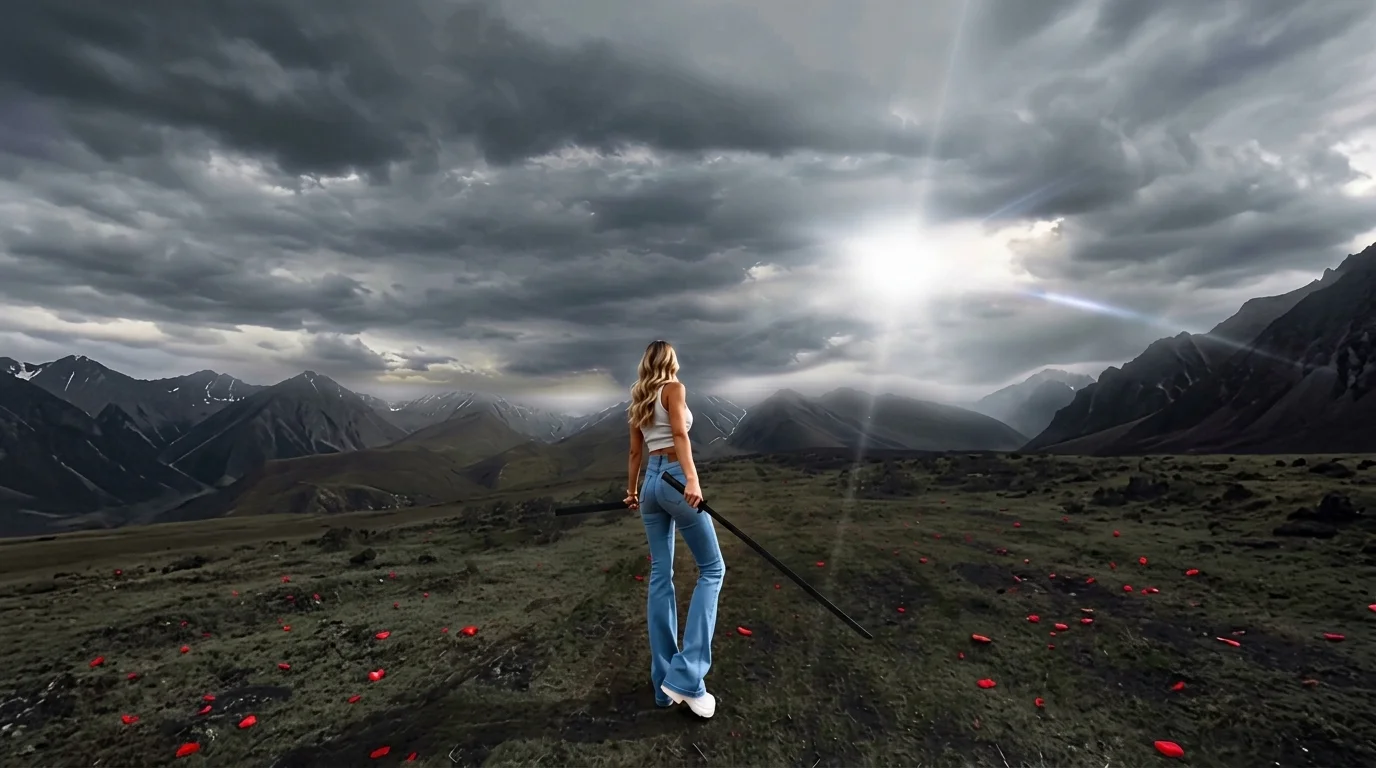
After swinging the sword, you can see romantic flowers. That is the official prompt for PixVerse’s Romantic Sword template — a cinematic V6 effect that blends martial arts action with poetic floral visuals.
See It In Action
What Is the Romantic Sword Template?
Romantic Sword is a cinematic image-to-video template powered by PixVerse V6. Upload one photo to generate a 13-second action sequence featuring dynamic blade movement and a cascade of blooming petals, complete with evocative background music.
Template details
| Field | Value |
|---|---|
| Template name | Romantic Sword |
| Template ID | 420011456808256 |
| Output | Video |
| Model | PixVerse V6 |
| Input | 1 photo |
| Duration | 13 seconds |
| Quality | 360p / 540p / 720p / 1080p |
| Audio | Included |
| Custom prompt | Off |
| Launched | Aug 20 2026 |
How it works
- Upload one photo — a clear photo works best
- Select Romantic Sword — search the name in PixVerse templates, or use Template ID
420011456808256 - Generate — PixVerse V6 applies the effect automatically
- Download and share — export your video for TikTok, Reels, or Shorts
What’s in the Official Preview
- Dynamic sword-swinging action choreographed with fluid martial arts motion
- A sudden burst of glowing flower petals filling the air after the blade strikes
- Atmospheric cinematic lighting and dramatic camera angles
- High-fidelity preservation of facial features and costume styling
How to Create Your Romantic Sword Video
Step 1: Choose a photo
Use a photo with a dramatic pose or striking costume. Full-body or waist-up shots work especially well for the sword-wielding animation.
Step 2: Open PixVerse
Visit PixVerse on web or in the app, then open the template library.
Step 3: Find Romantic Sword
Search Romantic Sword or look under newly launched templates. Confirm Template ID 420011456808256.
Step 4: Generate
Upload the photo and generate. The template does not accept a custom prompt, so you do not need to describe the scene.
Tips
- Traditional or fantasy costumes enhance the cinematic martial arts mood
- Frontal portraits with confident expressions produce powerful hero close-ups
- The 1080p export preserves intricate petal and blade lighting details
- Pair with other action templates for an epic fantasy video sequence
Frequently Asked Questions (FAQ)
Q: Do I need to write a prompt? A: No. Romantic Sword has custom prompts turned off. Upload one photo and generate.
Q: How long is the video? A: 13 seconds, generated with PixVerse V6.
Q: What quality is available? A: 360p / 540p / 720p / 1080p.
Q: How many photos do I upload? A: One. This is a single-image template.
Q: Can I change the flower type? A: No. The romantic blooming petal effect is preset for cinematic consistency.
Ready to unleash the blade? Open PixVerse, search Romantic Sword, and create your cinematic video.
Related templates:
- Rose Gunslinger — western showdown with a storm of roses
- Jazz Dance: Positions — smooth choreography and rhythm
- Tiny World Explorer — storybook mini Earth adventure
- Little Gymnast — miniature acrobatics on rings