River of Gold — PixVerse Template
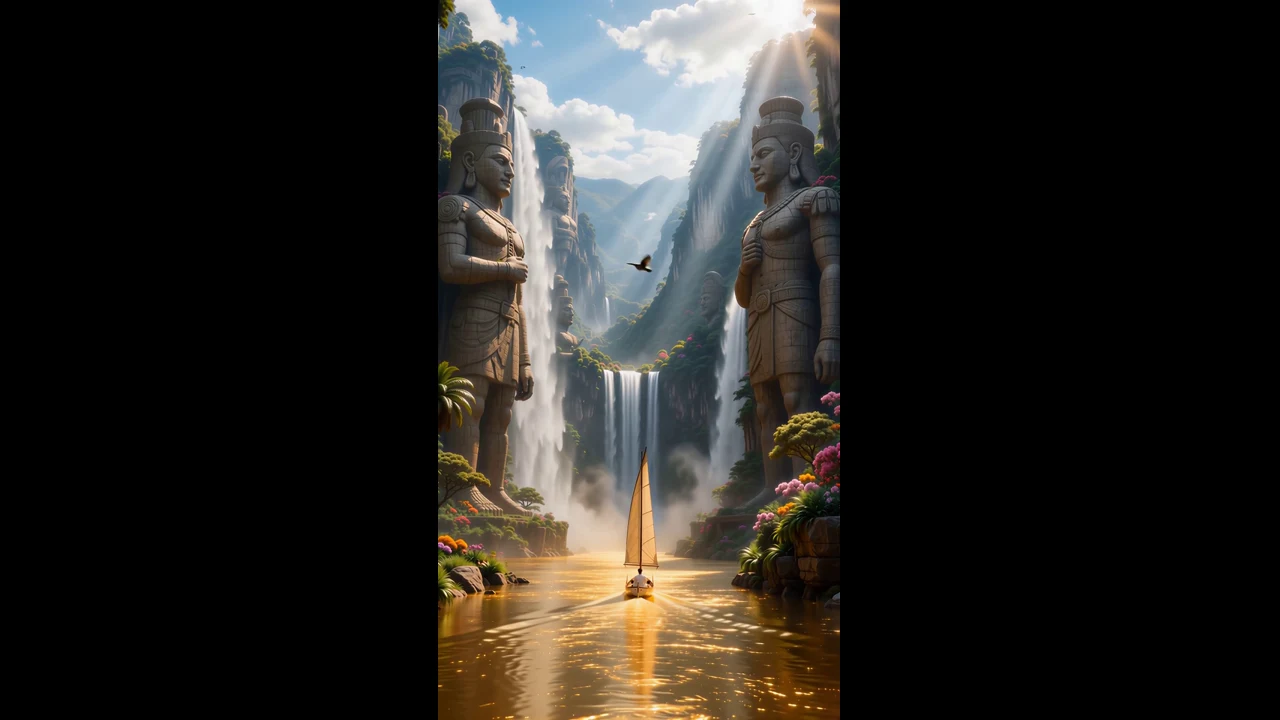
Upload one photo and let PixVerse apply the official template idea: Transform into a majestic traveler drifting upstream on a river of liquid gold through a legendary landscape.
See It In Action
What Is the River of Gold Template?
Upload one photo; PixVerse applies the locked template prompt and generates the published effect.
Template details
| Field | Value |
|---|---|
| Template name | River of Gold |
| Template ID | 405858306569193 |
| Output | Video |
| Model | PixVerse V6 |
| Input | One photo. |
| Duration | 9 seconds |
| Quality | 360p / 540p / 720p / 1080p |
| Audio | Included |
| Custom prompt | Off |
| Launched | Jun 12 2026 |
How it works
- Upload one photo — Choose a clear photo with the main subject easy to see.
- Find the template — Open PixVerse and search for River of Gold.
- Generate — Generate the template. Custom prompts are off, so no extra scene description is needed.
- Download and share — Download the result and share it on your favorite platform.
What’s in the Official Preview
- Transform into a majestic traveler drifting upstream on a river of liquid gold through a legendary landscape.
- The official template applies the published idea to your photo.
- Custom prompts are off for this template.
How to Create Your River of Gold
Choose a clear photo with the main subject easy to see.
Open PixVerse and search for River of Gold. Confirm Template ID 405858306569193.
Generate the template. Custom prompts are off, so no extra scene description is needed.
Tips
- Use one clear subject and good lighting.
- Keep the face or main subject visible.
- Upload one photo; PixVerse applies the locked template prompt and generates the published effect.
Frequently Asked Questions (FAQ)
How many photos do I upload?
A: One photo.
What does this template create?
A: Video / PixVerse V6.
Can I add a custom prompt?
A: No. Custom prompts are off for this template.
Ready to try it? Open PixVerse, search River of Gold, and create from one photo.
Related templates: