Revealing My Divinity: Walk Toward the Monster in 16:9
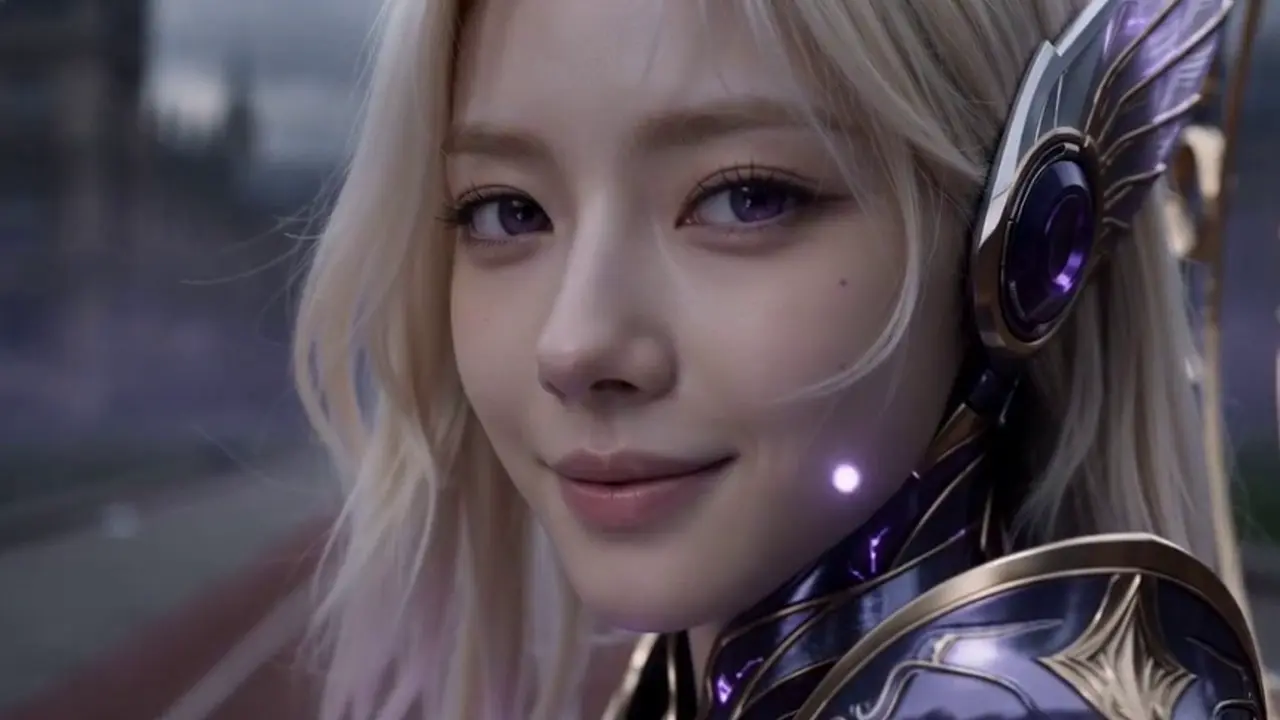
Everyone at school was running for their lives. I was the only one walking toward the monster—because I’d been waiting ten years for this day. That is the official prompt for PixVerse’s Revealing My Divinity template — a single-photo V6 effect that brings your subject to life.
The official preview depicts an awe-inspiring fantasy awakening: while panicking students flee the school grounds, one solitary figure calmly strides toward an colossal menacing monster, ready to unleash a decade of hidden power in widescreen glory. The same one-click flow works with your portrait or anime-style artwork.
See It In Action
What Is the Revealing My Divinity Template?
Revealing My Divinity is an epic cinematic widescreen template powered by PixVerse V6. You upload one photo; PixVerse V6 generates a 12-second landscape video depicting a thrilling urban fantasy confrontation between your character and a giant beast. You do not write a prompt — the narrative is locked for blockbuster scale.
Template details
| Field | Value |
|---|---|
| Template name | Revealing My Divinity |
| Template ID | 417565989278848 |
| Output | Video |
| Model | PixVerse V6 |
| Input | 1 photo |
| Duration | 12 seconds |
| Quality | 720p |
| Audio | None |
| Custom prompt | Off |
| Launched | Aug 06 2026 |
How it works
- Upload one photo — a clear portrait or well-lit photo works best
- Select Revealing My Divinity — search the name in PixVerse templates, or use Template ID
417565989278848 - Generate — PixVerse V6 applies the effect automatically
- Download and share — export the 12-second clip for TikTok, Reels, or Shorts
What’s in the Official Preview
The template preview showcases a polished, cohesive scene built around the official prompt:
- Blockbuster cinematic landscape framing with rich depth and atmosphere
- Dramatic juxtaposition of fleeing crowds and a calm, fearless protagonist
- Colossal monster looming in the distance against a stormy sky
- Aura of hidden divine strength revealed through steady forward motion
The template delivers on every webnovel and anime power-fantasy trope: the quiet underdog finally steps up to shock the world.
How to Create Your Revealing My Divinity Video
Step 1: Choose a photo
A confident, calm portrait or three-quarter shot matches the protagonist’s unflinching demeanor against the monster.
Step 2: Open PixVerse
Visit PixVerse on web or in the app, then open the template library.
Step 3: Find Revealing My Divinity
Search Revealing My Divinity or browse newly launched templates. Confirm Template ID 417565989278848.
Step 4: Generate
Upload the photo and generate. The template does not accept a custom prompt, so you do not need to describe the scene.
Tips
- Stoic or resolute facial expressions give the scene immense dramatic weight
- Cosplay, anime artwork, or school attire all fit the urban fantasy setting
- Landscape 16:9 format is ideal for YouTube videos and widescreen displays
- Pair the clip with an epic orchestral battle track for maximum impact
Frequently Asked Questions (FAQ)
Q: Do I need to write a prompt? A: No. Revealing My Divinity has custom prompts turned off. Upload one photo and generate.
Q: How long is the video? A: 12 seconds, generated with PixVerse V6.
Q: What quality is available? A: 720p.
Q: How many photos do I upload? A: One. This is a single-image template.
Q: Does the video include sound or music? A: No. The video is rendered without audio so you can pair it with your favorite cinematic battle score.
Ready to awaken your hidden divine powers? Open PixVerse, search Revealing My Divinity, and generate from one photo.
Related templates:
- Obsession — iconic psychological horror scene
- Birthday on Fire — blow out candles in a burst of flame
- K-Baseball Sprint — join the viral Korean baseball cheer
- Little Gymnast — tiny gymnast on the rings