Quiet on the Creek: Join the Viral AI Creek Trend with One Photo
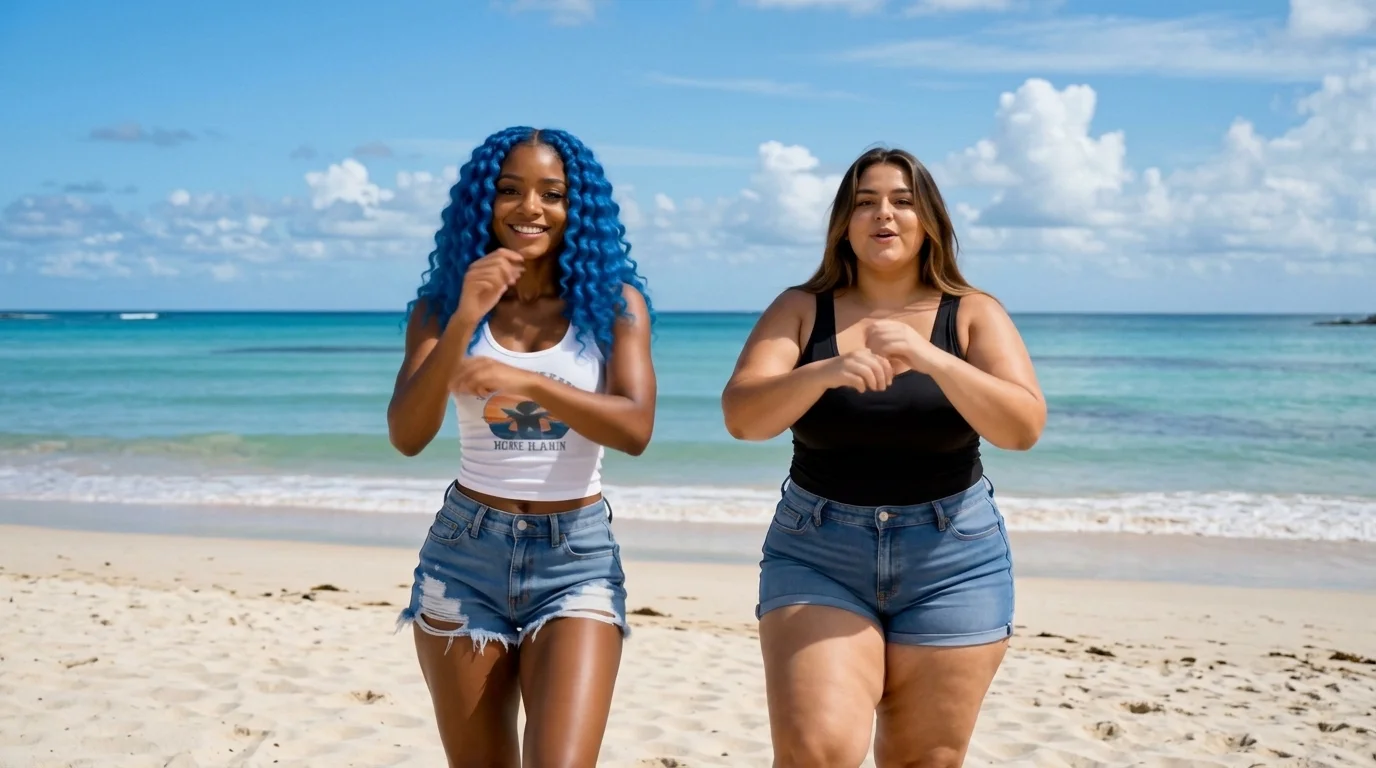
Upload a photo of you and your favorite person to join the Quiet on the Creek trend. That is the official prompt for PixVerse’s quiet on the creek template — a single-photo V6 effect that immerses your subject in a tranquil waterside setting.
The official preview shows a serene outdoor creek scene with gentle running water, lush greenery, and soft natural lighting creating an intimate, peaceful ambiance.
See It In Action
What Is the quiet on the creek Template?
quiet on the creek is a peaceful nature and lifestyle template powered by PixVerse V6. Upload one photo to generate a 14-second vertical clip celebrating calm wilderness moments and relaxing outdoor vibes without writing custom prompts.
Template details
| Template details | Output |
|---|---|
| Template name | quiet on the creek |
| Template ID | 417526820983936 |
| Output | Video |
| Model | PixVerse V6 |
| Input | 1 photo |
| Duration | 14 seconds |
| Quality | 360p / 540p / 720p / 1080p |
| Audio | Included |
| Custom prompt | Off |
| Launched | Aug 06 2026 |
How it works
- Upload 1 photo — a clear photo works best
- Select quiet on the creek — search the name in PixVerse templates, or use Template ID
417526820983936 - Generate — PixVerse V6 applies the effect automatically
- Download and share — export the 14-second clip for TikTok, Reels, or Shorts
What’s in the Official Preview
The template preview showcases a polished, cohesive scene built around the official theme:
- Gentle running stream and picturesque forest greenery
- Calm, soothing atmosphere spanning a full 14-second duration
- Relaxing ambient soundtrack and natural soundscape
- Natural subject integration with lifelike lighting
How to Create Your quiet on the creek Video
Step 1: Choose a relaxed portrait photo
Use a casual outdoor or lifestyle photo with natural lighting for the most immersive creek atmosphere.
Step 2: Open PixVerse
Visit PixVerse on web or in the app, then open the template library.
Step 3: Find quiet on the creek
Search quiet on the creek or look under newly launched templates. Confirm Template ID 417526820983936.
Step 4: Generate
Upload the photo and generate. The template does not accept a custom prompt, so you do not need to describe the scene.
Tips
- Natural lighting and candid expressions match the quiet riverside mood best
- Casual outfits and earth tones blend seamlessly with the forest backdrop
- Single or two-person portraits both work gracefully
- Export at 1080p to preserve fine details in the water and foliage
Frequently Asked Questions (FAQ)
Q: Do I need to write a prompt? A: No. quiet on the creek has custom prompts turned off. Upload your photo and generate.
Q: How long is the video? A: 14 seconds, generated with PixVerse V6.
Q: What quality is available? A: 360p / 540p / 720p / 1080p.
Q: How many photos do I upload? A: 1 photo. This template creates the full animation from your uploaded image.
Q: Can I upload outdoor portraits or couple photos? A: Yes. Single portraits or photos with your favorite person blend beautifully into the tranquil riverside scene.
Ready to create your video? Open PixVerse, search quiet on the creek, and generate from 1 photo.
Related templates:
- Forever Us — romantic wedding celebration with two photos
- Street Art Awakening — vibrant graffiti urban illustration
- Move Like Animal — unleash wild primal dance instincts
- Little Gymnast — miniature gymnast on the rings