Hot Templates
POP ART EXPLOSION: Create AI Videos with PixVerse V6
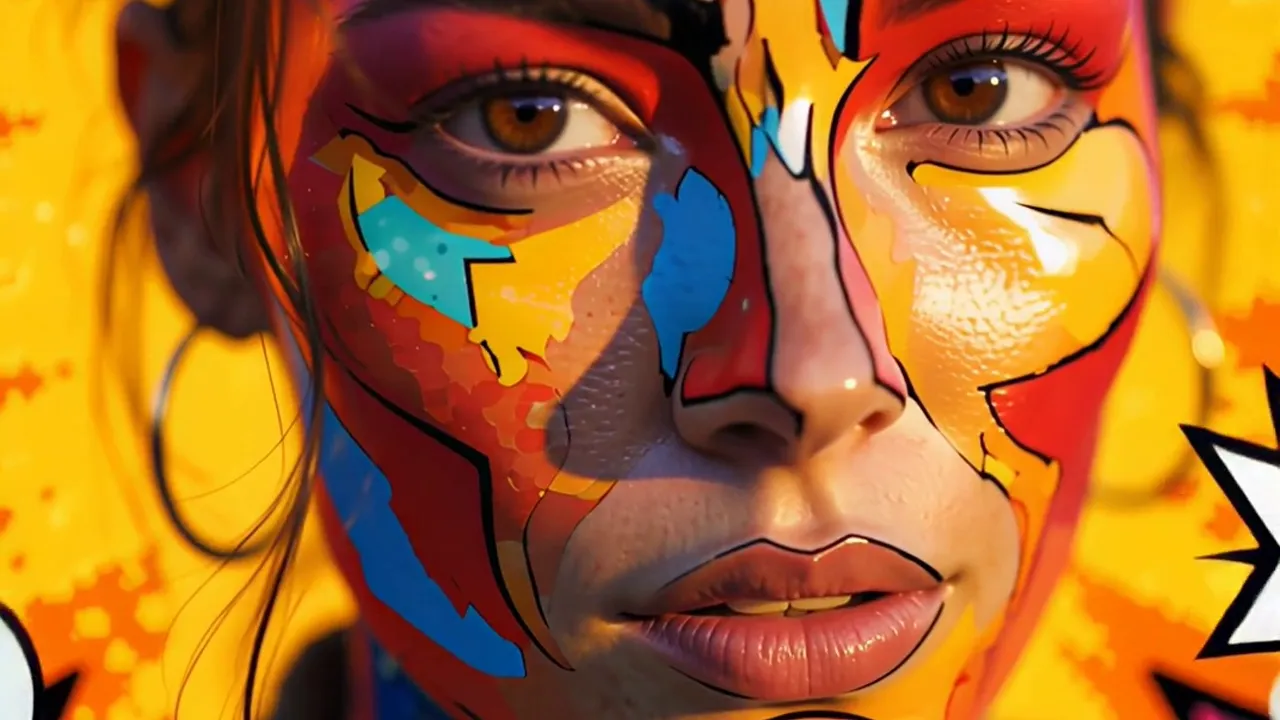
Use your photo or video with POP ART EXPLOSION, a PixVerse V6 template built around this official prompt: Transform into a vibrant pop-art icon bursting with color.
The template creates a 10-second video with audio included and supports output up to 1080p.
See It In Action
What Is the POP ART EXPLOSION Template?
Transform into a vibrant pop-art icon bursting with color.
| Field | Value |
|---|---|
| Template ID | 406613625680849 |
| Model | PixVerse V6 |
| Input | 1 photo |
| Duration | 10 seconds |
| Quality | 360p / 540p / 720p / 1080p |
| Audio | Included |
| Custom prompt | Off |
| Launched | Jun 15 2026 |
What’s in the Official Preview
The official preview demonstrates the template prompt: Transform into a vibrant pop-art icon bursting with color.
How to Create Your POP ART EXPLOSION Video
- Upload one clear photo.
- Open PixVerse and search POP ART EXPLOSION.
- Confirm the Template ID and generate.
- Download and share the finished video.
Frequently Asked Questions (FAQ)
Q: How long is the video?
A: 10 seconds.
Q: Is audio included?
A: Yes.
Q: Can I change the prompt?
A: No. Custom prompt is off for this template.
Q: Which qualities are available?
A: 360p, 540p, 720p, and 1080p.
Ready to try POP ART EXPLOSION? Open PixVerse and create your video.
Related templates: