Paragliding: High-Flying Summer Coastal Paragliding Video
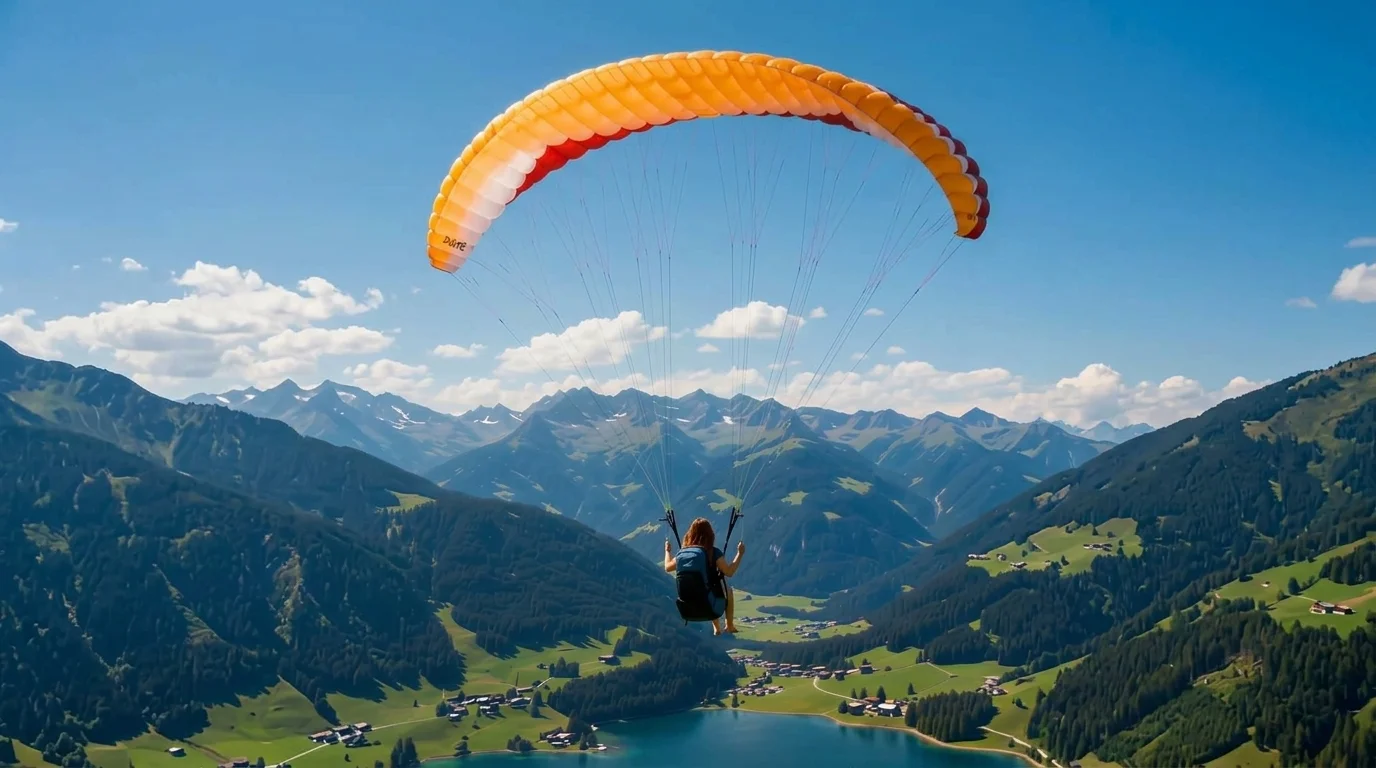
Paragliding summer. That is the official prompt for PixVerse’s newly launched Paragliding template — an exhilarating V6 image-to-video effect that equips your subject with a colorful paraglider wing and sends them gliding high over sunny coastal shores.
The official preview shows an aerial coastal flight gliding smoothly above turquoise ocean waves, green mountainsides, and sunlit sandy beaches. The same one-click flow works with portraits of people, couples, or pets.
See It In Action
What Is the Paragliding Template?
Paragliding is an adventurous PixVerse image-to-video template powered by PixVerse V6. You upload one photo; PixVerse V6 generates a 15-second vertical video. You do not write a prompt — the template prompt is locked, so the effect stays consistent.
Template details
| Field | Value |
|---|---|
| Template name | Paragliding |
| Template ID | 414439986804903 |
| Output | Video |
| Model | PixVerse V6 |
| Input | 1 photo |
| Duration | 15 seconds |
| Quality | 360p, 540p, 720p, 1080p |
| Audio | Included |
| Custom prompt | Off |
| Launched | Jul 28 2026 |
How it works
- Upload one photo — a clear portrait or well-lit photo works best
- Select Paragliding — search the name in PixVerse templates, or use Template ID
414439986804903 - Generate — PixVerse V6 applies the effect automatically
- Download and share — export your clip for TikTok, Reels, or Shorts
What’s in the Official Preview
- A colorful paragliding canopy gliding smoothly against clear summer blue skies
- Stunning aerial perspectives of turquoise ocean shores and coastal hills
- Realistic physics including wind in hair and gentle aerodynamic turns
- An upbeat summer adventure soundtrack with immersive rushing wind audio
How to Create Your Paragliding Video
Step 1: Choose a photo
Use a clear, bright portrait with a happy, adventurous, or smiling expression.
Step 2: Open PixVerse
Visit PixVerse on web or in the app, then open the template library.
Step 3: Find Paragliding
Search Paragliding or look under newly launched templates. Confirm Template ID 414439986804903.
Step 4: Generate
Upload the photo and generate. The template does not accept a custom prompt, so you do not need to describe the scene.
Tips
- Smiling or adventurous portraits fit the joyful thrill of summer paragliding
- High-resolution photos maintain clear facial features under the bright sky
- Sunglasses and summer sportswear complement the paragliding harness look
- Output is vertical up to 1080p, ready for TikTok, Instagram Reels, and Shorts
Frequently Asked Questions (FAQ)
Q: Do I need to write a prompt? A: No. Paragliding has custom prompts turned off. Upload one photo and generate.
Q: How long is the video? A: 15 seconds, generated with PixVerse V6.
Q: What quality is available? A: 360p, 540p, 720p, and 1080p.
Q: How many photos do I upload? A: One. This is a single-image template.
Q: Does it include audio? A: Yes. An uplifting summer adventure soundtrack is included automatically.
Ready to take flight this summer? Open PixVerse, search Paragliding, and generate from one photo.
Related templates:
- The Flying Carpet — magical sunset carpet flight over ancient city
- Summer Cover — step out of a magazine cover into the summer sun
- Farming Summer Aura — iconic summer agricultural glow
- Little Gymnast — tiny gymnast on gym rings