Paradise Jump: Dive into Sun-Soaked Summer Ocean Waters
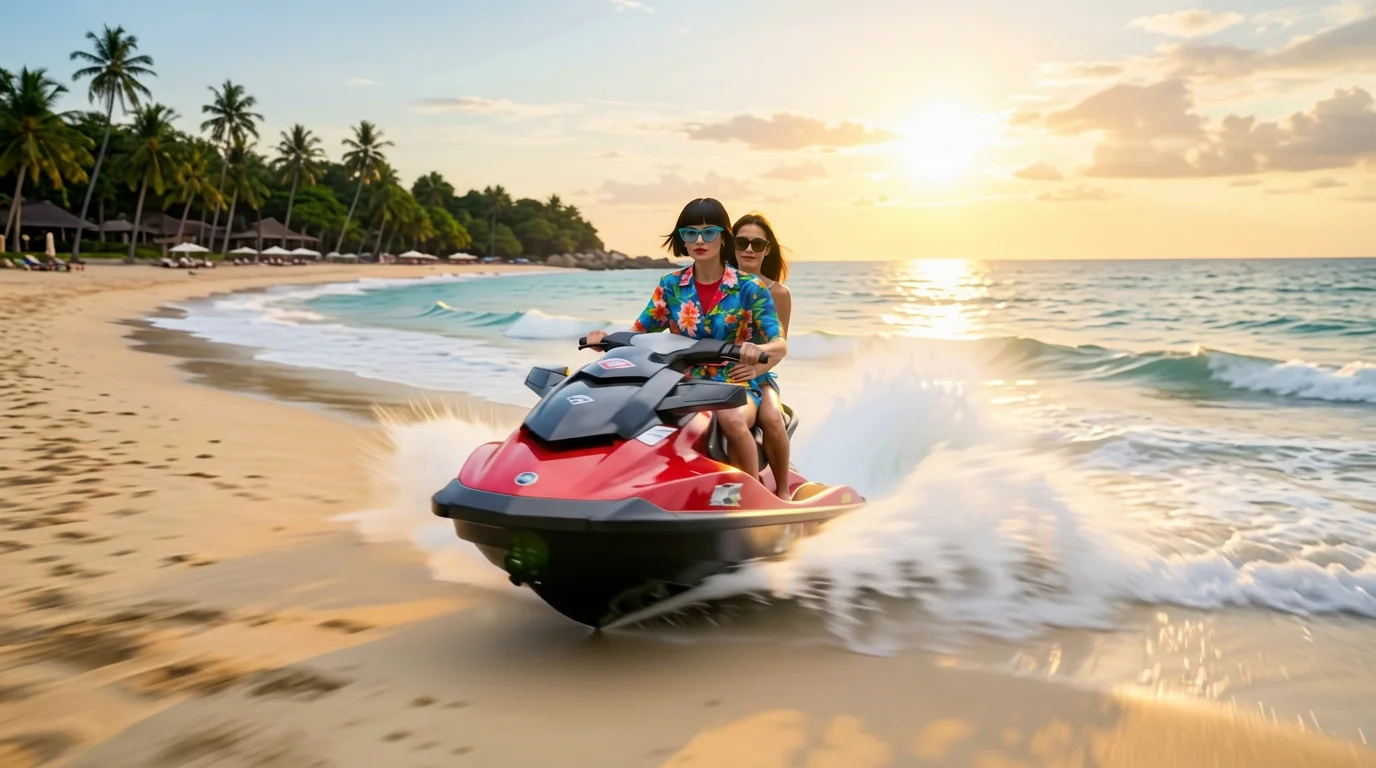
Speed into summer and leave the everyday world behind. That is the official prompt for PixVerse’s Paradise Jump template — an exhilarating one-photo V6 effect that plunges your subject into turquoise coastal waters for the ultimate vacation rush.
The official preview captures a sun-drenched leap into sparkling tropical seas, with white foam spraying as the jumper hits the warm ocean waves. The same one-click flow works with your holiday portrait, a selfie with friends, or an outdoor vacation snap.
See It In Action
What Is the Paradise Jump Template?
Paradise Jump is a high-energy summer lifestyle template powered by PixVerse V6. You upload one photo; PixVerse V6 generates a 6-second vertical video bursting with sunlit ocean energy and refreshing water motion. You do not write a prompt — the cliff-jump trajectory and tropical atmosphere are locked for a perfect summer vibe.
Template details
| Field | Value |
|---|---|
| Template name | Paradise Jump |
| Template ID | 414138653852667 |
| Output | Video |
| Model | PixVerse V6 |
| Input | 1 photo |
| Duration | 6 seconds |
| Quality | 360p / 540p / 720p / 1080p |
| Audio | Included |
| Custom prompt | Off |
| Launched | Jul 28 2026 |
How it works
- Upload one photo — a clear portrait or well-lit photo works best
- Select Paradise Jump — search the name in PixVerse templates, or use Template ID
414138653852667 - Generate — PixVerse V6 applies the effect automatically
- Download and share — export the 6-second clip for TikTok, Reels, or Shorts
What’s in the Official Preview
The template preview showcases a polished, cohesive scene built around the official prompt:
- High-speed leap into stunning turquoise tropical ocean waters
- Sunlit water reflections, sparkling sea mist, and realistic splash dynamics
- Lush tropical coastal scenery providing an idyllic summer backdrop
- Natural facial expression and outfit preservation through the splash sequence
This template bottles pure summer wanderlust: your photo is instantly transported to a dream island getaway with vibrant water action.
How to Create Your Paradise Jump Video
Step 1: Choose a photo
Use a bright, outdoor photo or holiday picture. Swimwear, summer clothing, or casual vacation attire matches the tropical aesthetic perfectly.
Step 2: Open PixVerse
Visit PixVerse on web or in the app, then open the template library.
Step 3: Find Paradise Jump
Search Paradise Jump or browse newly launched templates. Confirm Template ID 414138653852667.
Step 4: Generate
Upload the photo and generate. The template does not accept a custom prompt, so you do not need to describe the scene.
Tips
- Photos with warm natural sunlight harmonize beautifully with the tropical environment
- A joyful or adventurous expression makes the leap feel authentic and spontaneous
- Full-body and half-body shots provide clean posture mapping for the jumping motion
- Export in 1080p for crisp water droplets on Instagram Stories, Reels, or TikTok
Frequently Asked Questions (FAQ)
Q: Do I need to write a prompt? A: No. Paradise Jump has custom prompts turned off. Upload one photo and generate.
Q: How long is the video? A: 6 seconds, generated with PixVerse V6.
Q: What quality is available? A: 360p / 540p / 720p / 1080p.
Q: How many photos do I upload? A: One. This is a single-image template.
Q: Does the video include sound or music? A: Yes. An upbeat summer soundtrack and refreshing water splash sound effects are included.
Ready to jump into summer paradise? Open PixVerse, search Paradise Jump, and generate from one photo.
Related templates:
- Superhero Sea Leap — bound over heights into ocean waters
- Cafe to Beach — seamlessly step from a coffee shop to the sea
- Summer Combustion — ignite fiery energy as temperatures rise
- Little Gymnast — tiny gymnast on the rings