
Elevator photoshoot: Create a PixVerse V6 Template Video
Try Elevator photoshoot on PixVerse with one photo: a 5-second V6 template with audio included and up to 1080p. Use the official effect, then download and

Elevator photoshoot: Create a PixVerse V6 Template Video
Try Elevator photoshoot on PixVerse with one photo: a 5-second V6 template with audio included and up to 1080p. Use the official effect, then download and
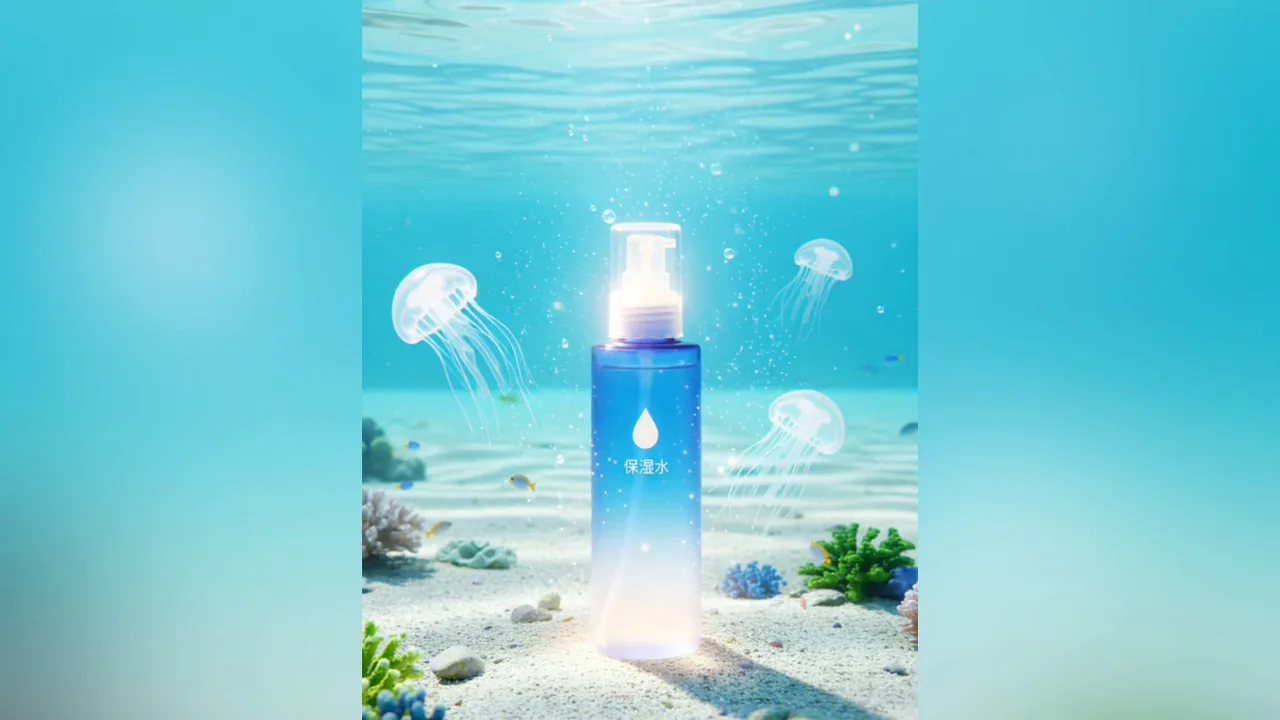
Ocean AD: Create a PixVerse V6 Template Video
Try Ocean AD on PixVerse with one photo: a 5-second V6 template with audio included and up to 1080p. Use the official effect, then download and share your
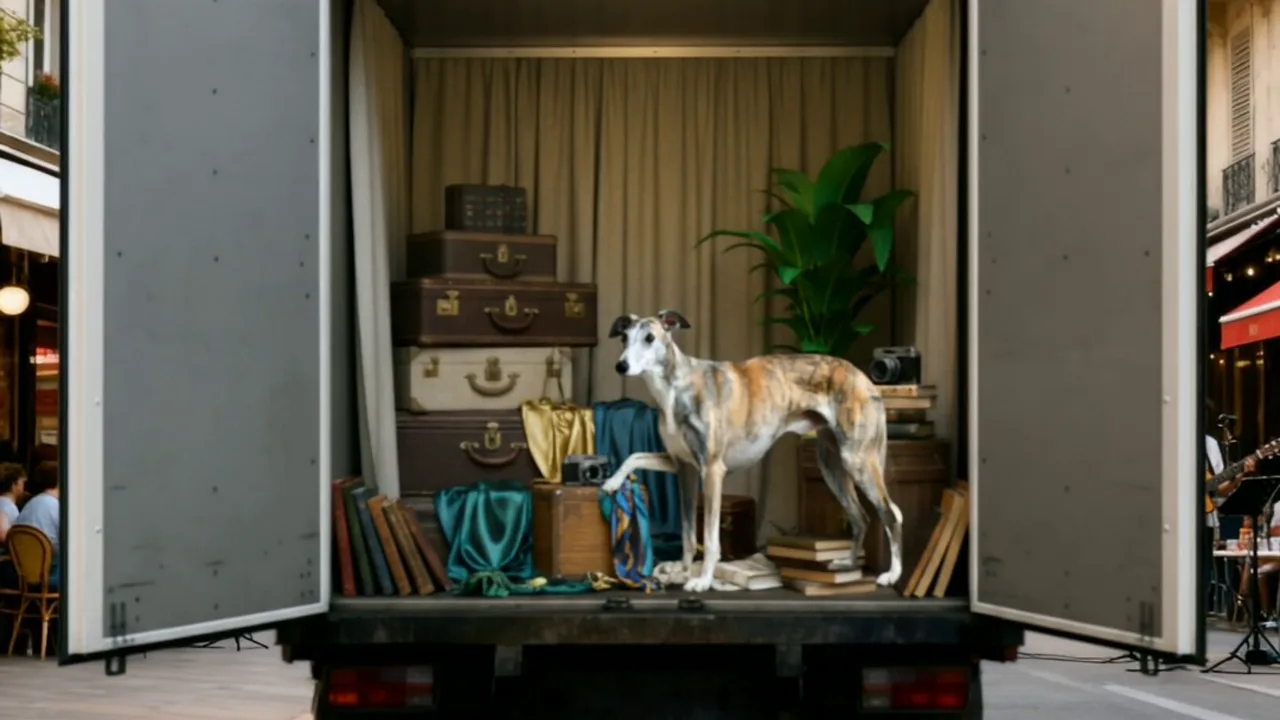
Truck Fashion Shoot: Create a PixVerse V6 Template Video
Try Truck Fashion Shoot on PixVerse with one photo: a 5-second V6 template with audio included and up to 1080p. Use the official effect, then download and
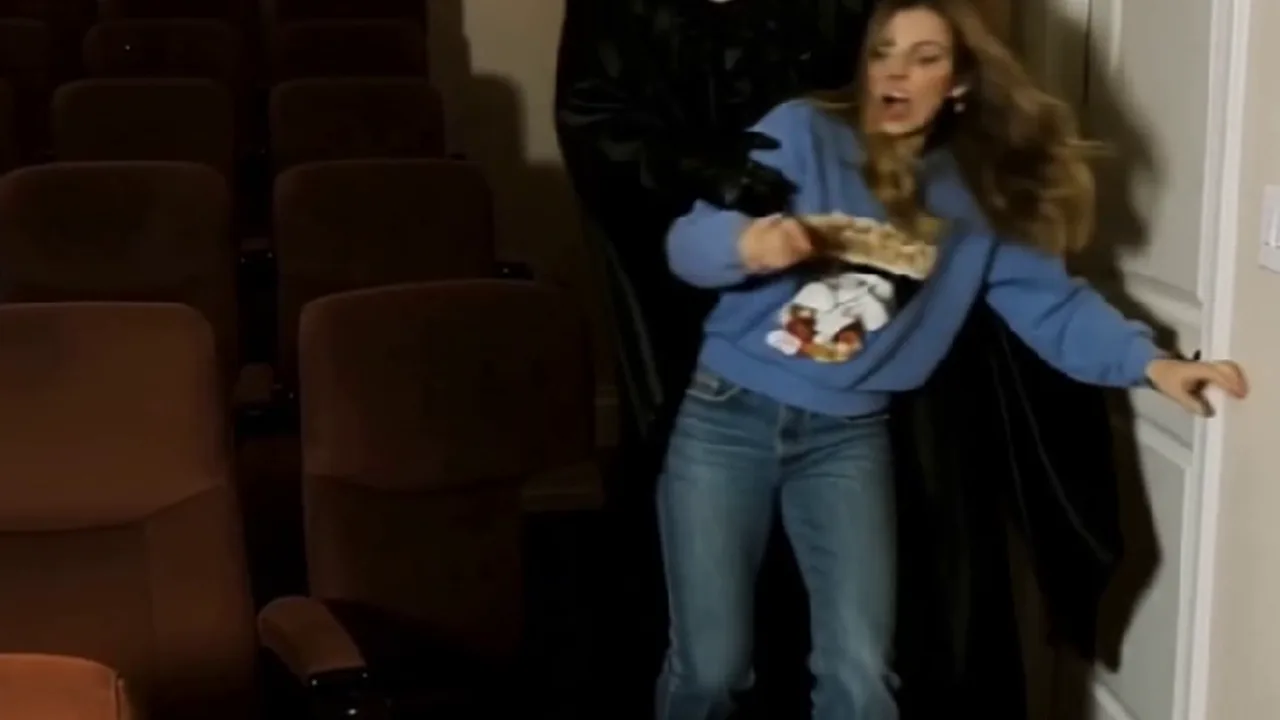
Ghostface Terror: Create a PixVerse V6 Template Video
Try Ghostface Terror on PixVerse with one photo: a 5-second V6 template with audio included and up to 1080p. Use the official effect, then download and share
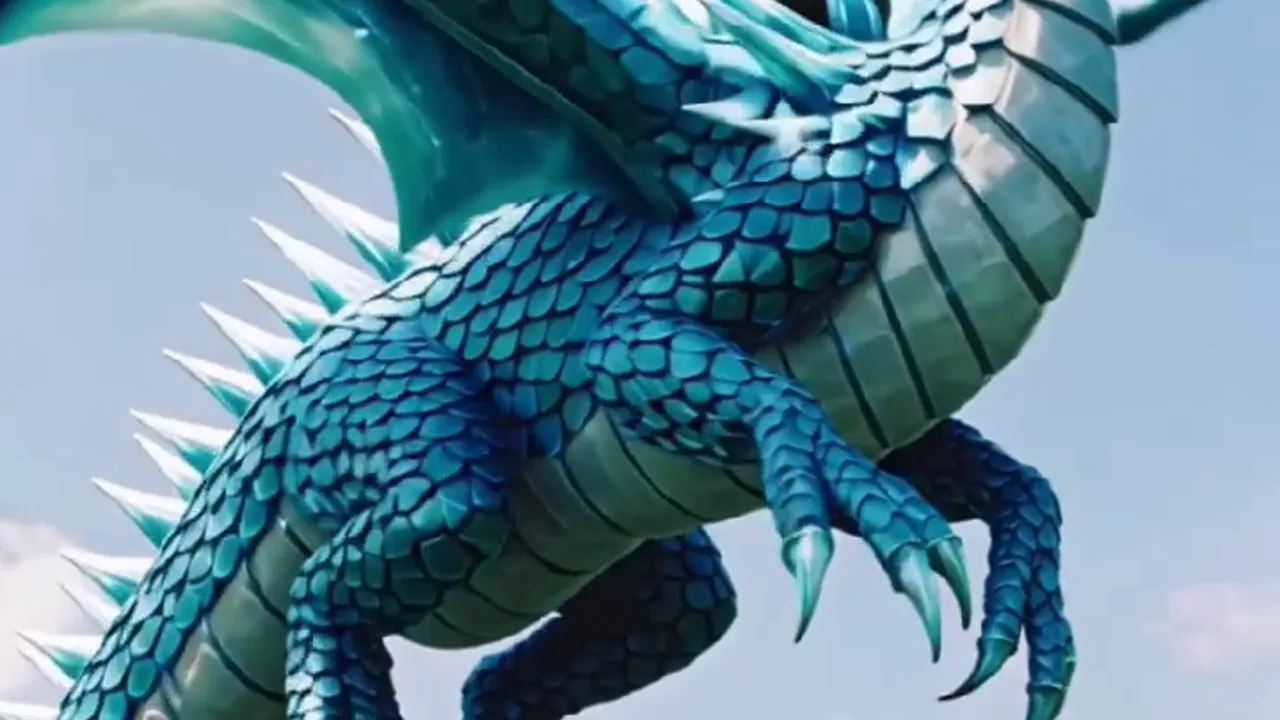
Dragon Evoker: Create a PixVerse V6 Template Video
Try Dragon Evoker on PixVerse with one photo: a 8-second V6 template with audio included and up to 1080p. Use the official effect, then download and share your
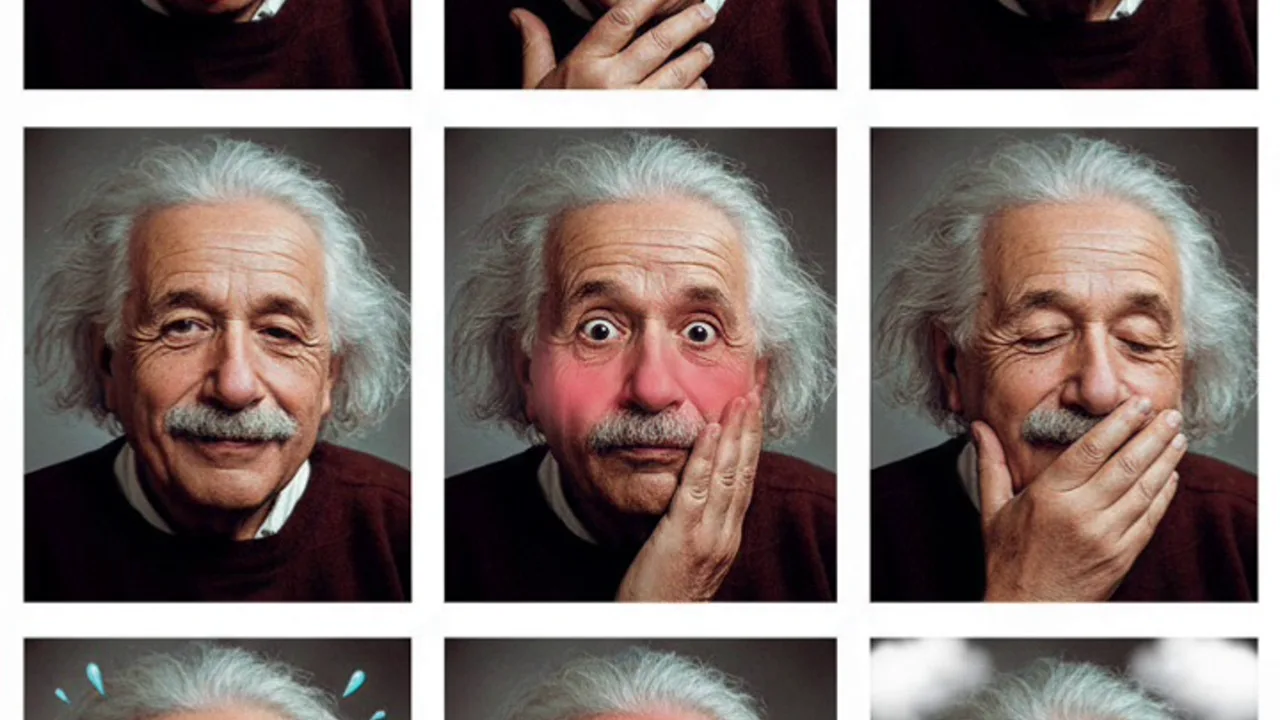
Photobooth Flashback: Turn Any Photo into a PixVerse Image
Try Photobooth Flashback on PixVerse with one photo. This Qwen Image image template creates a single result up to 1080p. Use the official effect to make a
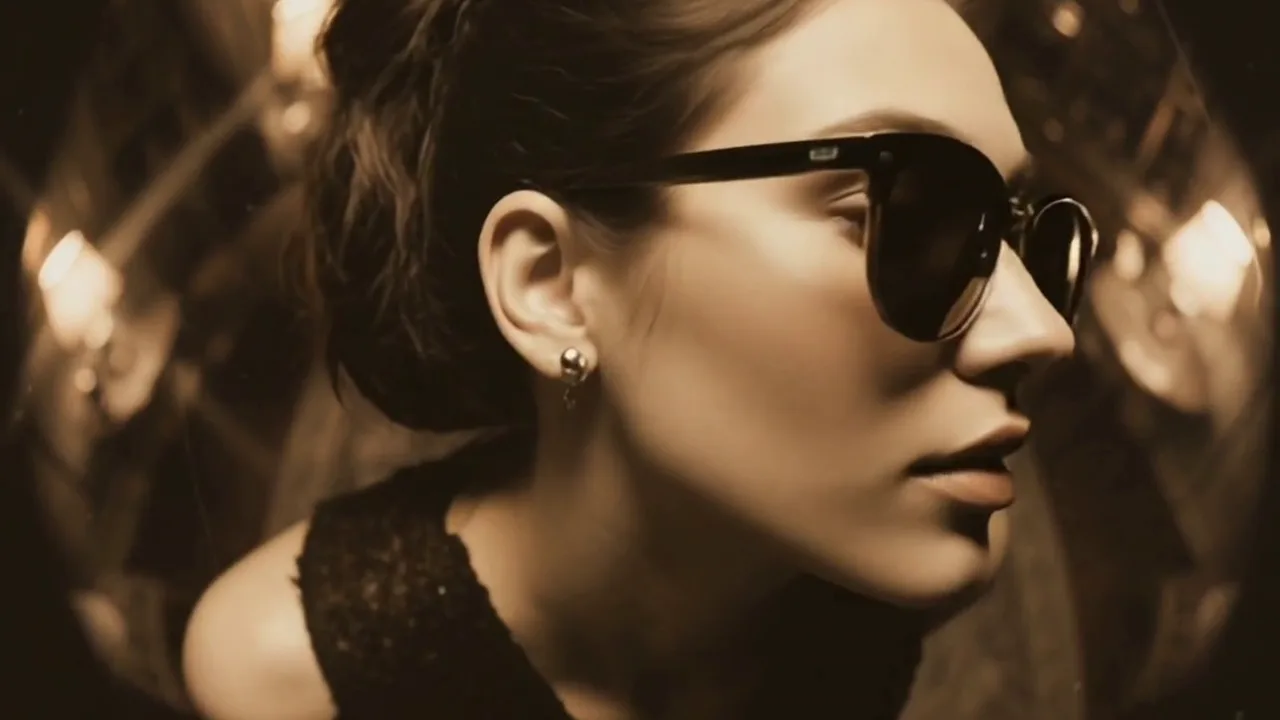
Fisheye sunglasses: Create a PixVerse V6 Template Video
Try Fisheye sunglasses on PixVerse with 2 photos: a 5-second V6 template with audio included and up to 1080p. Use the official effect, then download and share
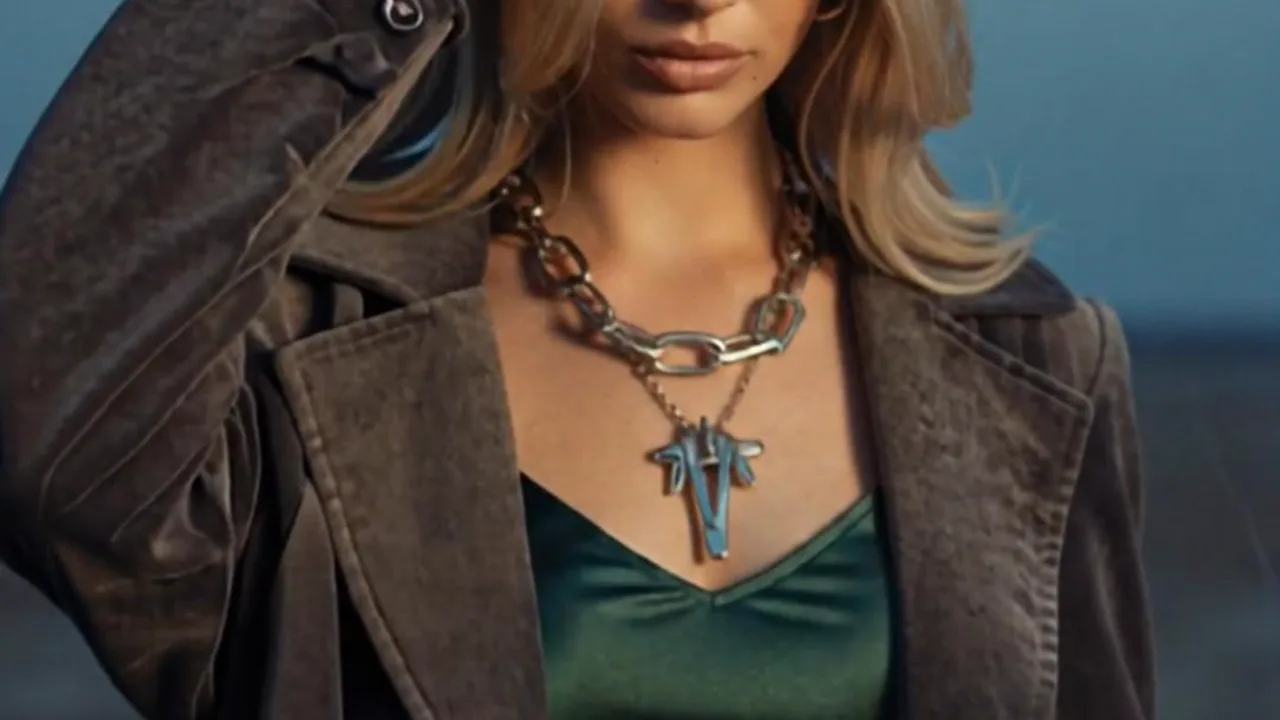
My MV Highlight Reel: Create a PixVerse V6 Template Video
Try My MV Highlight Reel on PixVerse with one photo: a 9-second V6 template with audio included and up to 1080p. Use the official effect, then download and
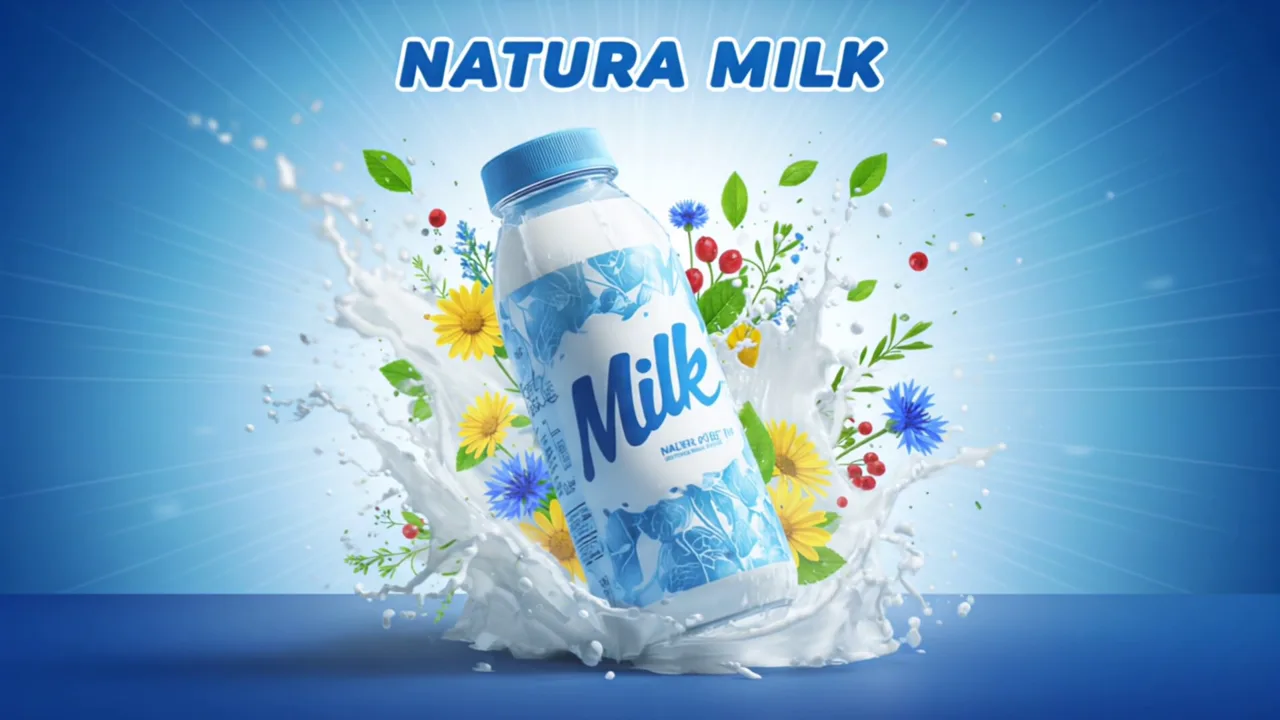
Poster AD: Create a PixVerse V6 Template Video
Try Poster AD on PixVerse with one photo: a 5-second V6 template with audio included and up to 1080p. Use the official effect, then download and share your
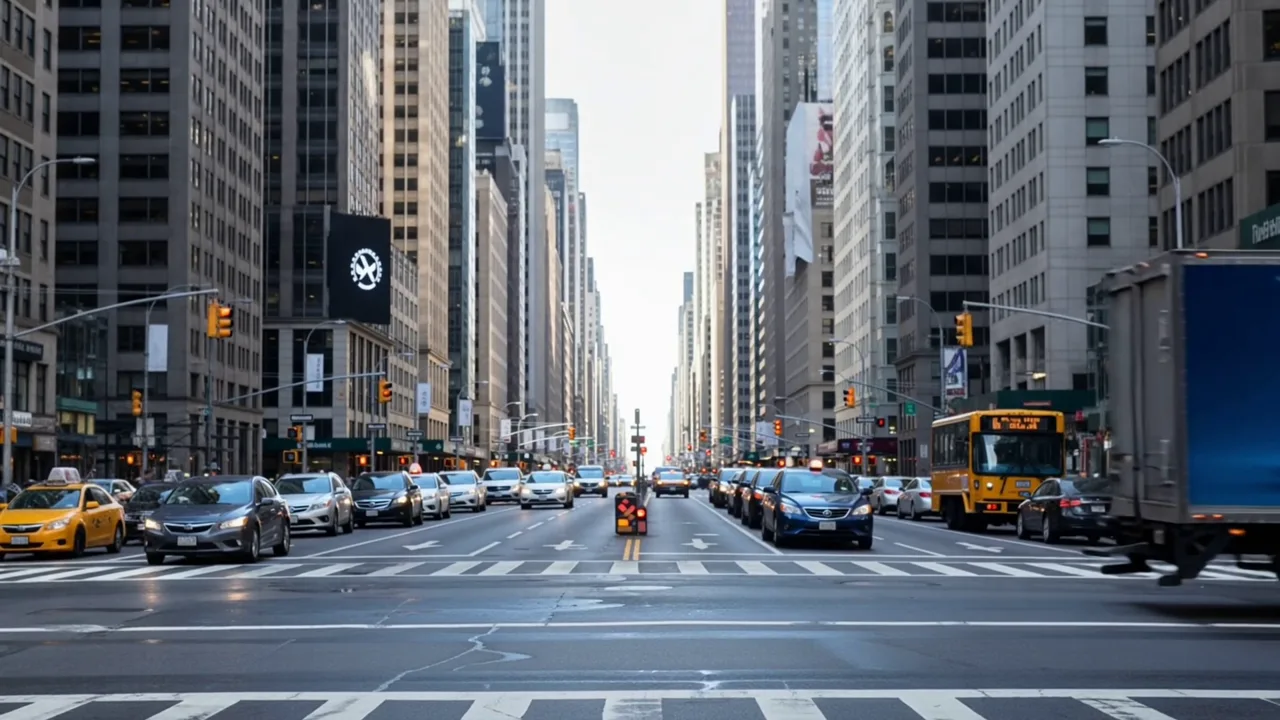
Truck AD: Create a PixVerse V6 Template Video
Try Truck AD on PixVerse with one photo: a 5-second V6 template with audio included and up to 1080p. Use the official effect, then download and share your
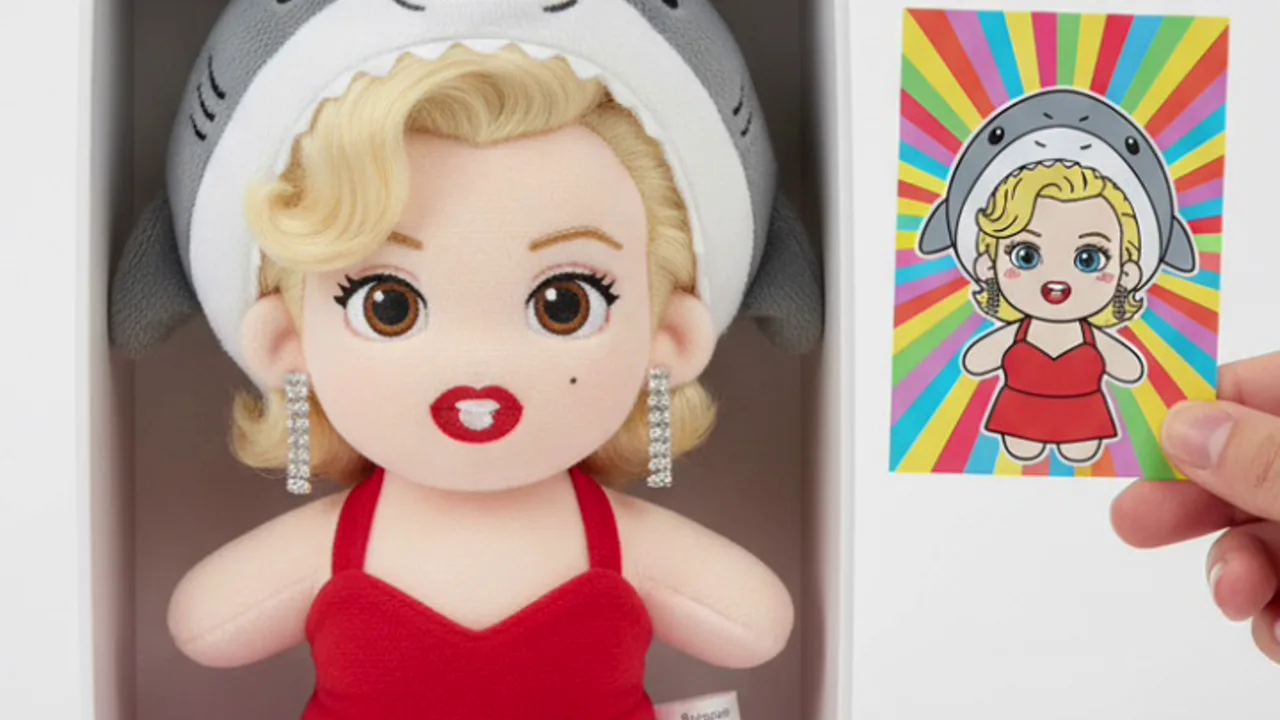
Sharkie Plush Delivery: Turn Any Photo into a PixVerse Image
Try Sharkie Plush Delivery on PixVerse with one photo. This Qwen Image image template creates a single result up to 1080p. Use the official effect to make a
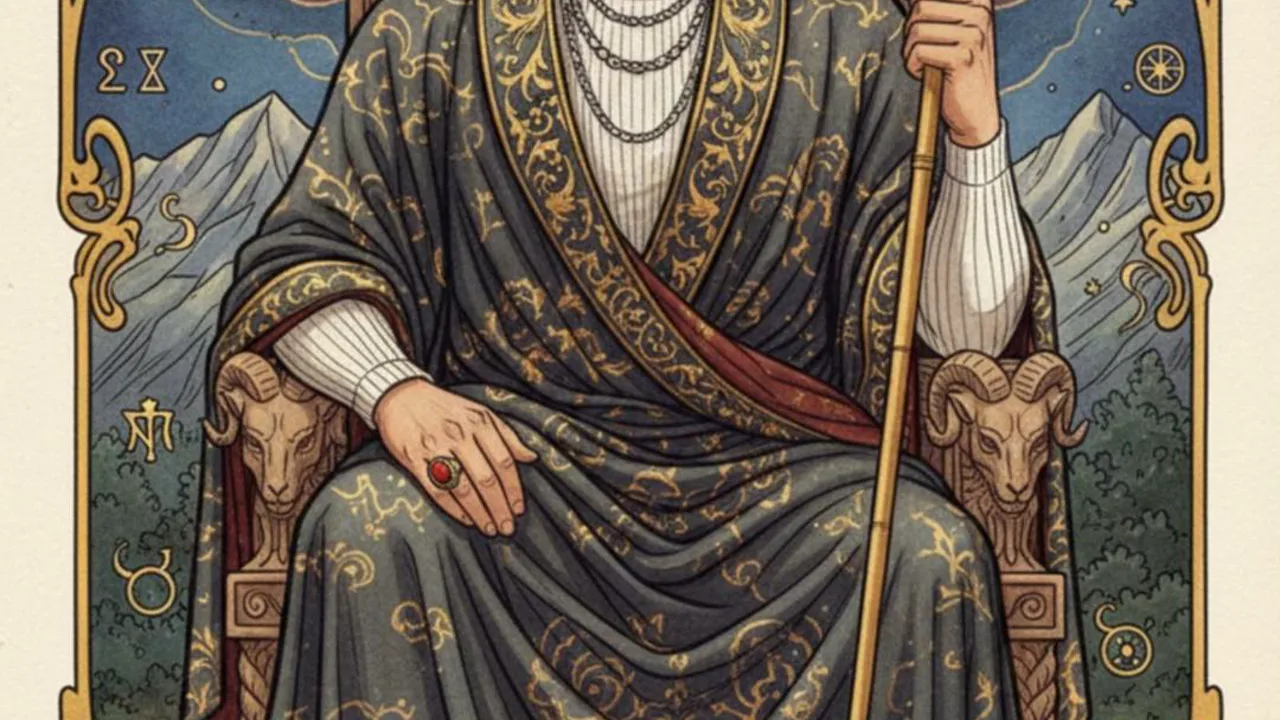
My Destiny Tarot Card: Create a PixVerse V6 Template Video
Try My Destiny Tarot Card on PixVerse with one photo: a 5-second V6 template with audio included and up to 1080p. Use the official effect, then download and
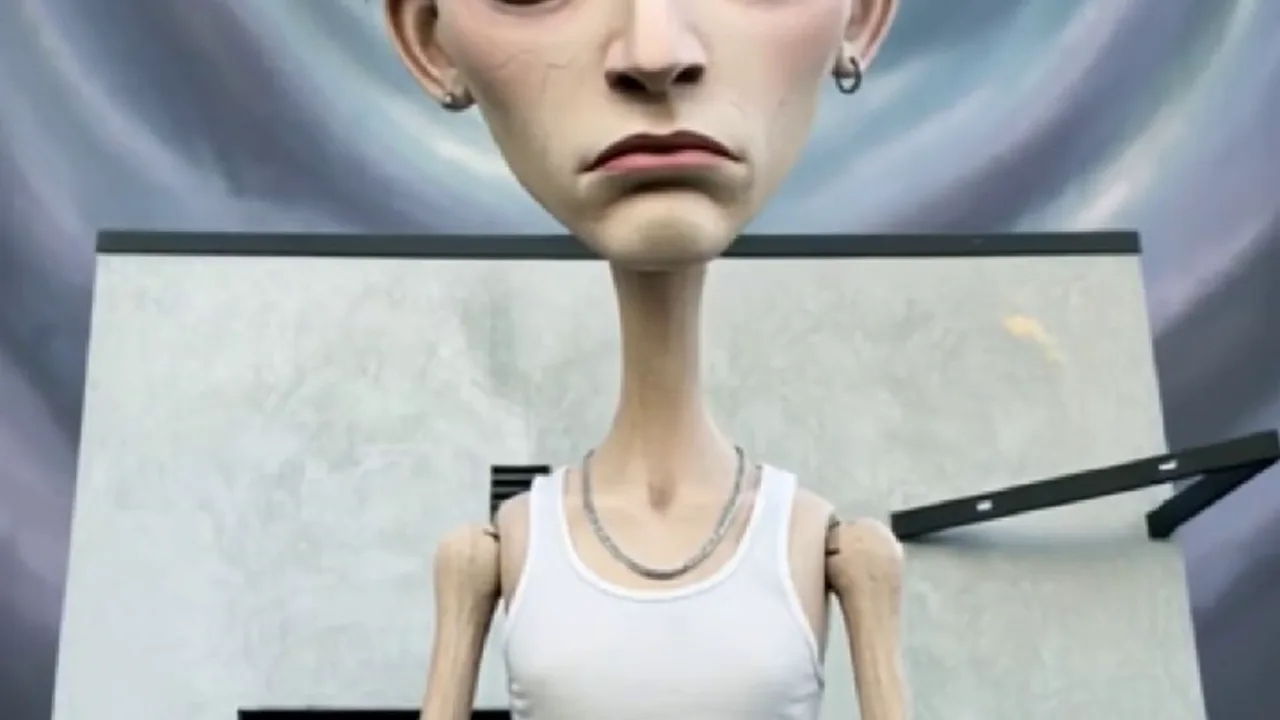
Haunting Doll: Create a PixVerse V6 Template Video
Try Haunting Doll on PixVerse with one photo: a 5-second V6 template with audio included and up to 1080p. Use the official effect, then download and share your
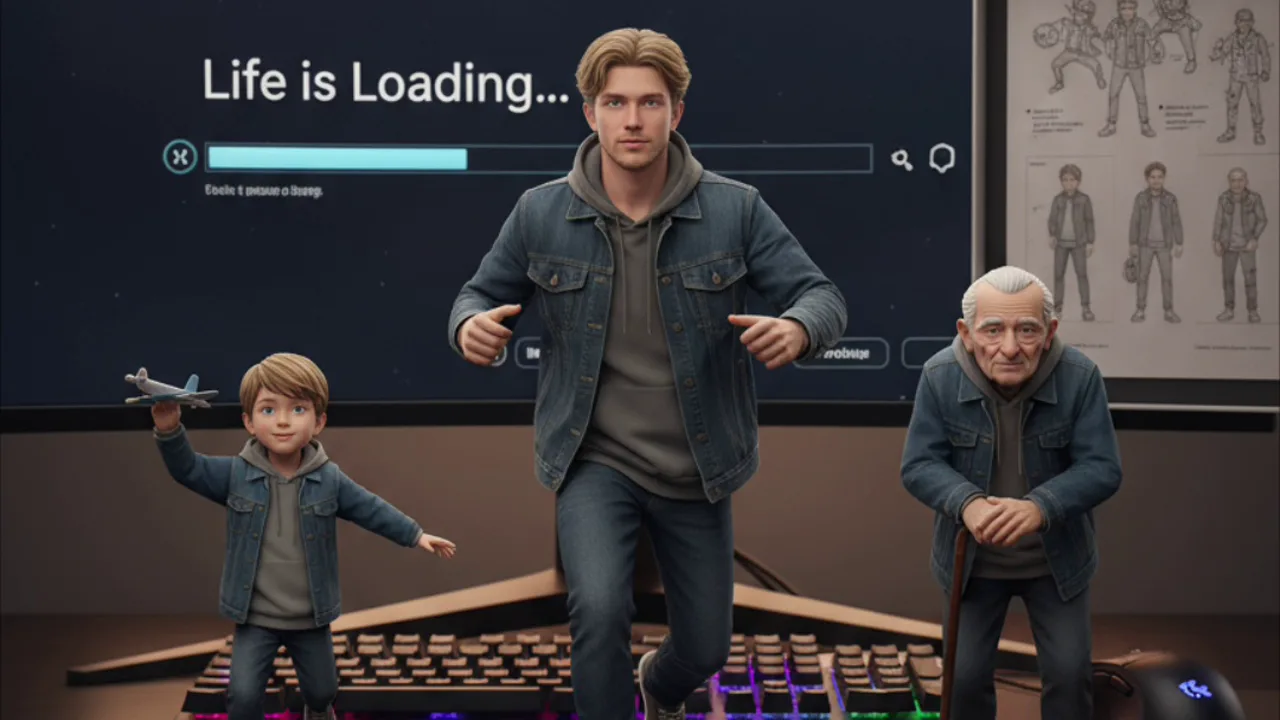
Life Figurine Collector: Turn Any Photo into a PixVerse Image
Try Life Figurine Collector on PixVerse with one photo. This Qwen Image image template creates a single result up to 1080p. Use the official effect to make a
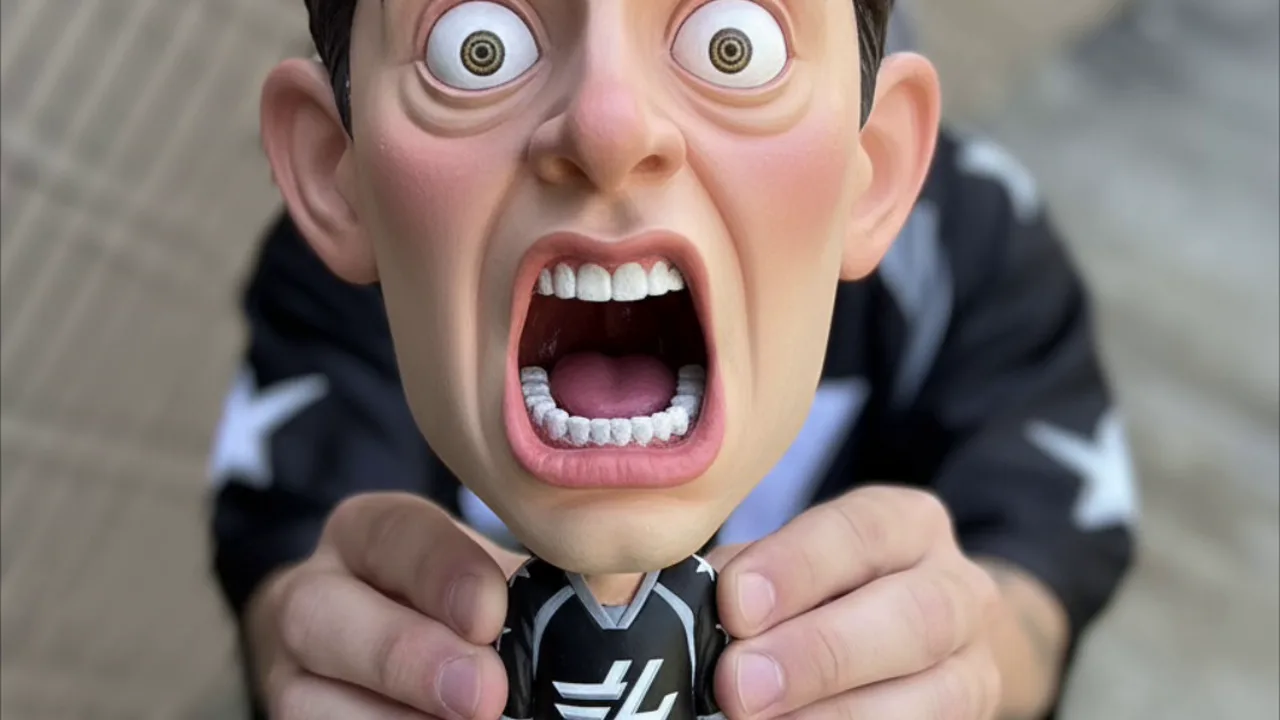
Self-Figurine Roast: Turn Any Photo into a PixVerse Image
Try Self-Figurine Roast on PixVerse with one photo. This Qwen Image image template creates a single result up to 1080p. Use the official effect to make a
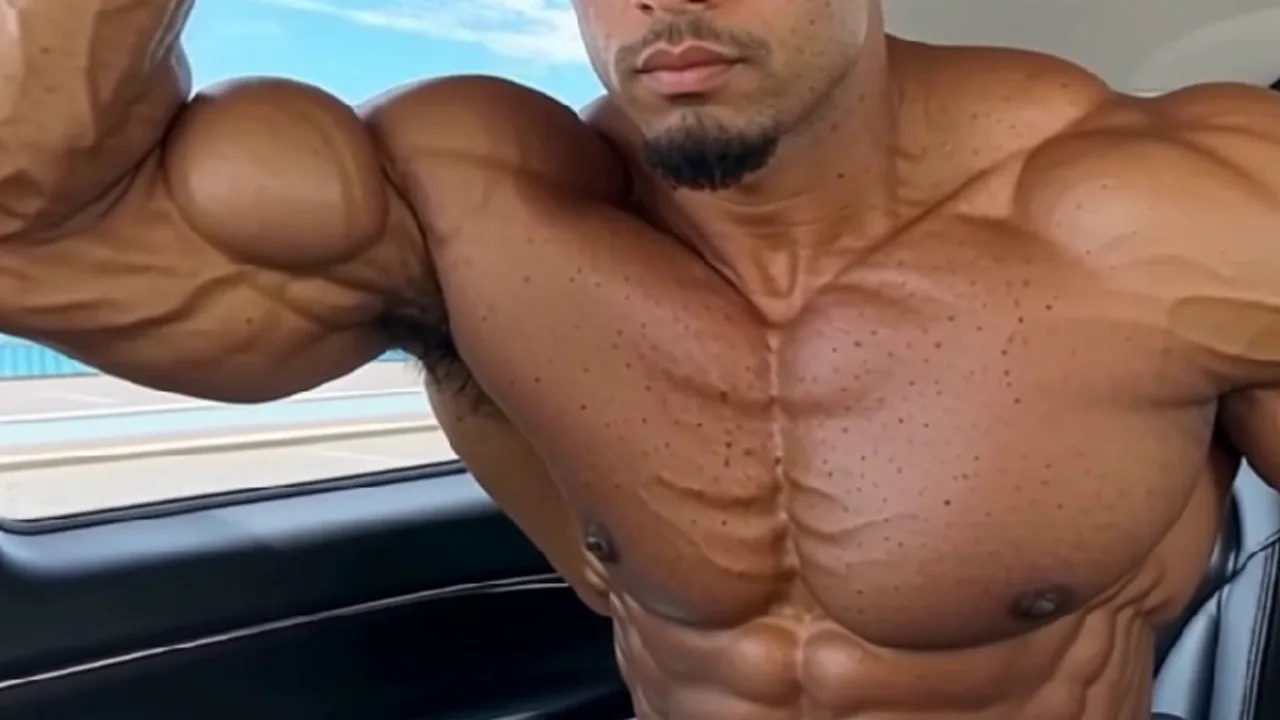
Muscle Pro: Born to Built: Create a PixVerse V6 Template Video
Try Muscle Pro: Born to Built on PixVerse with one photo: a 5-second V6 template with audio included and up to 1080p. Use the official effect, then download
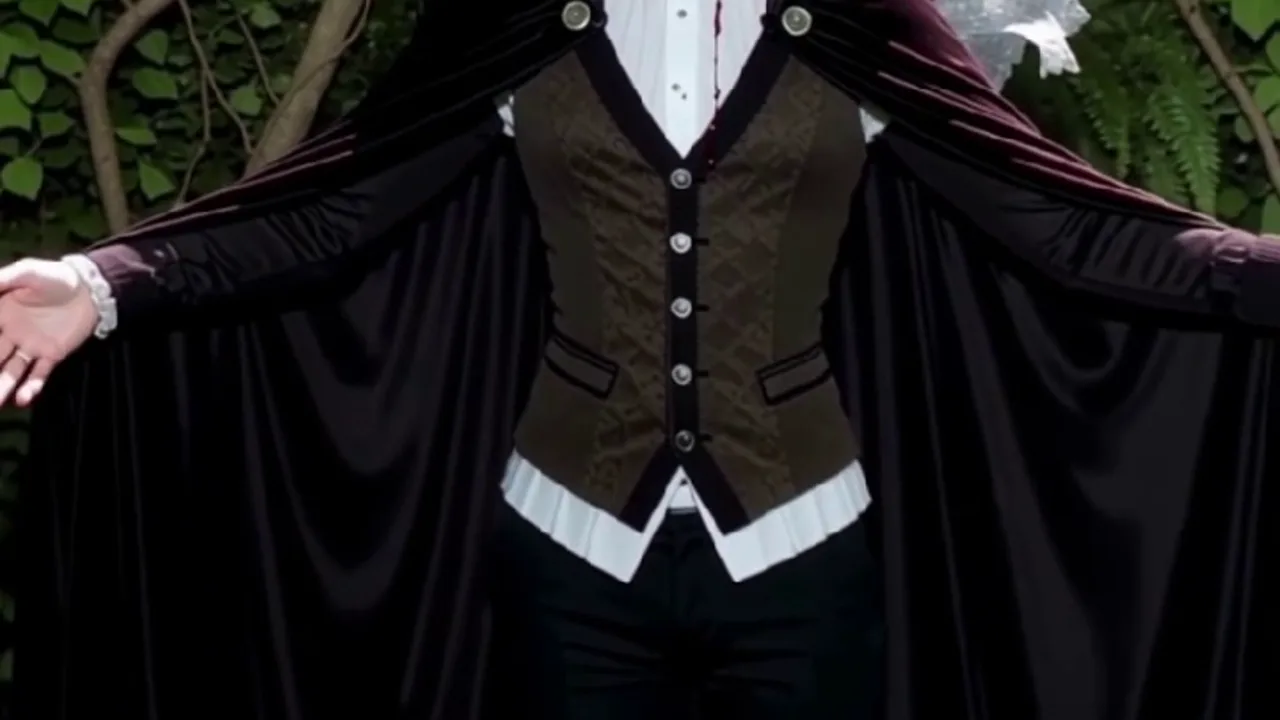
Vampire Royalty: Create a PixVerse V6 Template Video
Try Vampire Royalty on PixVerse with one photo: a 6-second V6 template with audio included and up to 1080p. Use the official effect, then download and share
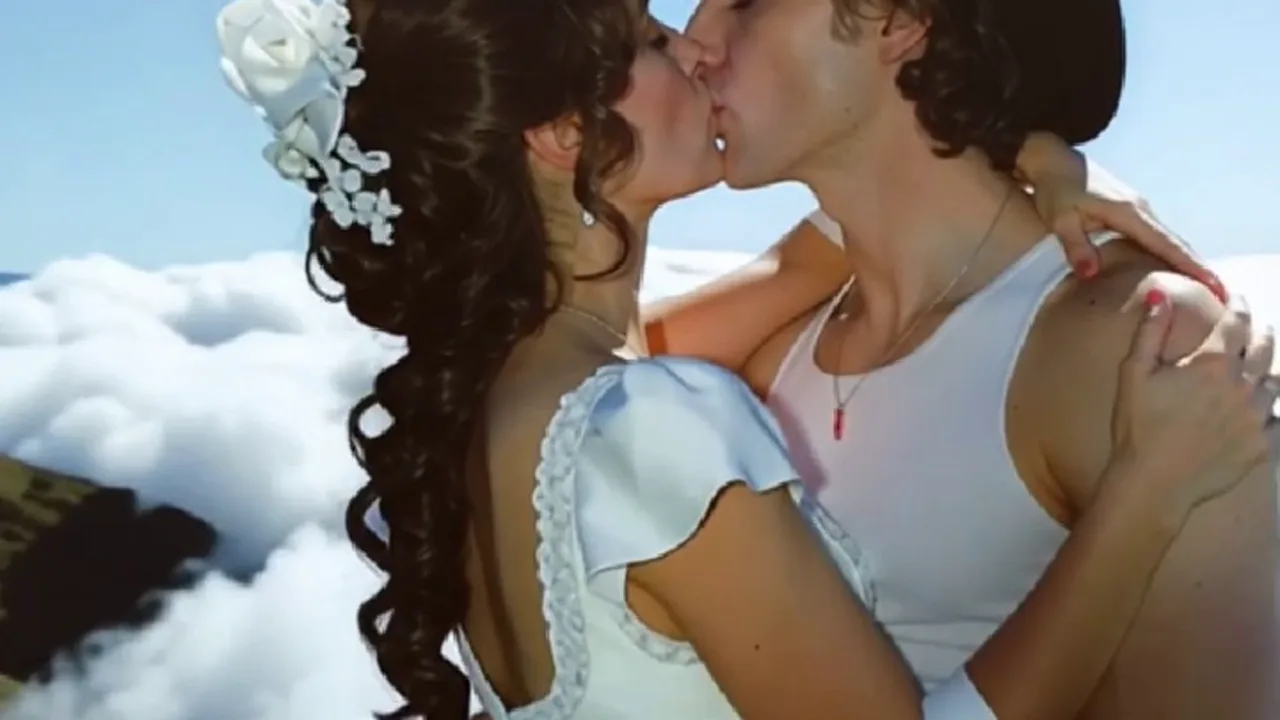
Kiss Me to Heaven: Create a PixVerse V5 Template Video
Try Kiss Me to Heaven on PixVerse with one photo: a 8-second V5 template with audio included and up to 1080p. Use the official effect, then download and share
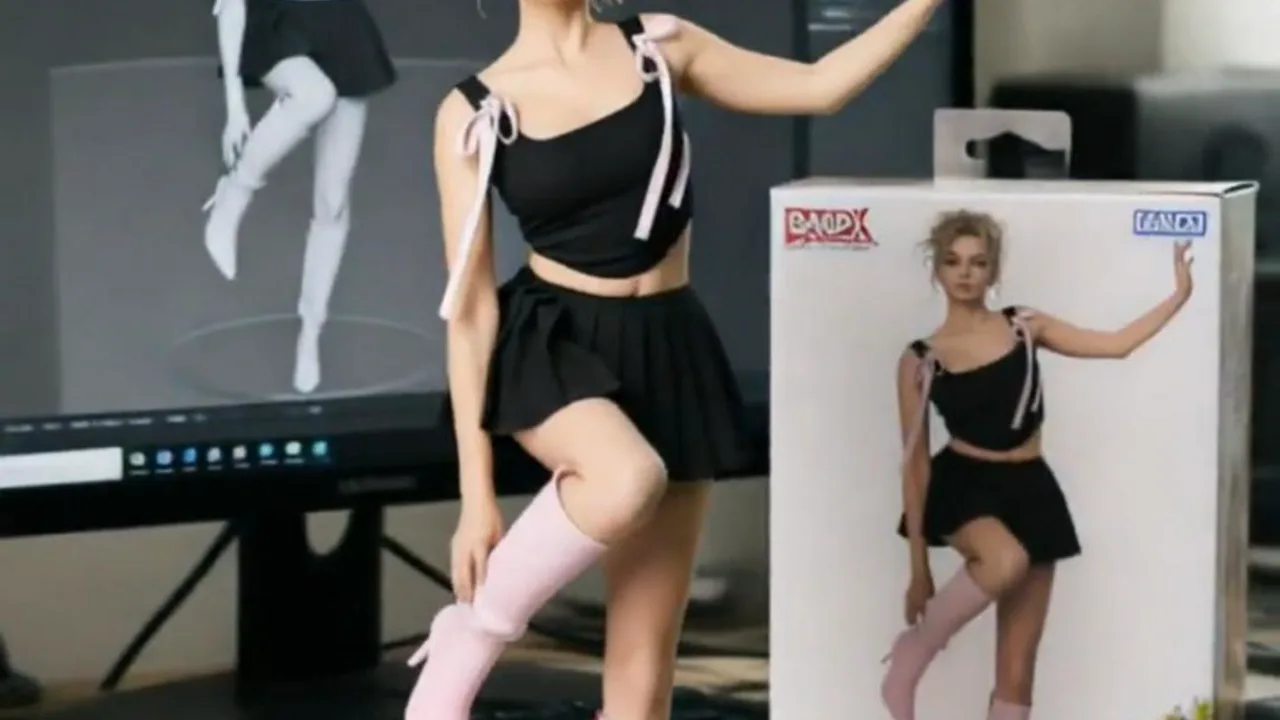
3D Figurine Factory: Create a PixVerse V5 Template Video
Try 3D Figurine Factory on PixVerse with one photo: a 5-second V5 template with audio included and up to 720p. Use the official effect, then download and share
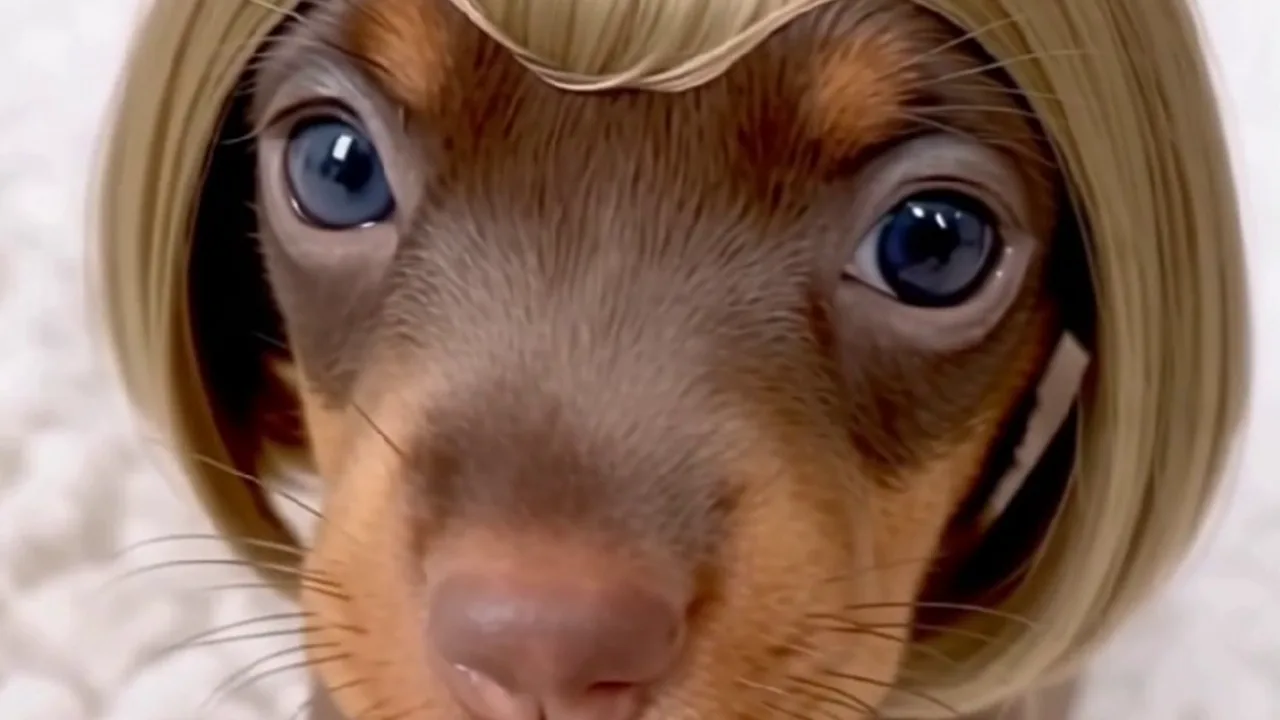
Insta-Bangs Spray: Create a PixVerse V6 Template Video
Try Insta-Bangs Spray on PixVerse with one photo: a 5-second V6 template with audio included and up to 1080p. Use the official effect, then download and share
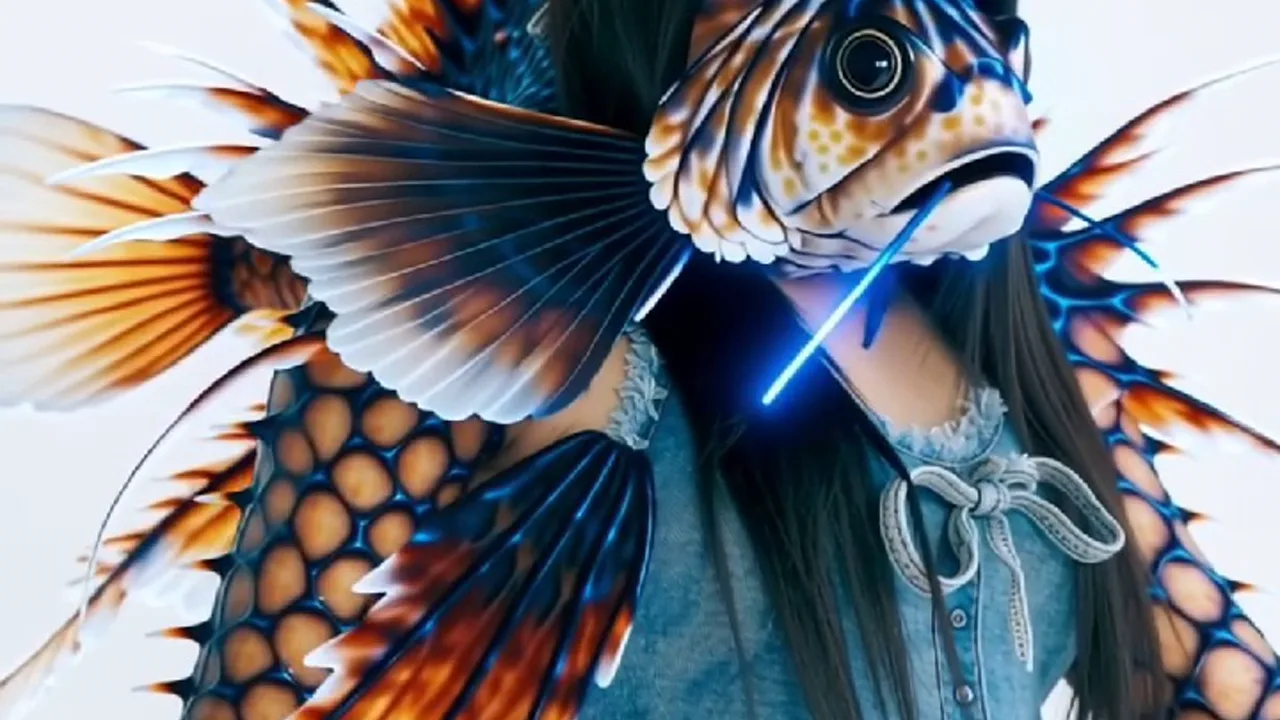
Lionfish Venomous: Create a PixVerse V6 Template Video
Try Lionfish Venomous on PixVerse with one photo: a 5-second V6 template with audio included and up to 1080p. Use the official effect, then download and share
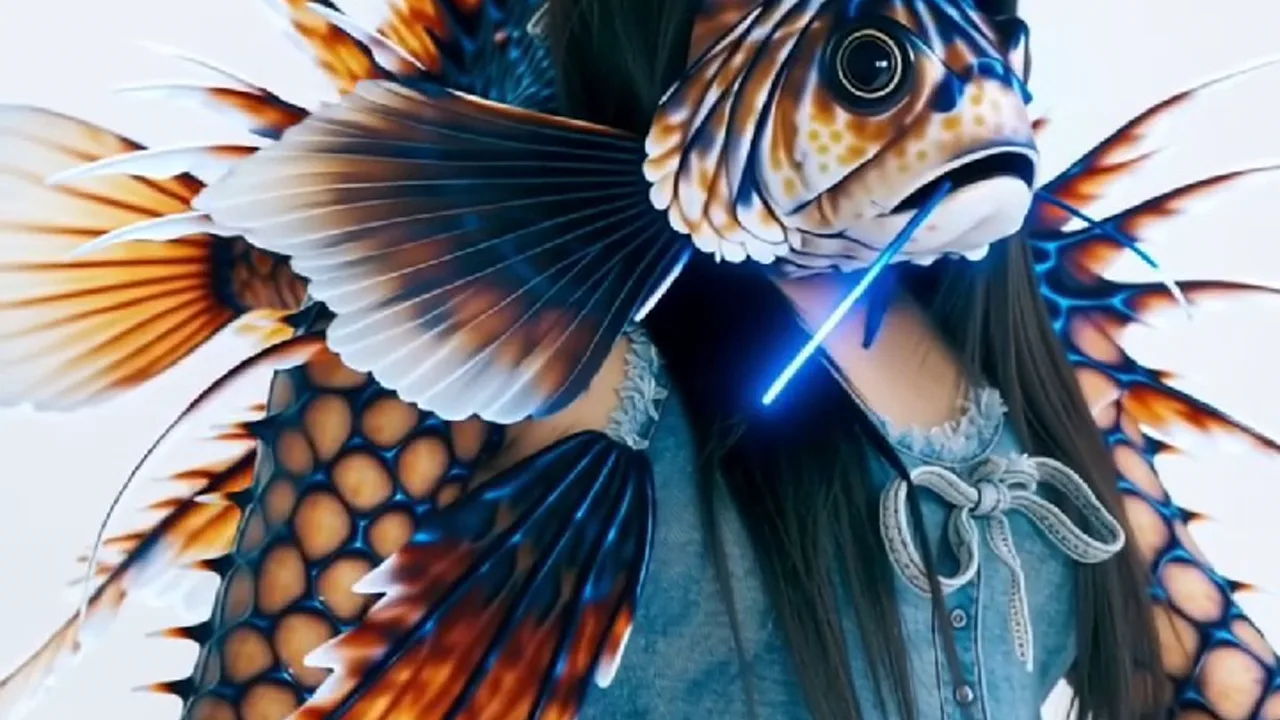
Lionfish Venomous: Create a PixVerse V6 Template Video
Try Lionfish Venomous on PixVerse with one photo: a 5-second V6 template with audio included and up to 1080p. Use the official effect, then download and share
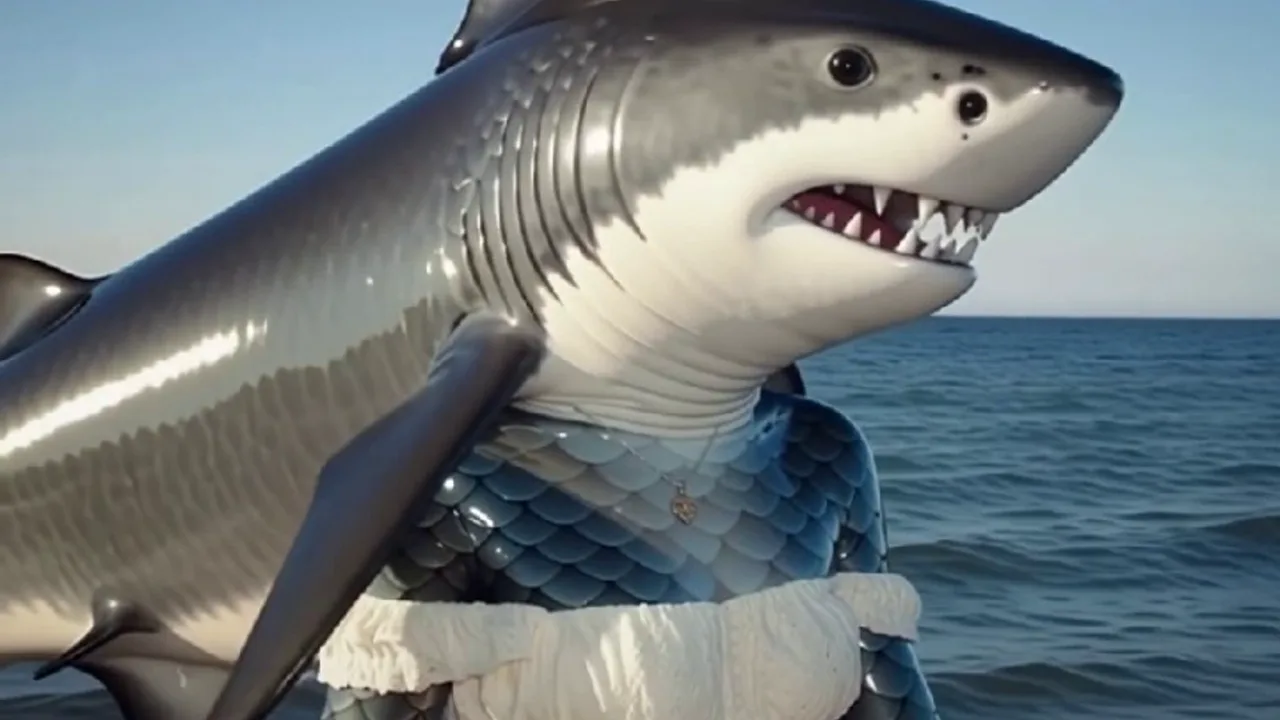
Shark Shadows: Create a PixVerse V6 Template Video
Try Shark Shadows on PixVerse with one photo: a 5-second V6 template with audio included and up to 1080p. Use the official effect, then download and share your
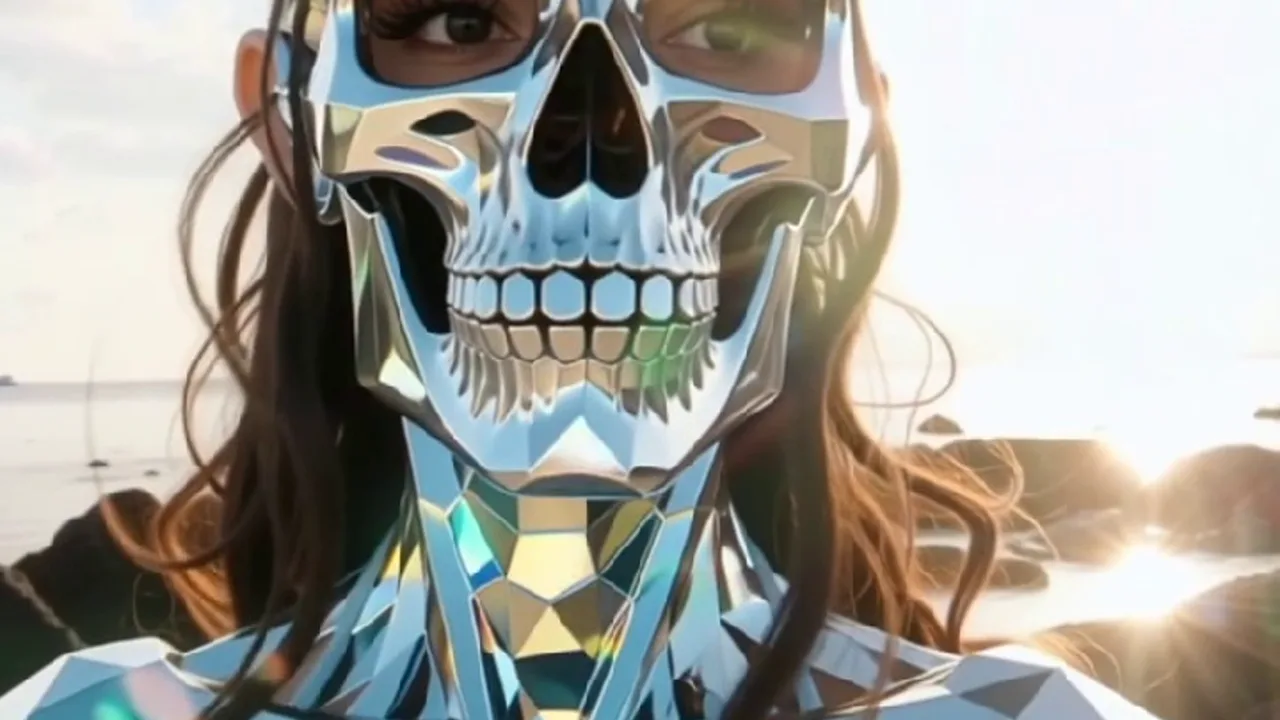
Skull Multiverse: Create a PixVerse V6 Template Video
Try Skull Multiverse on PixVerse with one photo: a 5-second V6 template with audio included and up to 1080p. Use the official effect, then download and share
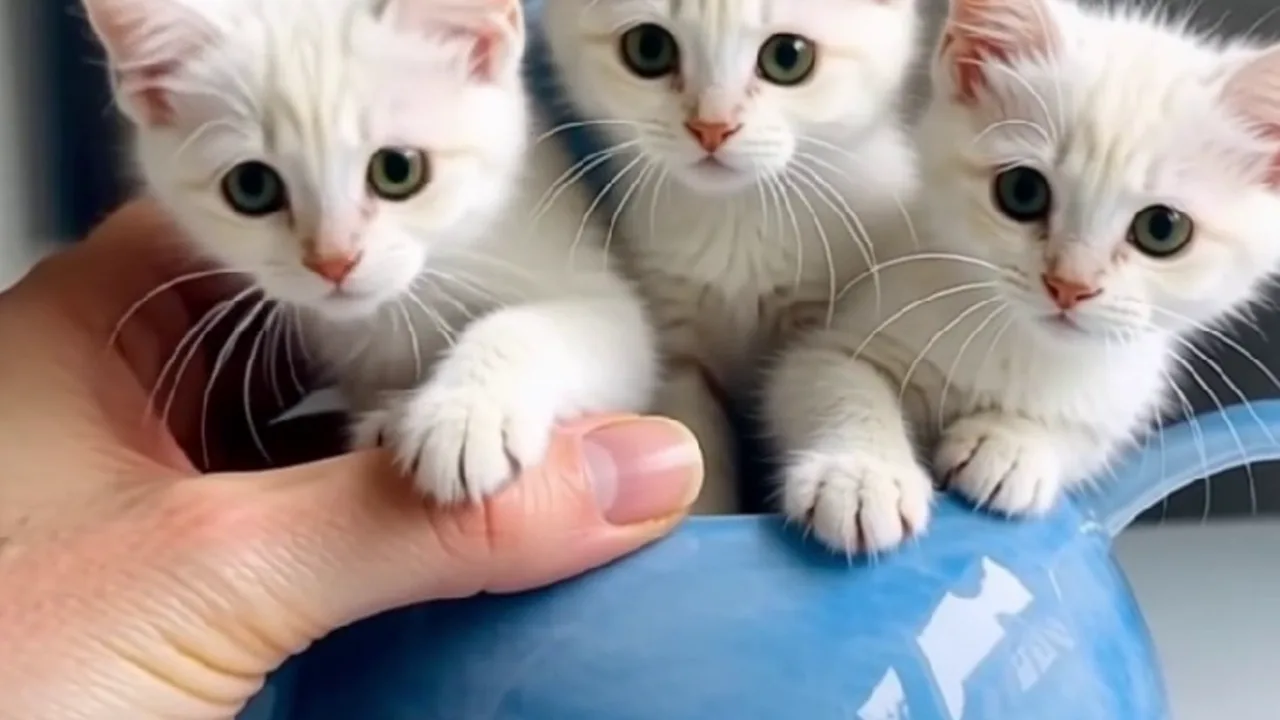
Kitten Hide and Seek: Create a PixVerse V6 Template Video
Try Kitten Hide and Seek on PixVerse with one photo: a 5-second V6 template with audio included and up to 1080p. Use the official effect, then download and
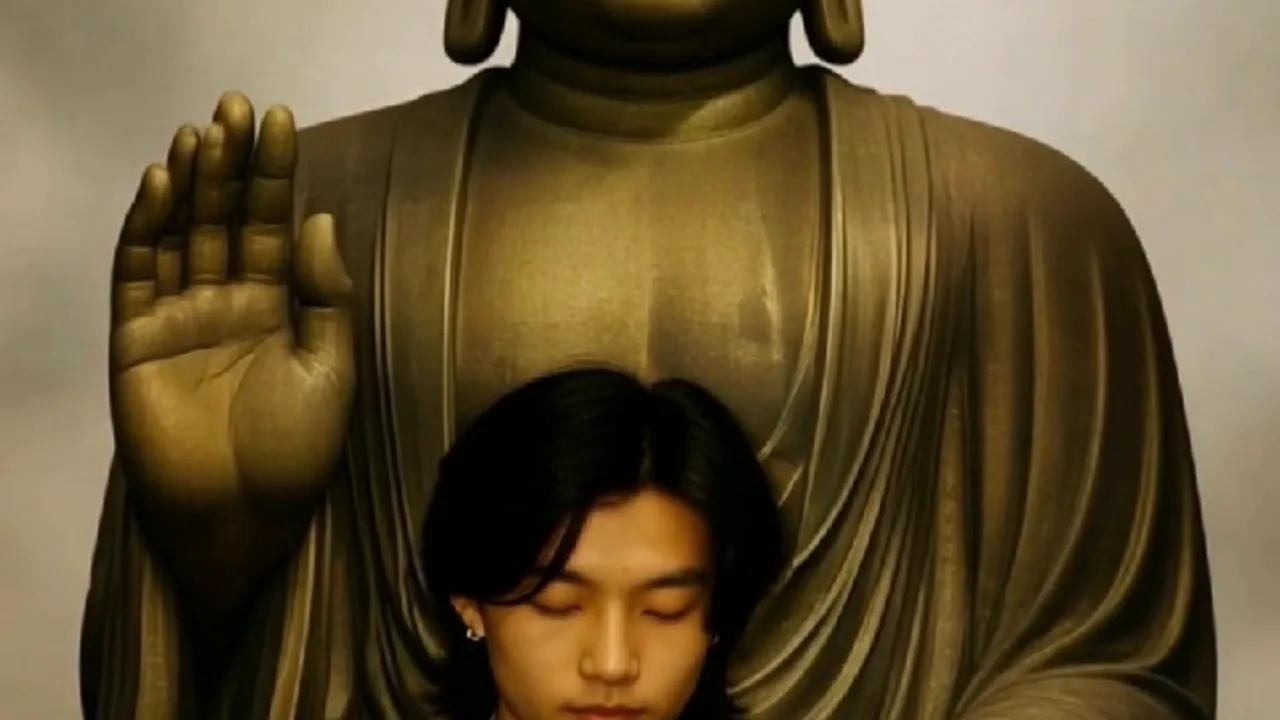
Buddha’s Blessing: Create a PixVerse V6 Template Video
Try Buddha’s Blessing on PixVerse with one photo: a 5-second V6 template with audio included and up to 1080p. Use the official effect, then download and share
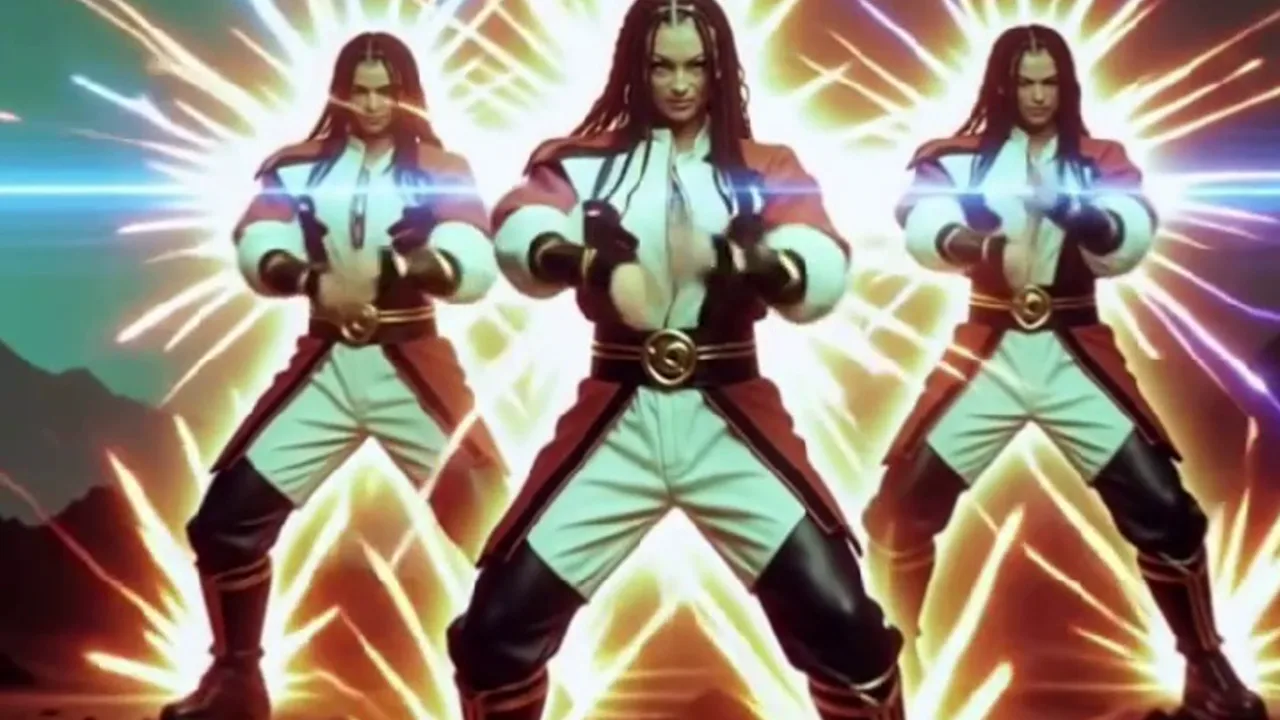
Ninja Shadow Clone: Create a PixVerse V6 Template Video
Try Ninja Shadow Clone on PixVerse with one photo: a 5-second V6 template with audio included and up to 1080p. Use the official effect, then download and share
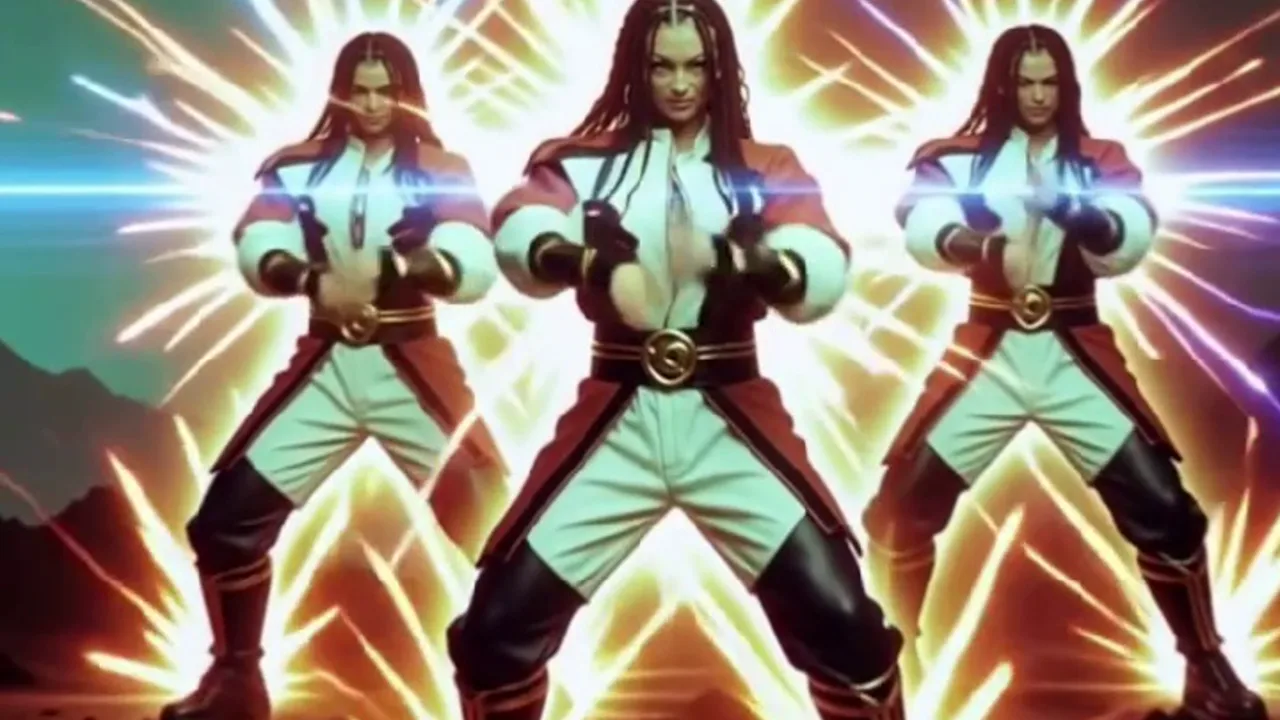
Ninja Shadow Clone: Create a PixVerse V6 Template Video
Try Ninja Shadow Clone on PixVerse with one photo: a 5-second V6 template with audio included and up to 1080p. Use the official effect, then download and share
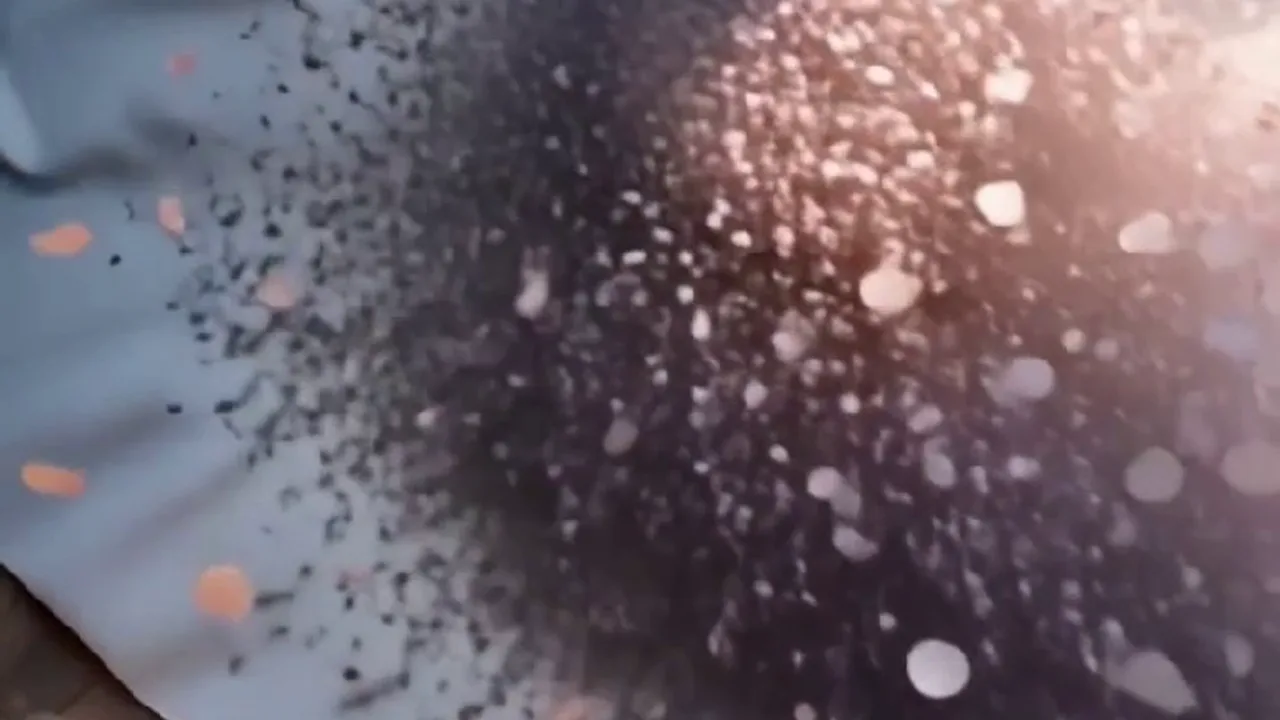
Petals of Goodbye: Create a PixVerse V6 Template Video
Try Petals of Goodbye on PixVerse with one photo: a 5-second V6 template with audio included and up to 1080p. Use the official effect, then download and share