My Version of Life: Explore All Your Possibilities on PixVerse
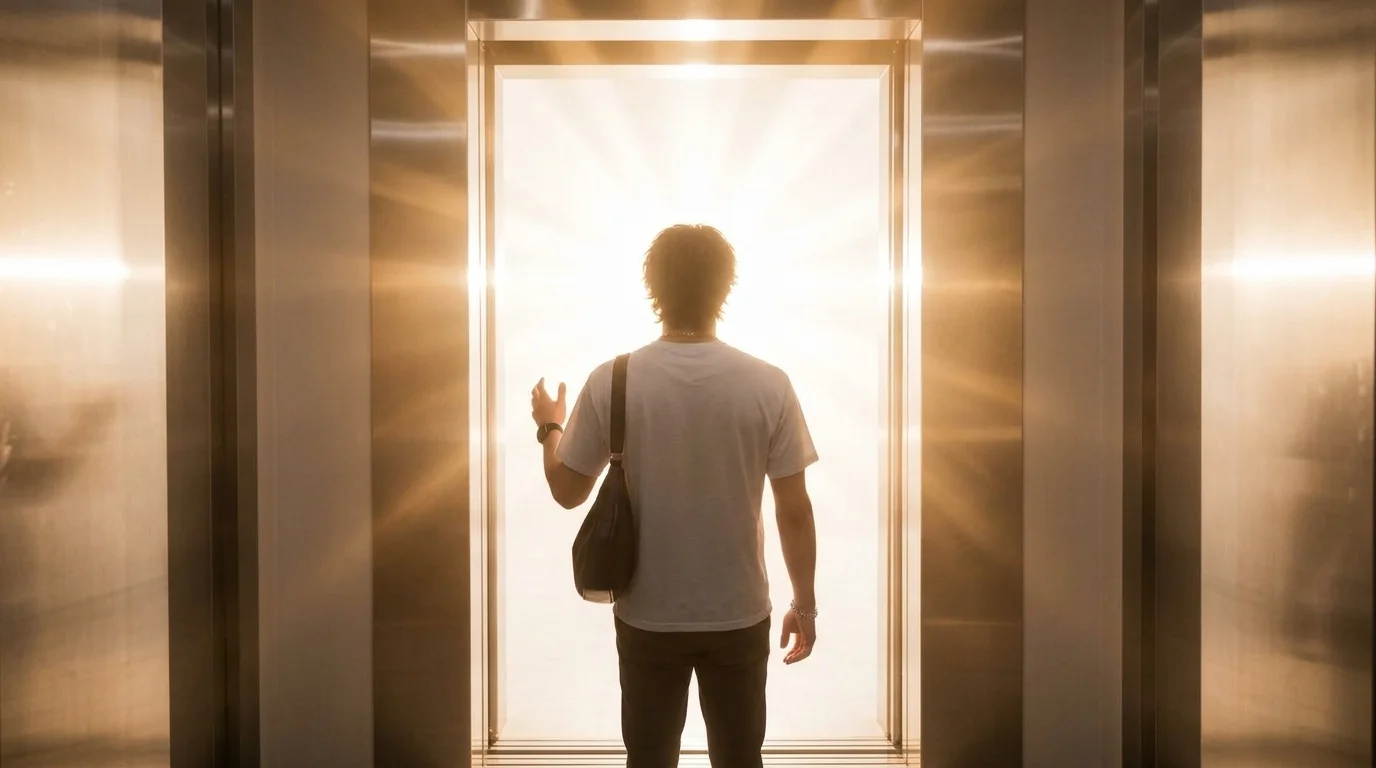
Upload a photo of yourself and see all your possibilities. That is the official prompt for PixVerse’s My Version of Life template — an introspective V6 image-to-video effect that transforms a single portrait into a moving journey across alternative paths and destinies.
The official preview showcases evocative visual transitions that reveal different chapters, careers, and aesthetic identities while keeping the subject’s face unmistakable. One photo unlocks a complete 10-second narrative.
See It In Action
What Is the My Version of Life Template?
My Version of Life is an AI portrait-to-video template powered by PixVerse V6. You upload one photo, and the model crafts a 10-second vertical video exploring parallel paths of who you could be, accompanied by an emotional musical score.
Template details
| Field | Value |
|---|---|
| Template name | My Version of Life |
| Template ID | 419817628245312 |
| Output | Video |
| Model | PixVerse V6 |
| Input | 1 photo |
| Duration | 10 seconds |
| Quality | 720p |
| Custom prompt | Off |
| Launched | Aug 19 2026 |
How it works
- Upload one photo — a clear portrait or full-body shot works best
- Select My Version of Life — search the name in PixVerse templates, or use Template ID
419817628245312 - Generate — PixVerse V6 applies the effect automatically
- Download and share — export the 10-second clip for TikTok, Reels, or Shorts
What’s in the Official Preview
The template preview brings the official concept to life:
- Seamless narrative transitions depicting distinct life paths and personal styles
- Poignant cinematic color grading and evocative environmental backdrops
- Consistent facial resemblance preserved across evolving life versions
- Emotional soundtrack enhancing the thoughtful, reflective visual journey
The effect preserves facial identity while generating fluid, coherent animation matching the prompt.
How to Create Your My Version of Life Video
Step 1: Choose a photo
Use a clear, front-facing portrait with natural lighting. A relaxed, expressive face provides the best baseline for the parallel life transformations.
Step 2: Open PixVerse
Visit PixVerse on web or in the app, then open the template library.
Step 3: Find My Version of Life
Search My Version of Life or look under newly launched templates. Confirm Template ID 419817628245312.
Step 4: Generate
Upload the photo and generate. The template does not accept a custom prompt, so you do not need to describe the scene.
Tips
- Solo portraits with neutral backgrounds give the cleanest identity continuity
- High-resolution photos ensure expressive eyes and detailed styling across scenes
- Great for milestone celebrations, introspective storytelling, and aesthetic edits
- Share the 10-second 720p vertical clip directly to Instagram Reels or TikTok
Frequently Asked Questions (FAQ)
Q: Do I need to write a prompt? A: No. My Version of Life has custom prompts turned off. Upload one photo and generate.
Q: How long is the video? A: 10 seconds, generated with PixVerse V6.
Q: What quality is available? A: 720p.
Q: How many photos do I upload? A: One. This is a single-image template.
Q: Can I customize the life paths shown? A: No. The narrative sequence is fixed within the template to ensure smooth artistic transitions.
Ready to discover your other lives? Open PixVerse, search My Version of Life, and explore all your possibilities from one photo.
Related templates:
- Upload Your Hero to a Ghost Army Charge — spectral fantasy battle charge
- Two Dance — catchy beat-synced viral duo routine
- Wednesday Mode — gothic retro dance choreography
- Little Gymnast — miniature gymnast on rings