Mardi Gras Festival: Create a PixVerse V5 Template Video
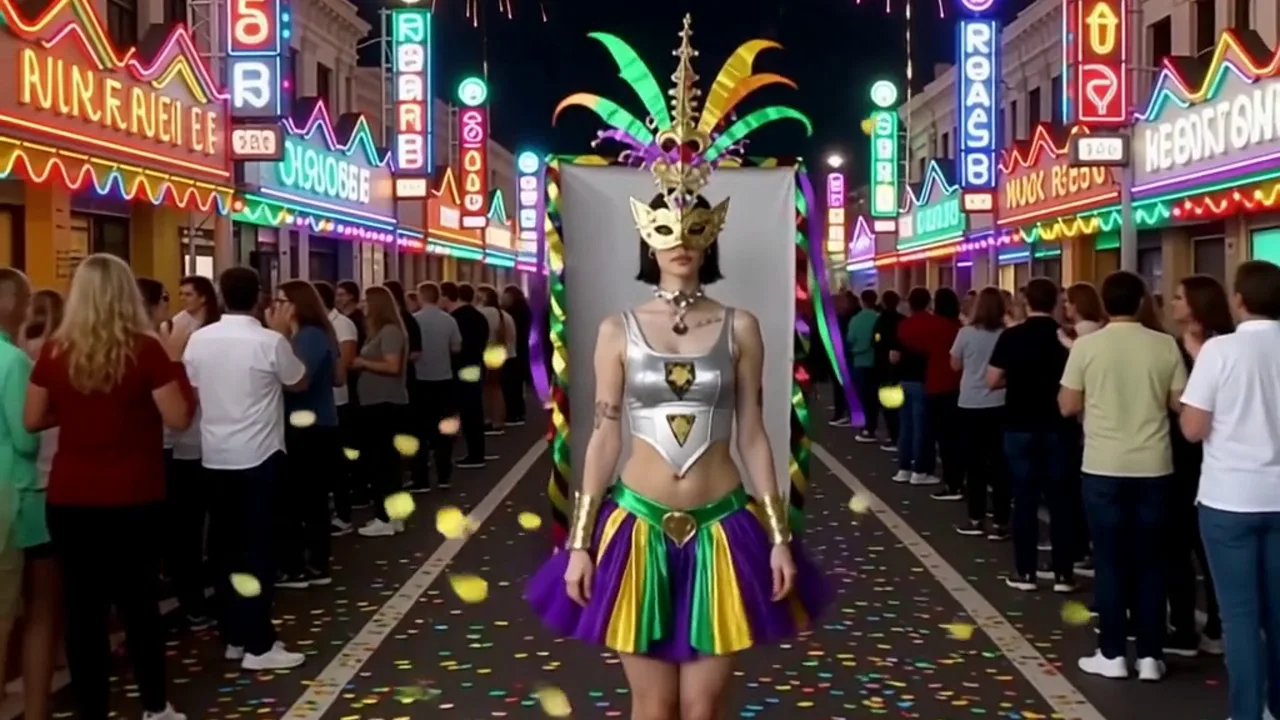
Upload your photo and try Mardi Gras Festival on PixVerse. The official prompt is: Step into the vibrant energy of Mardi Gras using this template. This one-photo template uses PixVerse V5 to create a 5-second video with audio.
See It In Action
What Is the Mardi Gras Festival Template?
Mardi Gras Festival is an official PixVerse image-to-video template. You upload one photo; PixVerse V5 generates a 5-second video. Custom prompts are off, so the locked official prompt keeps the effect consistent.
Template details
| Field | Value |
|---|---|
| Template name | Mardi Gras Festival |
| Template ID | 386036501334081 |
| Output | Video |
| Model | PixVerse V5 |
| Input | one photo |
| Duration | 5 seconds |
| Quality | 360p / 540p / 720p / 1080p |
| Audio | Included |
| Custom prompt | Off |
| Launched | Feb 11 2026 |
How it works
- Upload one photo — choose a clear image with the main subject visible.
- Select Mardi Gras Festival — search in PixVerse templates or use Template ID
386036501334081. - Generate — PixVerse V5 applies the locked official prompt automatically.
- Download and share — export the 5-second clip for social platforms.
What’s in the Official Preview
The official preview demonstrates the stated effect: Step into the vibrant energy of Mardi Gras using this template. Your uploaded photo supplies the subject while PixVerse applies the template’s locked transformation.
How to Create Your Mardi Gras Festival Video
Step 1: Choose a photo
Upload one photo — choose a clear image with the main subject visible.
Step 2: Open PixVerse
Visit PixVerse on web or in the app, then open the template library.
Step 3: Find the template
Search Mardi Gras Festival or confirm Template ID 386036501334081.
Step 4: Generate
Upload your photo and generate. Custom prompts are off for this template.
Tips
- Use a clear, well-lit photo with one main subject.
- Keep the face or subject visible for best results.
- Review the preview before downloading and sharing.
Frequently Asked Questions (FAQ)
Q: Do I need to write a prompt? A: No. Custom prompts are off. The template uses: Step into the vibrant energy of Mardi Gras using this template.
Q: How many photos do I upload? A: one photo.
Q: How long is the video? A: 5 seconds.
Q: Is audio included? A: Included.
Ready to try it? Open PixVerse, search Mardi Gras Festival, and generate from one photo.
Related templates: