Luggage Portal: Jump into a Suitcase and Teleport to Paradise with AI
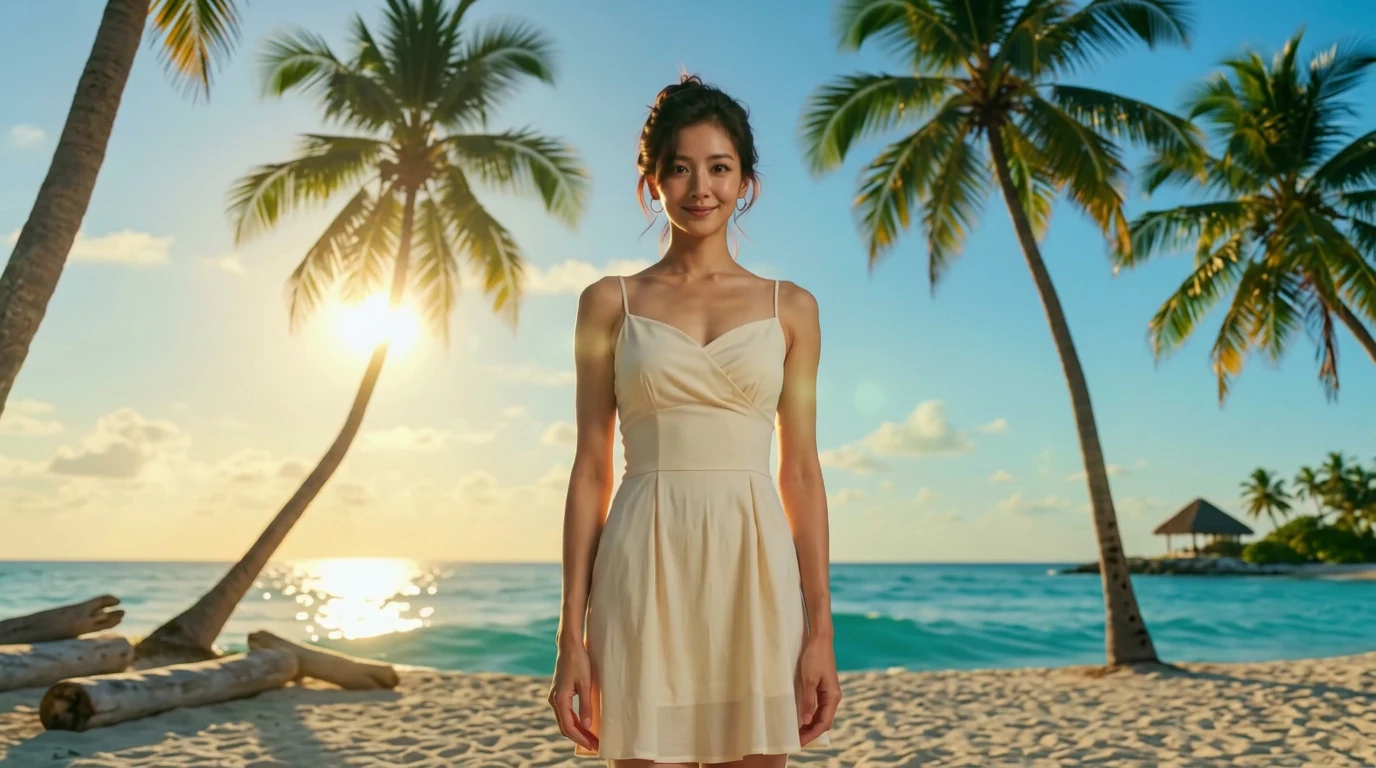
You jump into the suitcase, and you are already at your dream destination. That is the official prompt for PixVerse’s Luggage Portal template — an imaginative 15-second V6 video effect where jumping into an ordinary travel suitcase instantly teleports your subject to a breathtaking tropical paradise.
The official preview shows someone hopping straight into an open suitcase lying on a room floor, plunging through a vortex, and seamlessly emerging onto warm white sands beside sparkling turquoise ocean waters.
See It In Action
What Is the Luggage Portal Template?
Template details
| Field | Value |
|---|---|
| Template name | Luggage Portal |
| Template ID | 414387751608448 |
| Output | Video |
| Model | PixVerse V6 |
| Input | 1 photo |
| Duration | 15 seconds |
| Quality | 360p, 540p, 720p, 1080p |
| Audio | Included |
| Custom prompt | Off |
| Launched | Jul 29 2026 |
How it works
- Upload one photo — a clear portrait or full-body shot works best
- Select Luggage Portal — search the name in PixVerse templates, or use Template ID
414387751608448 - Generate — PixVerse V6 applies the effect automatically
- Download and share — export the clip for TikTok, Reels, or Shorts
What’s in the Official Preview
- A fun and inventive leap into an open floor suitcase
- A seamless magical vortex portal transition sequence
- Instant arrival at a sunlit tropical beach paradise with swaying palms
- 15 seconds of story-driven travel magic matched with upbeat vacation music
How to Create Your Luggage Portal Video
Step 1: Choose a photo
Use a well-lit shot where the face is clear. Front-facing portraits match the official style best.
Step 2: Open PixVerse
Visit PixVerse on web or in the app, then open the template library.
Step 3: Find Luggage Portal
Search Luggage Portal or look under newly launched templates. Confirm Template ID 414387751608448.
Step 4: Generate
Upload the photo and generate. The template does not accept a custom prompt, so you do not need to describe the scene.
Tips
- A full-body or dynamic portrait works best for the suitcase jump and landing
- Casual or travel outfits look particularly natural in this narrative transition
- Perfect for summer holiday announcements, travel vlogs, and dream trip reels
- Export in 1080p for crisp contrast between the indoor room and sunny beach
Frequently Asked Questions (FAQ)
Q: Do I need to write a prompt? A: No. Luggage Portal has custom prompts turned off. Upload one photo and generate.
Q: How long is the video? A: 15 seconds, generated with PixVerse V6.
Q: What quality is available? A: 360p, 540p, 720p, and 1080p.
Q: How many photos do I upload? A: One. This is a single-image template.
Q: Can I customize the arrival destination? A: No. The tropical beach paradise destination is pre-set to deliver a flawless teleportation illusion.
Ready to try Luggage Portal? Open PixVerse, search Luggage Portal, and generate from one photo.
Related templates: