Let's Say Hello to the Audience: Photo to On-Stage Greeting Video
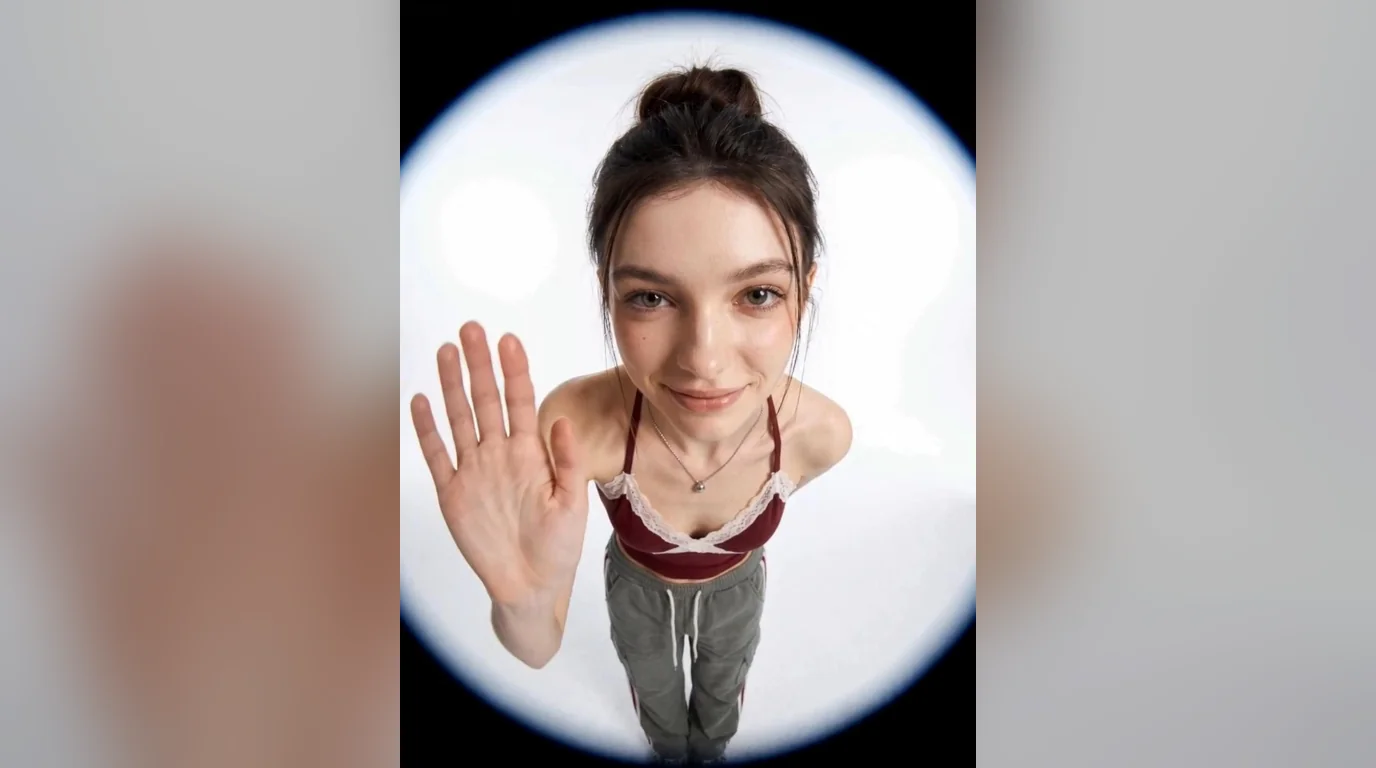
Upload a full body photo to get the same special effects. That is the official prompt for PixVerse’s newly launched Let’s Say Hello to the Audience template — a one-photo V6 effect that puts you on stage, greeting the crowd with sparkling special effects.
The official preview shows a full-body subject stepping into the spotlight and waving to the audience as stage effects flare around them. The same one-click flow works with a full-body photo of you, a friend, or a performer.
See It In Action
What Is the Let’s Say Hello to the Audience Template?
Let’s Say Hello to the Audience is a new PixVerse image-to-video template. You upload one photo; PixVerse V6 generates an 8-second vertical video. You do not write a prompt — the template prompt is locked, so the effect stays consistent.
Template details
| Field | Value |
|---|---|
| Template name | Let’s Say Hello to the Audience |
| Template ID | 421092680479232 |
| Output | Video |
| Model | PixVerse V6 |
| Input | 1 photo |
| Duration | 8 seconds |
| Quality | 720p |
| Audio | Yes (background music) |
| Custom prompt | Off |
| Launched | Aug 26 2026 |
How it works
- Upload one photo — a clear full-body shot works best
- Select Let’s Say Hello to the Audience — search the name in PixVerse templates, or use Template ID
421092680479232 - Generate — PixVerse V6 applies the effect automatically
- Download and share — export the 8-second clip for TikTok, Reels, or Shorts
What’s in the Official Preview
The template preview is a full on-stage entrance, not a simple spotlight overlay:
- A full-body subject stepping into the spotlight
- A warm wave and greeting aimed at the audience
- Sparkling stage special effects flaring around the entrance
- A concert-like atmosphere made for performer moments
The effect is built for the stage-entrance trend: your uploaded photo takes the spotlight while effects do the rest.
How to Create Your Let’s Say Hello to the Audience Video
Step 1: Choose a photo
Use a well-lit full-body shot where your whole figure is visible. Standing poses match the stage-entrance style best.
Step 2: Open PixVerse
Visit PixVerse on web or in the app, then open the template library.
Step 3: Find Let’s Say Hello to the Audience
Search Let’s Say Hello to the Audience or look under newly launched templates. Confirm Template ID 421092680479232.
Step 4: Generate
Upload the photo and generate. The template does not accept a custom prompt, so you do not need to describe the scene.
Tips
- A full-body photo is required — the effect needs your whole figure
- Plain backgrounds give the stage effects more room to shine
- Performance outfits match the concert atmosphere
- The output is vertical 720p, ready for short-form platforms
Frequently Asked Questions (FAQ)
Q: Do I need to write a prompt? A: No. Let’s Say Hello to the Audience has custom prompts turned off. Upload one photo and generate.
Q: How long is the video? A: 8 seconds, generated with PixVerse V6.
Q: What quality is available? A: 720p.
Q: How many photos do I upload? A: One. This is a single-image template.
Q: Do I need a full-body photo? A: Yes. The stage entrance effect works best when your whole figure is visible in the uploaded photo.
Ready to say hello to the audience? Open PixVerse, search Let’s Say Hello to the Audience, and generate from one photo.
Related templates:
- Gun Dance — fast-paced finger-gun dance
- Angel Lemon Fork Dance — viral fork dance
- Revisiting Classic Songs and Dances — retro song-and-dance number
- Little Gymnast — tiny gymnast counterpart