Let Me Love You: Create an Energetic Dance Clip with PixVerse AI
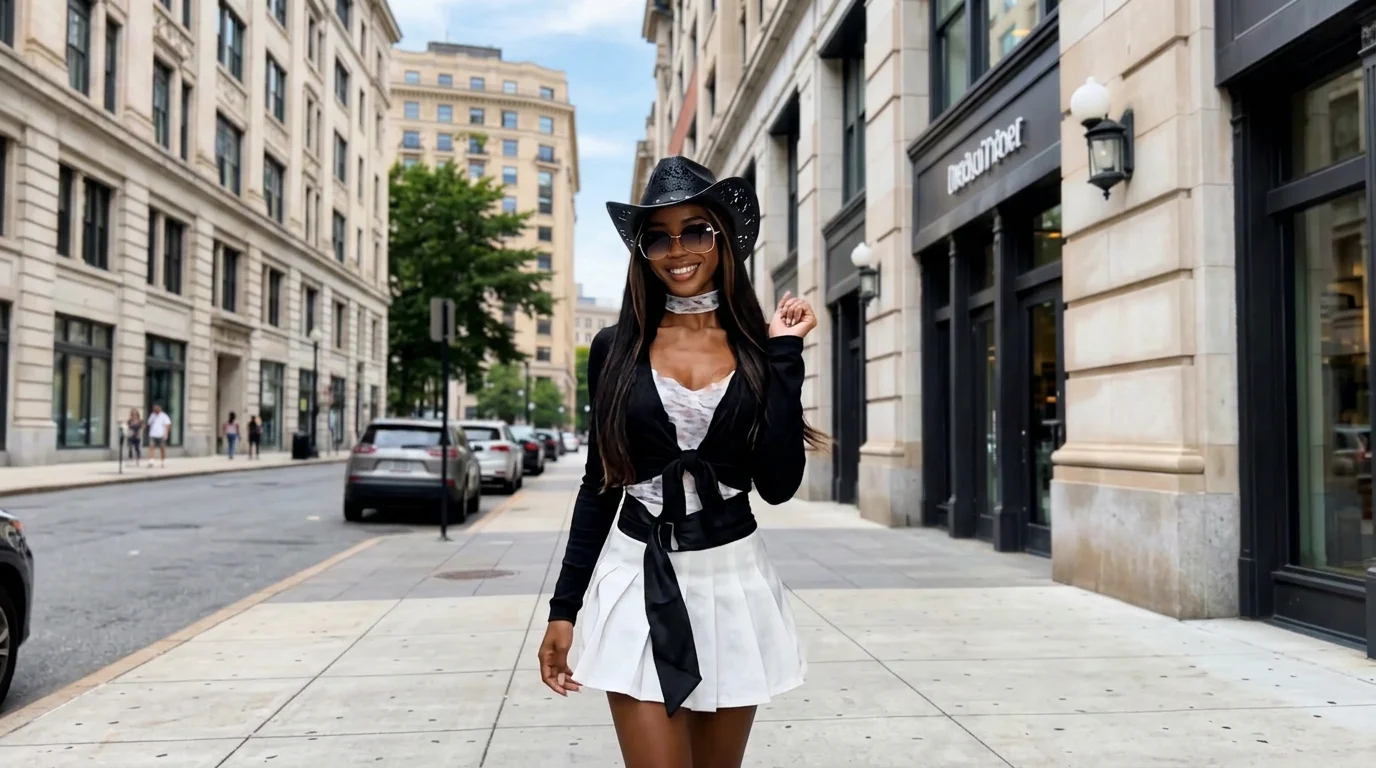
One-click upload to get the same style of energetic video. That is the official prompt for PixVerse’s Let Me Love You template — a high-energy V6 dance effect that turns any photo into a 15-second music video.
See It In Action
What Is the Let Me Love You Template?
Let Me Love You is an energetic AI dance template. You upload a single image, and PixVerse V6 animates the subject into a 15-second choreographed performance complete with an upbeat audio track.
Template details
| Field | Value |
|---|---|
| Template name | Let Me Love You |
| Template ID | 420010652476736 |
| Output | Video |
| Model | PixVerse V6 |
| Input | 1 photo |
| Duration | 15 seconds |
| Quality | 360p / 540p / 720p / 1080p |
| Audio | Included |
| Custom prompt | Off |
| Launched | Aug 20 2026 |
How it works
- Upload one photo — a clear photo works best
- Select Let Me Love You — search the name in PixVerse templates, or use Template ID
420010652476736 - Generate — PixVerse V6 applies the effect automatically
- Download and share — export your video for TikTok, Reels, or Shorts
What’s in the Official Preview
- High-tempo, upbeat dance moves synchronized with a driving pop beat
- Dynamic camera pacing, transitions, and lively stage lighting
- Accurate subject fidelity with smooth limb movements and posture
- Full 15-second duration perfect for TikTok, Instagram Reels, and YouTube Shorts
How to Create Your Let Me Love You Video
Step 1: Choose a photo
A standing portrait with clearly defined limbs and a clutter-free background delivers the cleanest motion tracking and most natural dance movements.
Step 2: Open PixVerse
Visit PixVerse on web or in the app, then open the template library.
Step 3: Find Let Me Love You
Search Let Me Love You or look under newly launched templates. Confirm Template ID 420010652476736.
Step 4: Generate
Upload the photo and generate. The template does not accept a custom prompt, so you do not need to describe the scene.
Tips
- Use a full-body standing photo for full visibility during energetic steps
- Trendy casual fashion or performance wear adds extra pop star energy
- Clear front lighting keeps facial details sharp as the camera moves
- Export at 1080p to maximize sharpness on mobile video feeds
Frequently Asked Questions (FAQ)
Q: Do I need to write a prompt? A: No. Let Me Love You has custom prompts turned off. Upload one photo and generate.
Q: How long is the video? A: 15 seconds, generated with PixVerse V6.
Q: What quality is available? A: 360p / 540p / 720p / 1080p.
Q: How many photos do I upload? A: One. This is a single-image template.
Q: Can I change the dance track? A: The template includes a synchronized soundtrack, but you can also add your own audio in your favorite video editor.
Ready to light up the stage? Open PixVerse, search Let Me Love You, and create your energetic dance clip.
Related templates:
- Jazz Dance: Positions — smooth jazz dance choreography
- Hot Dance in Dance Studio — high-energy studio pet dance
- Rose Gunslinger — cowboy action and rose storm
- Little Gymnast — miniature gymnast sports template