Hot Templates
Lake Jump: Create a Shareable Lake Jump Result
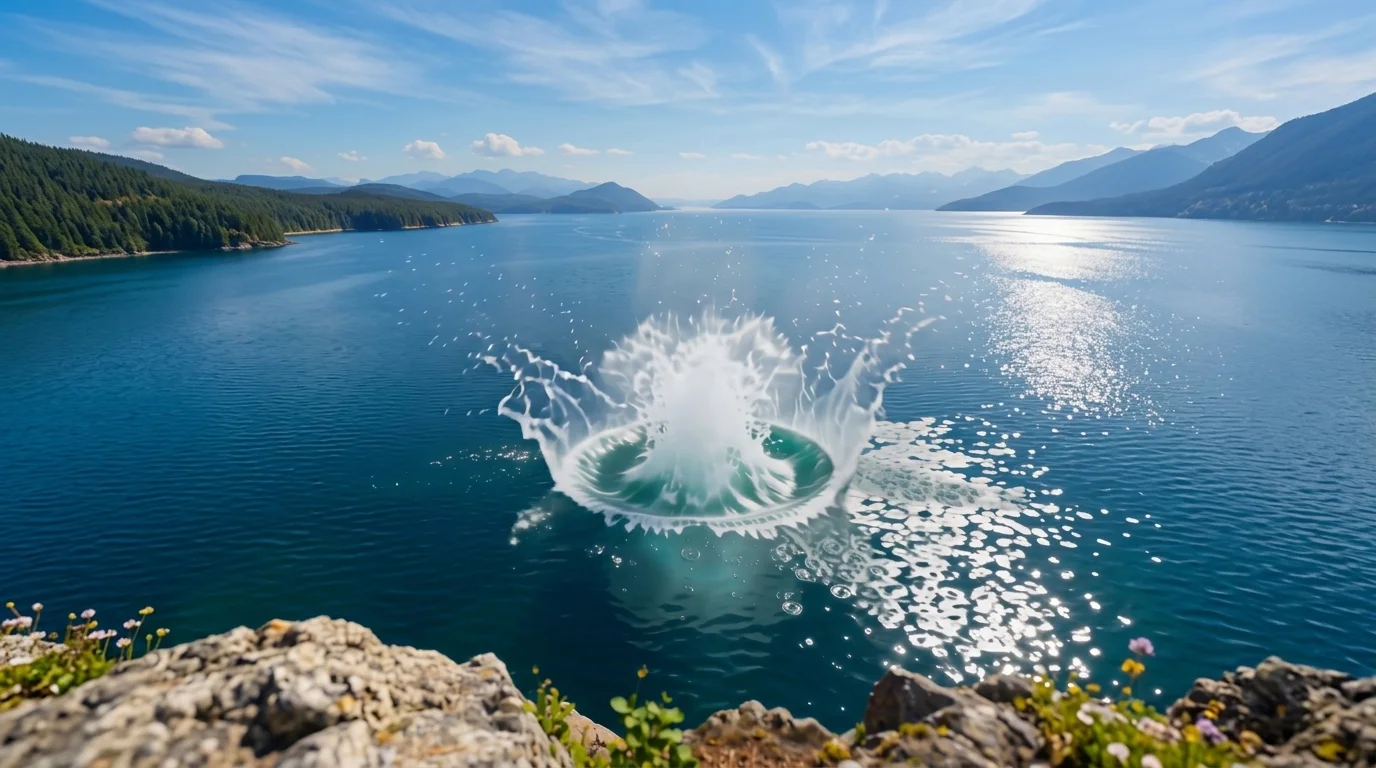
The perfect summertime break! The official preview shows The perfect summertime break! The one-click flow uses one photo and keeps the effect focused on the template’s published idea.
See It In Action
What Is the Lake Jump Template?
Upload one photo; PixVerse V6 applies the locked template prompt and generates the result.
Template details
| Template name | Value |
|---|---|
| Template name | Lake Jump |
| Template ID | 414007747039686 |
| Output | Video |
| Model | PixVerse V6 |
| Input | 1 photo |
| Duration | 7 seconds |
| Quality | 360p / 540p / 720p / 1080p |
| Audio | Yes |
| Custom prompt | Off |
| Launched | Jul 27 2026 |
How It Works
- Choose a clear photo with the main subject easy to see.
- Open PixVerse and search for Lake Jump.
- Upload one photo and start generation.
- Generate the template. Custom prompts are off, so no extra scene description is needed.
What’s in the Official Preview
- The perfect summertime break!
- Lake Jump
- Lake Jump
- Lake Jump
How to Create Your Lake Jump
Choose a clear photo with the main subject easy to see.
Open PixVerse and search for Lake Jump.
Generate the template. Custom prompts are off, so no extra scene description is needed.
Tips
- Choose a clear photo with the main subject easy to see.
- Upload one photo and start generation.
- Generate the template. Custom prompts are off, so no extra scene description is needed.
Frequently Asked Questions (FAQ)
Do I need to write a prompt? A:Generate the template. Custom prompts are off, so no extra scene description is needed.
What does it create? A:Video, PixVerse V6.
Ready to try it? Open PixVerse, search Lake Jump, and create from one photo.
Related templates