Jazz Dance: Positions – Smooth Choreography with PixVerse V6
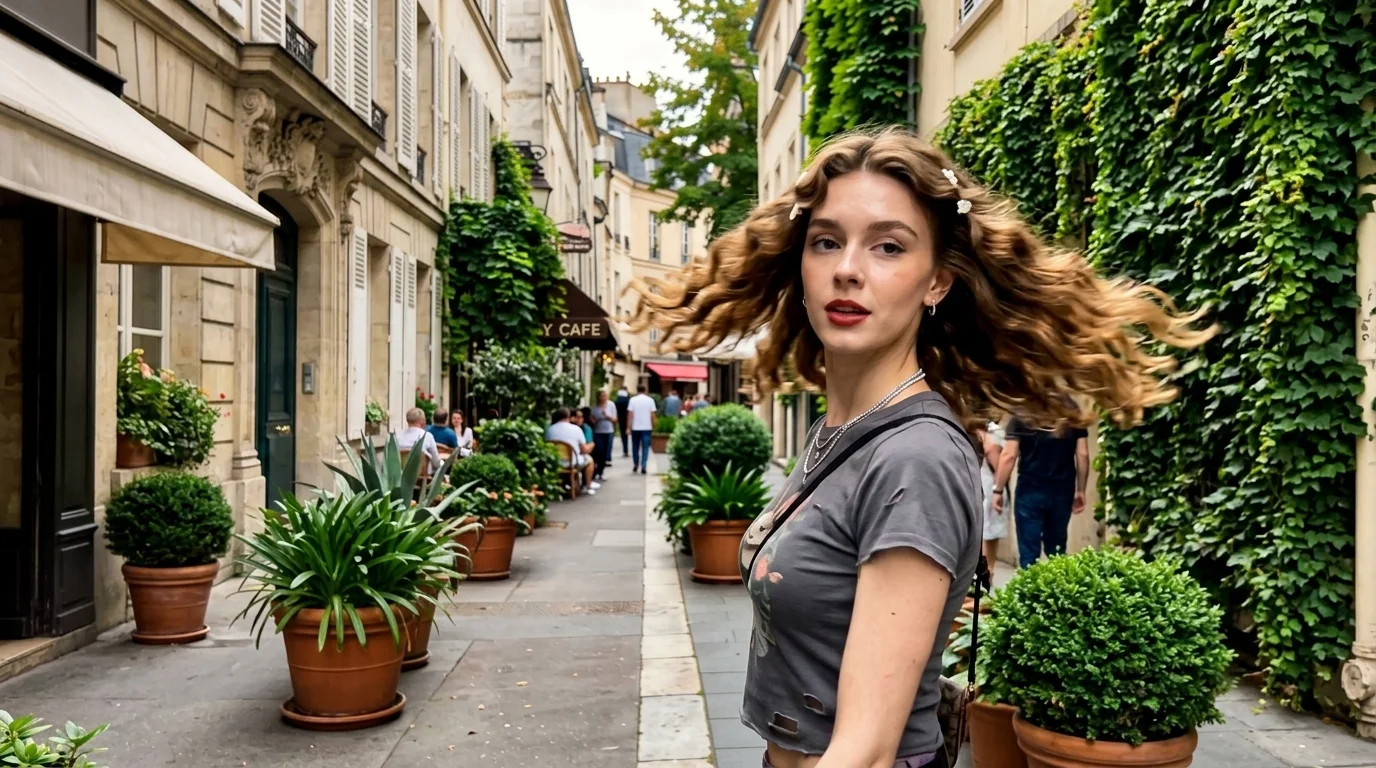
Come and dance thissweet and beautiful dance. That is the official prompt for PixVerse’s jazz dance:positions template — a single-photo V6 effect that animates your subject through smooth, stylish jazz dance choreography.
See It In Action
What Is the jazz dance:positions Template?
jazz dance:positions is an AI image-to-video dance template. You upload one photo; PixVerse V6 animates it into a 14-second vertical video with synchronized audio. You do not need to write a prompt — the dance moves and rhythm are locked for a seamless performance.
Template details
| Field | Value |
|---|---|
| Template name | jazz dance:positions |
| Template ID | 420011846827328 |
| Output | Video |
| Model | PixVerse V6 |
| Input | 1 photo |
| Duration | 14 seconds |
| Quality | 360p / 540p / 720p / 1080p |
| Audio | Included |
| Custom prompt | Off |
| Launched | Aug 20 2026 |
How it works
- Upload one photo — a clear photo works best
- Select jazz dance:positions — search the name in PixVerse templates, or use Template ID
420011846827328 - Generate — PixVerse V6 applies the effect automatically
- Download and share — export your video for TikTok, Reels, or Shorts
What’s in the Official Preview
- Fluid, expressive jazz dance motion synchronized to upbeat music
- Natural rhythm, sharp turns, and stylish body positions
- Realistic stage-style lighting and polished character movement
- Maintains distinct facial likeness and outfit details throughout
How to Create Your jazz dance:positions Video
Step 1: Choose a photo
Use a clear full-body or upper-body portrait with good lighting. Distinct posture and clean backgrounds produce the best dance animations.
Step 2: Open PixVerse
Visit PixVerse on web or in the app, then open the template library.
Step 3: Find jazz dance:positions
Search jazz dance:positions or look under newly launched templates. Confirm Template ID 420011846827328.
Step 4: Generate
Upload the photo and generate. The template does not accept a custom prompt, so you do not need to describe the scene.
Tips
- Full-body portraits give the choreography maximum room to move
- Use high-resolution photos for sharp facial expressions during turns
- Both casual outfits and performance wear look fantastic in the dance studio setting
- Export in 1080p for crisp social sharing on TikTok and Instagram Reels
Frequently Asked Questions (FAQ)
Q: Do I need to write a prompt? A: No. jazz dance:positions has custom prompts turned off. Upload one photo and generate.
Q: How long is the video? A: 14 seconds, generated with PixVerse V6.
Q: What quality is available? A: 360p / 540p / 720p / 1080p.
Q: How many photos do I upload? A: One. This is a single-image template.
Q: Can I use any photo? A: Yes. Solo portraits of people, anime characters, or avatars work seamlessly.
Ready to dance? Open PixVerse, search jazz dance:positions, and generate your video from one photo.
Related templates:
- Let Me Love You — energetic pop dance template
- Hot Dance in Dance Studio — studio pet dance routine
- Romantic Sword — blade swings and blooming flowers
- Little Gymnast — tiny gymnast on the rings