Jaws Shock: Turn Your Sea Photo into a Shark Reveal Video
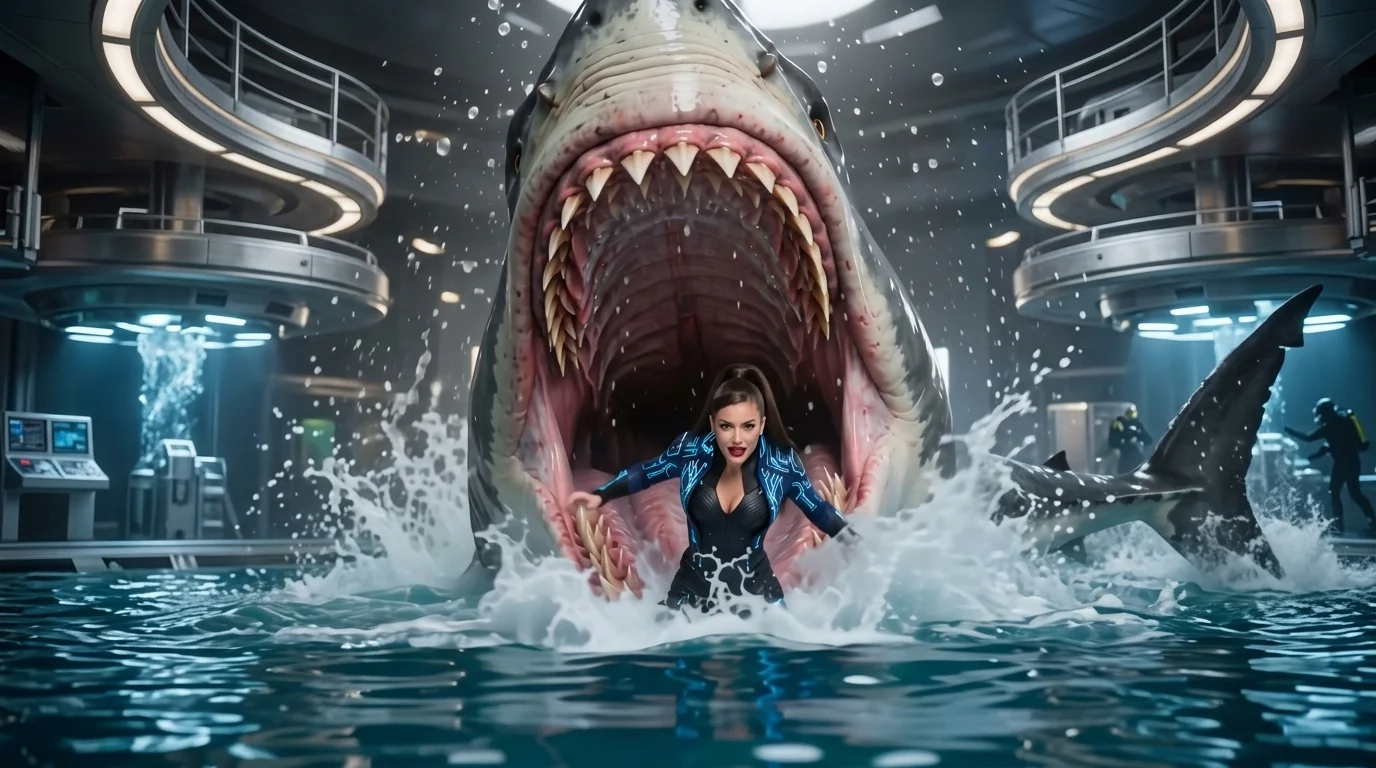
Upload a photo and turn a peaceful ocean swim into a dramatic shark encounter. That is the official prompt for PixVerse’s Jaws Shock template — a one-photo V6 effect that adds a sudden, thrilling great white shark reveal behind your subject in the open water.
The official preview shows a serene bather floating in sunlit coastal water when an imposing shark breaches right behind them, creating an instant suspense sequence. The same one-click flow works with your portrait, a friend’s shot, or a travel photo from the beach.
See It In Action
What Is the Jaws Shock Template?
Jaws Shock is a high-suspense image-to-video template powered by PixVerse V6. You upload one photo; PixVerse V6 generates a 6-second vertical thriller clip with synchronized sound effects. You do not need to write a prompt — the cinematic shark reveal and camera motion are locked for consistent tension and comedic shock value.
Template details
| Field | Value |
|---|---|
| Template name | Jaws Shock |
| Template ID | 414431780412397 |
| Output | Video |
| Model | PixVerse V6 |
| Input | 1 photo |
| Duration | 6 seconds |
| Quality | 360p / 540p / 720p / 1080p |
| Audio | Included |
| Custom prompt | Off |
| Launched | Jul 28 2026 |
How it works
- Upload one photo — a clear portrait or well-lit photo works best
- Select Jaws Shock — search the name in PixVerse templates, or use Template ID
414431780412397 - Generate — PixVerse V6 applies the effect automatically
- Download and share — export the 6-second clip for TikTok, Reels, or Shorts
What’s in the Official Preview
The template preview showcases a polished, cohesive scene built around the official prompt:
- Sunlit ocean water surface with gentle ripples and realistic lighting
- Sudden dramatic shark emergence directly behind the swimming subject
- Cinematic water displacement and splashing waves timed to the reveal
- Precise facial detail and hair preservation throughout the suspenseful encounter
The template brings classic summer movie suspense straight to your social feed: a normal holiday swim becomes an unforgettable jaw-dropping reveal.
How to Create Your Jaws Shock Video
Step 1: Choose a photo
Use a clear photo of someone swimming, floating, or posing near water. Front or side portraits with visible shoulders and head work best.
Step 2: Open PixVerse
Visit PixVerse on web or in the app, then open the template library.
Step 3: Find Jaws Shock
Search Jaws Shock or browse newly launched templates. Confirm Template ID 414431780412397.
Step 4: Generate
Upload the photo and generate. The template does not accept a custom prompt, so you do not need to describe the scene.
Tips
- Beach, pool, or swimming photos blend seamlessly into the open-water ocean setting
- A relaxed or smiling expression heightens the comedic surprise when the shark appears
- High-resolution photos keep facial contours clear amid the surrounding wave splash
- Download at 1080p to maximize visual clarity when sharing on TikTok, Reels, or Shorts
Frequently Asked Questions (FAQ)
Q: Do I need to write a prompt? A: No. Jaws Shock has custom prompts turned off. Upload one photo and generate.
Q: How long is the video? A: 6 seconds, generated with PixVerse V6.
Q: What quality is available? A: 360p / 540p / 720p / 1080p.
Q: How many photos do I upload? A: One. This is a single-image template.
Q: Does the video include sound or music? A: Yes. The template includes atmospheric ocean audio and dramatic suspense sound effects synchronized with the shark reveal.
Ready to create your shark reveal? Open PixVerse, search Jaws Shock, and generate from one photo.
Related templates:
- Duck Rider — ride a yellow rubber duck in the tub
- Superhero Sea Leap — bound from city heights into the ocean
- Paradise Jump — dive into sun-soaked summer waters
- Little Gymnast — tiny gymnast on the rings