Hug Togethere: Turn Two Photos into a Heartfelt Warm Hug Video
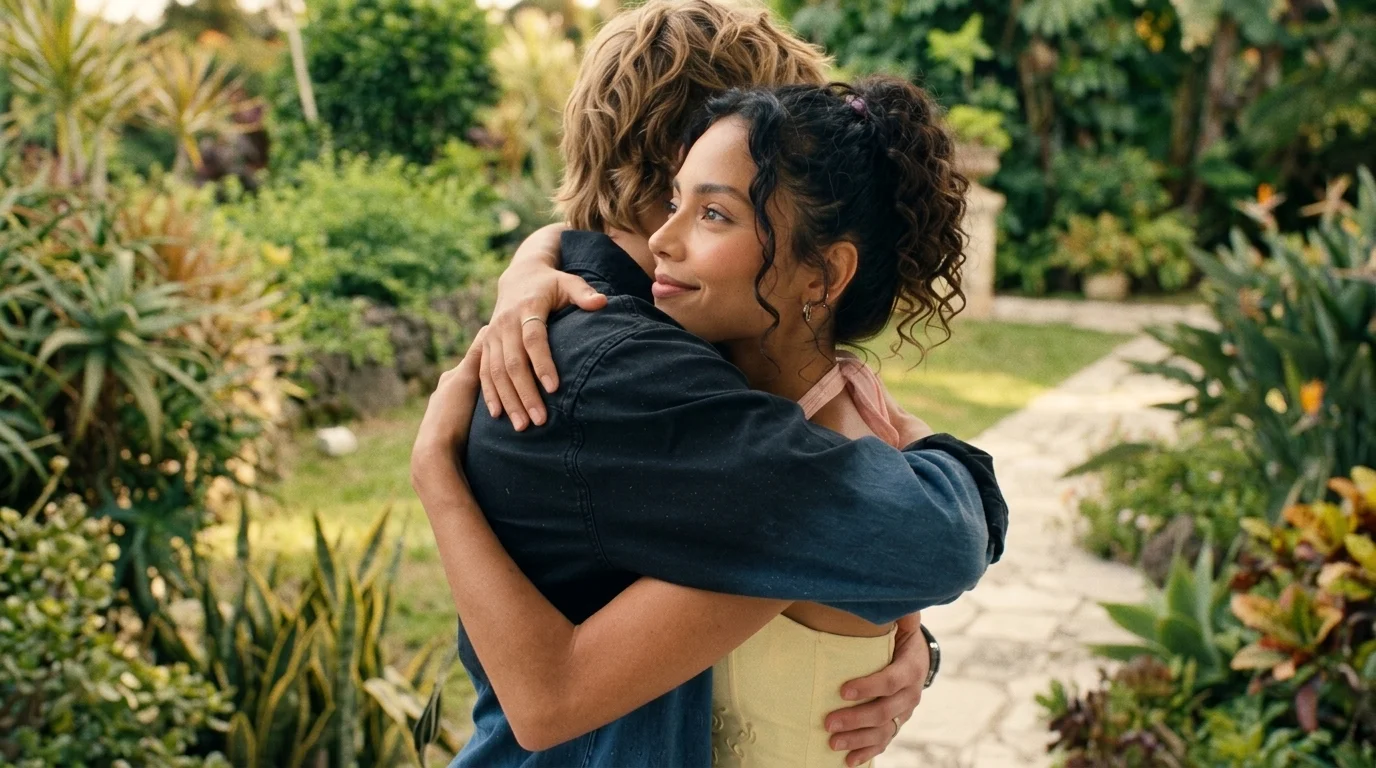
share love,hug That is the official prompt for PixVerse’s newly launched Hug Togethere template — an exciting V6 image-to-video effect that brings your imagination to life.
The official preview demonstrates the full power of PixVerse V6: sharp subject preservation, smooth camera motion, and vivid visual transformation in a single click.
See It In Action
What Is the Hug Togethere Template?
Hug Togethere is a powerful PixVerse image-to-video template powered by PixVerse V6. You upload two photos; PixVerse V6 automatically generates a 5 seconds vertical video. Custom prompts are locked so the effect remains consistently high quality.
Template details
| Field | Value |
|---|---|
| Template name | Hug Togethere |
| Template ID | 416329366212160 |
| Output | Video |
| Model | PixVerse V6 |
| Input | 2 photos |
| Duration | 5 seconds |
| Quality | 360p / 540p / 720p / 1080p |
| Audio | Included |
| Custom prompt | Off |
| Launched | Jul 30 2026 |
How it works
- Upload two photos — clear portraits of both subjects work best
- Select Hug Togethere — search the name in PixVerse templates, or use Template ID
416329366212160 - Generate — PixVerse V6 applies the effect automatically
- Download and share — export your 5-second clip for TikTok, Reels, or Shorts
What’s in the Official Preview
- Two individuals from separate photos seamlessly drawn into a warm, heartfelt embrace
- Natural arm wrapping, shoulder movement, and emotionally authentic facial expressions
- Soft ambient lighting creating an intimate, nostalgic, and loving atmosphere
- Gentle sentimental background music enhancing the heartwarming connection
How to Create Your Hug Togethere Video
Step 1: Choose two photos
Use a clear, well-lit photo with sharp details.
Step 2: Open PixVerse
Visit PixVerse on web or in the app, then open the template library.
Step 3: Find Hug Togethere
Search Hug Togethere or look under newly launched templates. Confirm Template ID 416329366212160.
Step 4: Generate
Upload the two photos and generate. The template does not accept a custom prompt, so you do not need to describe the scene.
Tips
- Use clear, well-lit photos for the cleanest video output
- High-resolution images preserve fine facial features and textures
- Output is vertical 1080p, ready for short-form video platforms
- Generate directly in PixVerse without typing a prompt
Frequently Asked Questions (FAQ)
Q: Do I need to write a prompt? A: No. Hug Togethere has custom prompts turned off. Upload two photos and generate.
Q: How long is the video? A: 5 seconds, generated with PixVerse V6.
Q: What quality is available? A: 360p / 540p / 720p / 1080p.
Q: How many photos do I upload? A: Two photos. Upload images for both subjects to create the duet scene.
Q: Can I use photos of people from different times? A: Yes. You can upload old family photos or photos taken years apart to bring loved ones together in a hug.
Ready to create your video? Open PixVerse, search Hug Togethere, and generate from two photos.
Related templates:
- ACAI Dance Duet — viral synchronized tractor dance duet
- Studio Vocal Challenge — cinematic vocal performance in recording studio
- Mini Me Makeover — tiny relaxing miniature spa experience
- Little Gymnast — tiny gymnast on gym rings