Four-panel Poster: Create a PixVerse V6 Template Video
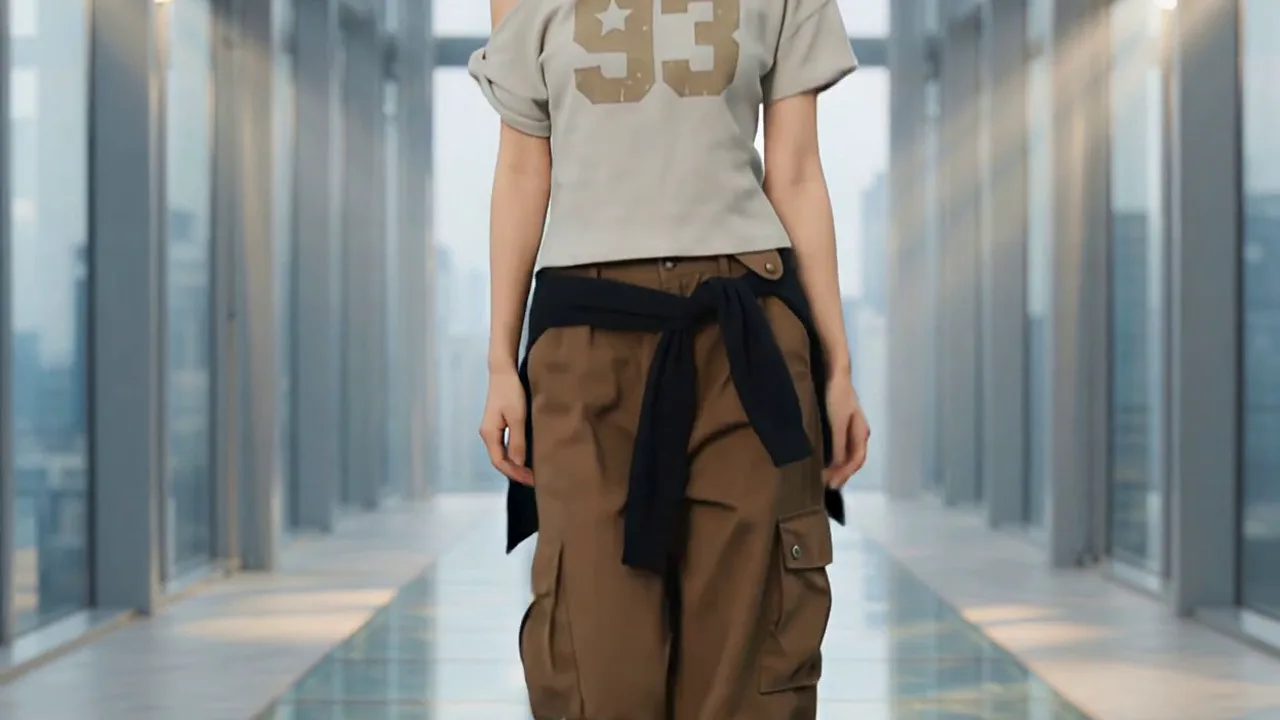
Upload a model and outfit photo to create a four-grid fashion editorial. Four-panel Poster — This is an official PixVerse template. Upload the required photo or photos to PixVerse, then let the official prompt shape the result. The template keeps the creative direction simple and repeatable.
See It In Action
What Is the Template?
Four-panel Poster — The template uses the official prompt: “Upload a model and outfit photo to create a four-grid fashion editorial.”。 Upload the required photo or photos to PixVerse, then let the official prompt shape the result. The template keeps the creative direction simple and repeatable.
| Field | Value |
|---|---|
| Template name | Four-panel Poster |
| Template ID | 402155189082944 |
| Output | Video |
| Model | PixVerse V6 |
| Input | 2 photos |
| Duration | 8 seconds |
| Quality | 360p / 540p / 720p / 1080p |
| Audio | Included |
| Custom prompt | Off |
| Launched | May 11 2026 |
Official preview
- Template name: Four-panel Poster
- The template uses the official prompt: Upload a model and outfit photo to create a four-grid fashion editorial.
- The official preview demonstrates the stated effect.
How to create
- Upload your input, select the template, and generate. PixVerse applies the locked effect automatically.
- Search for Four-panel Poster or use Template ID
402155189082944. - Use a clear image with the subject visible. Follow the required input count shown below.
- Open PixVerse, generate, and download the result.
Frequently Asked Questions (FAQ)
Q: What prompt does this template use? A: Upload a model and outfit photo to create a four-grid fashion editorial.
Q: How many inputs are required? A: 2 photos.
Q: Which model powers it? A: PixVerse V6.
Try on Four-panel Poster PixVerse.
Related templates: