Fire or Ice Soul: Test Your Soul with PixVerse AI
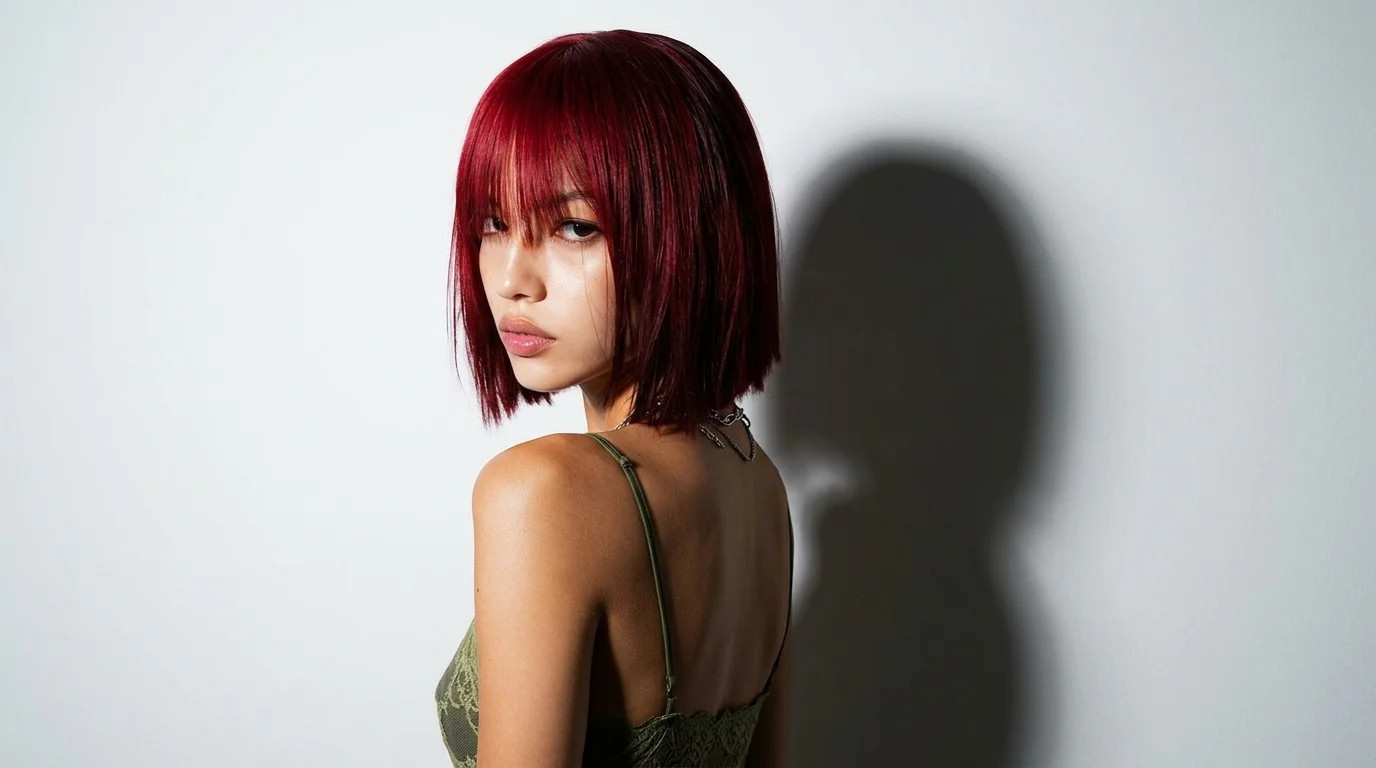
Fire or Ice Soul is a newly launched PixVerse image-to-video template. The official prompt says “Test your soul—are you fire or ice?” — upload a photo to test your soul and reveal whether you are fire or ice.
Upload one photo and PixVerse V6 handles the rest. The template prompt is locked, so every render keeps the same official effect — a 5-second vertical video with background music you can export up to 1080p.
See It In Action
What Is the Fire or Ice Soul Template?
Fire or Ice Soul is a new PixVerse image-to-video template powered by PixVerse V6. You upload one photo; PixVerse generates a 5-second vertical video. You do not write a prompt — custom prompts are off, so the effect stays consistent.
Template details
| Field | Value |
|---|---|
| Template name | Fire or Ice Soul |
| Template ID | 422114352961536 |
| Output | Video |
| Model | PixVerse V6 |
| Input | 1 photo |
| Duration | 5 seconds |
| Quality | 360p / 540p / 720p / 1080p |
| Audio | Included |
| Custom prompt | Off |
| Launched | Sep 01 2026 |
How it works
- Upload one photo — a clear, well-lit shot works best
- Select Fire or Ice Soul — search the name in PixVerse templates, or use Template ID
422114352961536 - Generate — PixVerse V6 applies the effect automatically
- Download and share — export the 5-second clip for TikTok, Reels, or Shorts
What’s in the Official Preview
Everything in the official preview comes straight from the locked template prompt — no custom staging, just the effect itself:
- Upload a photo to test your soul and reveal whether you are fire or ice
- Vertical 5-second clip generated with PixVerse V6
- Background music included
- Exports in 360p / 540p / 720p / 1080p
How to Create Your Fire or Ice Soul Video
Step 1: Choose a photo
Use a well-lit shot where the main subject is clear. Front-facing portraits match the official preview style best.
Step 2: Open PixVerse
Visit PixVerse on web or in the app, then open the template library.
Step 3: Find Fire or Ice Soul
Search Fire or Ice Soul or look under newly launched templates. Confirm Template ID 422114352961536.
Step 4: Generate
Upload your photo and generate. The template does not accept a custom prompt, so you do not need to describe the scene.
Tips
- One subject per photo keeps the result cleaner
- High-resolution images keep faces sharper in the final clip
- Match the official preview framing when you can — front-facing and well-lit
- The output is vertical, ready for TikTok, Reels, and Shorts
Frequently Asked Questions (FAQ)
Q: Do I need to write a prompt? A: No. Fire or Ice Soul has custom prompts turned off. Upload one photo and generate.
Q: How long is the video? A: 5 seconds, generated with PixVerse V6.
Q: What quality is available? A: 360p / 540p / 720p / 1080p.
Q: How many photos do I upload? A: One. This is a single-image template.
Q: Is there background music? A: Yes. This template includes audio.
Ready to try Fire or Ice Soul? Open PixVerse, search Fire or Ice Soul, and generate from your photo.
Related templates:
- Eternal Wedding Vow! — romantic vow exchange
- Bullfighting Dance — mini bullfight dance
- 3D Figurine Factory! — 3D figurine collectible set
- Little Gymnast — tiny gymnast miniature