Farming Summer Aura: Transform Photos into Summer Fashion Glow
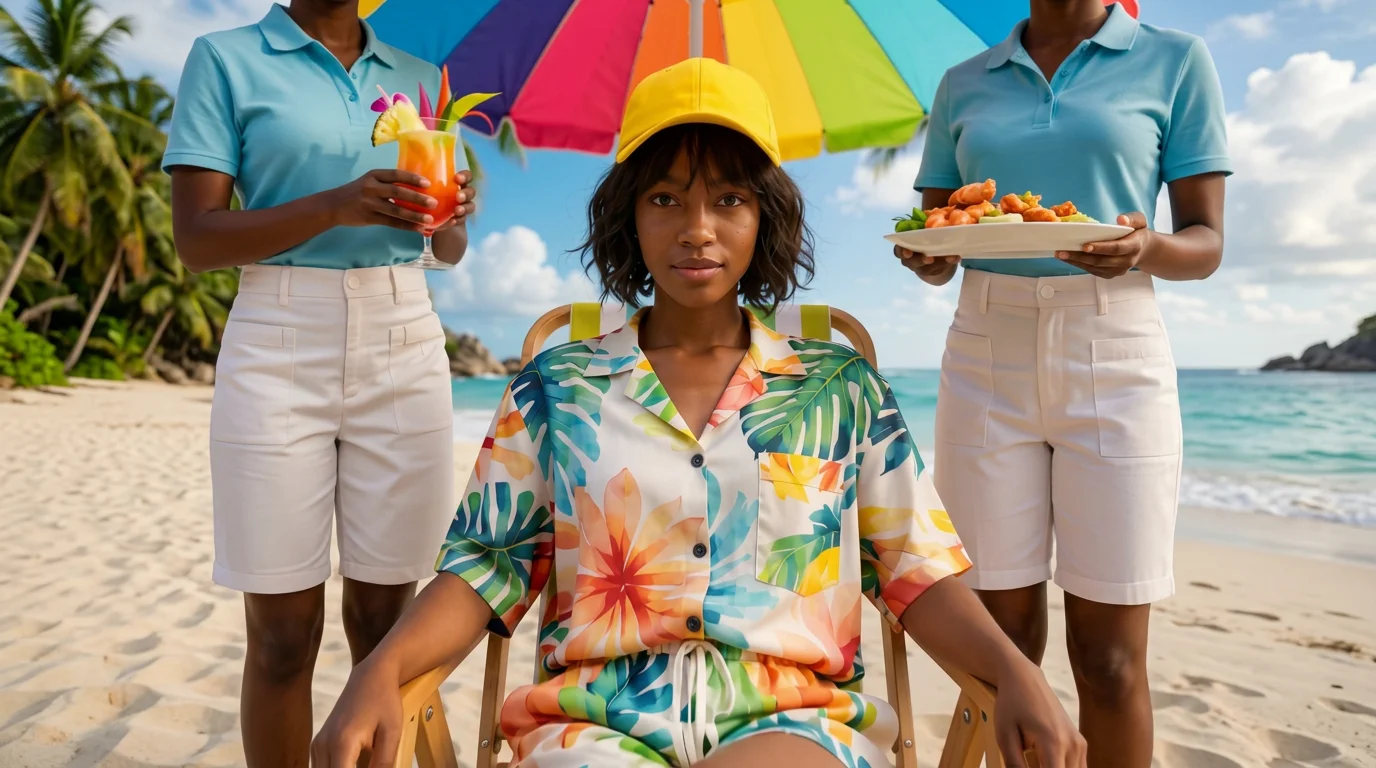
From ordinary to iconic — the transformation begins. That is the official prompt for PixVerse’s newly launched Farming Summer Aura template — a stunning V6 image-to-video effect that turns rural harvest moments into radiant, high-fashion summer statements.
The official preview captures a dramatic glow-up in a rustic field, where sunbeams, glowing golden light, and confident fashion styling turn an everyday farm scene into pure visual gold. The same one-click flow works with casual selfies or outdoor portraits.
See It In Action
What Is the Farming Summer Aura Template?
Farming Summer Aura is a high-energy PixVerse image-to-video template powered by PixVerse V6. You upload one photo; PixVerse V6 generates a 7-second vertical video. You do not write a prompt — the template prompt is locked, so the effect stays consistent.
Template details
| Field | Value |
|---|---|
| Template name | Farming Summer Aura |
| Template ID | 414491764322454 |
| Output | Video |
| Model | PixVerse V6 |
| Input | 1 photo |
| Duration | 7 seconds |
| Quality | 360p, 540p, 720p, 1080p |
| Audio | Included |
| Custom prompt | Off |
| Launched | Jul 28 2026 |
How it works
- Upload one photo — a clear portrait or well-lit photo works best
- Select Farming Summer Aura — search the name in PixVerse templates, or use Template ID
414491764322454 - Generate — PixVerse V6 applies the effect automatically
- Download and share — export your clip for TikTok, Reels, or Shorts
What’s in the Official Preview
- A rural agricultural landscape illuminated by warm golden sun rays
- A radiant, stylish transformation adding model flair to farm aesthetics
- Dynamic cinematic camera movement capturing the glowing golden aura
- An upbeat, vibrant summer soundtrack timed to the transformation peak
How to Create Your Farming Summer Aura Video
Step 1: Choose a photo
Use an outdoor photo or portrait with natural lighting for the best visual transformation.
Step 2: Open PixVerse
Visit PixVerse on web or in the app, then open the template library.
Step 3: Find Farming Summer Aura
Search Farming Summer Aura or look under newly launched templates. Confirm Template ID 414491764322454.
Step 4: Generate
Upload the photo and generate. The template does not accept a custom prompt, so you do not need to describe the scene.
Tips
- Outdoor shots and casual portraits create the most striking transformation
- Sunlit backgrounds enhance the golden halo lighting effect
- Straw hats, denim, and rural accessories blend seamlessly into the style
- Output is vertical up to 1080p, ready for Instagram Reels, TikTok, and Shorts
Frequently Asked Questions (FAQ)
Q: Do I need to write a prompt? A: No. Farming Summer Aura has custom prompts turned off. Upload one photo and generate.
Q: How long is the video? A: 7 seconds, generated with PixVerse V6.
Q: What quality is available? A: 360p, 540p, 720p, and 1080p.
Q: How many photos do I upload? A: One. This is a single-image template.
Q: Is music included? A: Yes. An energetic summer pop soundtrack is included automatically.
Ready to unlock your summer aura? Open PixVerse, search Farming Summer Aura, and generate from one photo.
Related templates:
- Party Takeover — energetic festival dance transformation
- Summer Cover — step out of a magazine cover into the summer sun
- Paragliding — high-flying summer coastal paragliding
- Little Gymnast — tiny gymnast on gym rings