Escape Work: Turn One Photo into an Instant Vacation Video
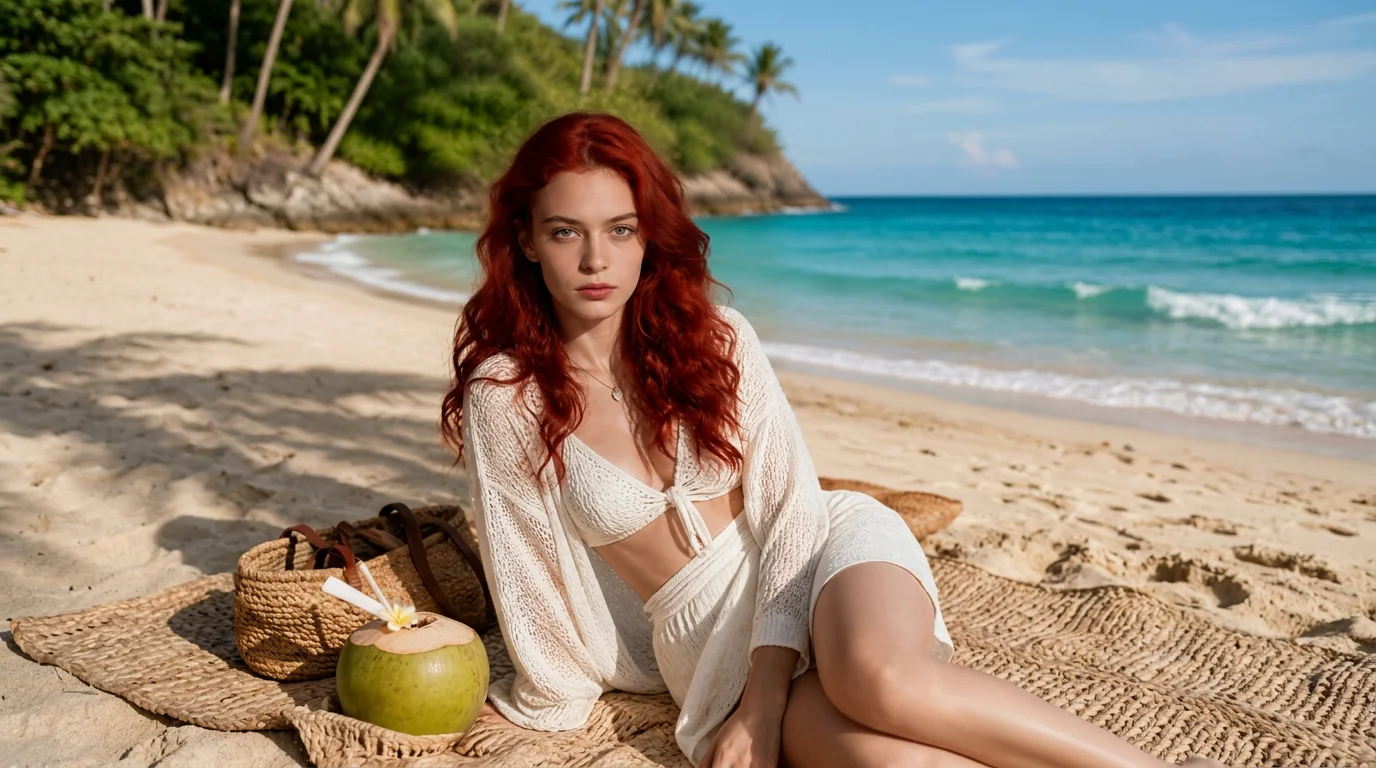
One photo and escape work to holiday. That is the official prompt for PixVerse’s newly launched Escape Work template — a one-photo V6 effect that delivers a smooth transition from a tiring office desk straight into a relaxing tropical vacation paradise.
The official preview depicts someone sitting tired at an office desk surrounded by work clutter, before a fluid visual morph wipes away the workplace and places them on a sunny beach in vacation attire and sunglasses. The same one-click flow works with any portrait.
See It In Action
What Is the Escape Work Template?
Escape Work is a new PixVerse image-to-video template. You upload one photo; PixVerse V6 generates a 8-second vertical video. You do not write a prompt — the template prompt is locked, so the effect stays consistent.
Template details
| Field | Value |
|---|---|
| Template name | Escape Work |
| Template ID | 416101082038464 |
| Output | Video |
| Model | PixVerse V6 |
| Input | 1 photo |
| Duration | 8 seconds |
| Quality | 360p / 540p / 720p / 1080p |
| Audio | Off |
| Custom prompt | Off |
| Launched | Jul 29 2026 |
How it works
- Upload one photo — a clear portrait or photo works best
- Select Escape Work — search the name in PixVerse templates, or use Template ID
416101082038464 - Generate — PixVerse V6 applies the effect automatically
- Download and share — export the 8-second clip for TikTok, Reels, or Shorts
What’s in the Official Preview
The template preview showcases a unique scene:
- Subject seated at a typical office desk with computer and papers
- Smooth morph transition sweeping away the work environment
- Instant shift to tropical beach relaxation in resort wear and sunglasses
- Retains facial likeness and expression across the entire transition
The effect is ideal for relatable workplace humor: upload a professional or casual headshot and watch yourself escape to the tropics.
How to Create Your Escape Work Video
Step 1: Choose a photo
Use a clear headshot or upper-body portrait. Everyday casual or office attire provides the sharpest contrast with the holiday scene.
Step 2: Open PixVerse
Visit PixVerse on web or in the app, then open the template library.
Step 3: Find Escape Work
Search Escape Work or look under newly launched templates. Confirm Template ID 416101082038464.
Step 4: Generate
Upload the photo and generate. The template does not accept a custom prompt, so you do not need to describe the scene.
Tips
- Use one main subject per photo for a cleaner result
- High-resolution images keep facial features and textures sharper
- Portraits with neutral or tired expressions make the vacation reveal even funnier
- The output is vertical, ready for short-form platforms
Frequently Asked Questions (FAQ)
Q: Do I need to write a prompt? A: No. Escape Work has custom prompts turned off. Upload one photo and generate.
Q: How long is the video? A: 8 seconds, generated with PixVerse V6.
Q: What quality is available? A: 360p, 540p, 720p, and 1080p.
Q: How many photos do I upload? A: One. This is a single-image template.
Q: Do I need to upload two photos for the before and after? A: No. You only need to upload one photo; PixVerse V6 generates both the office setup and the vacation transition.
Ready to escape work and start your holiday? Open PixVerse, search Escape Work, and generate from one photo.
Related templates:
- PUBG Winner Hit! — battle royale victory dance celebrate a chicken dinner
- Summer Festival Japan — eating ice cream transforms into a kimono summer matsuri
- Fever Dream Recap — high-speed party recap and wild summer moments
- Beach Toy — hilarious miniature scale twist on the beach lounger
- Little Gymnast — tiny gymnast athlete reaching for the rings