Bungee Jumping Above the Clouds: Turn Any Photo into a Sky-High Video
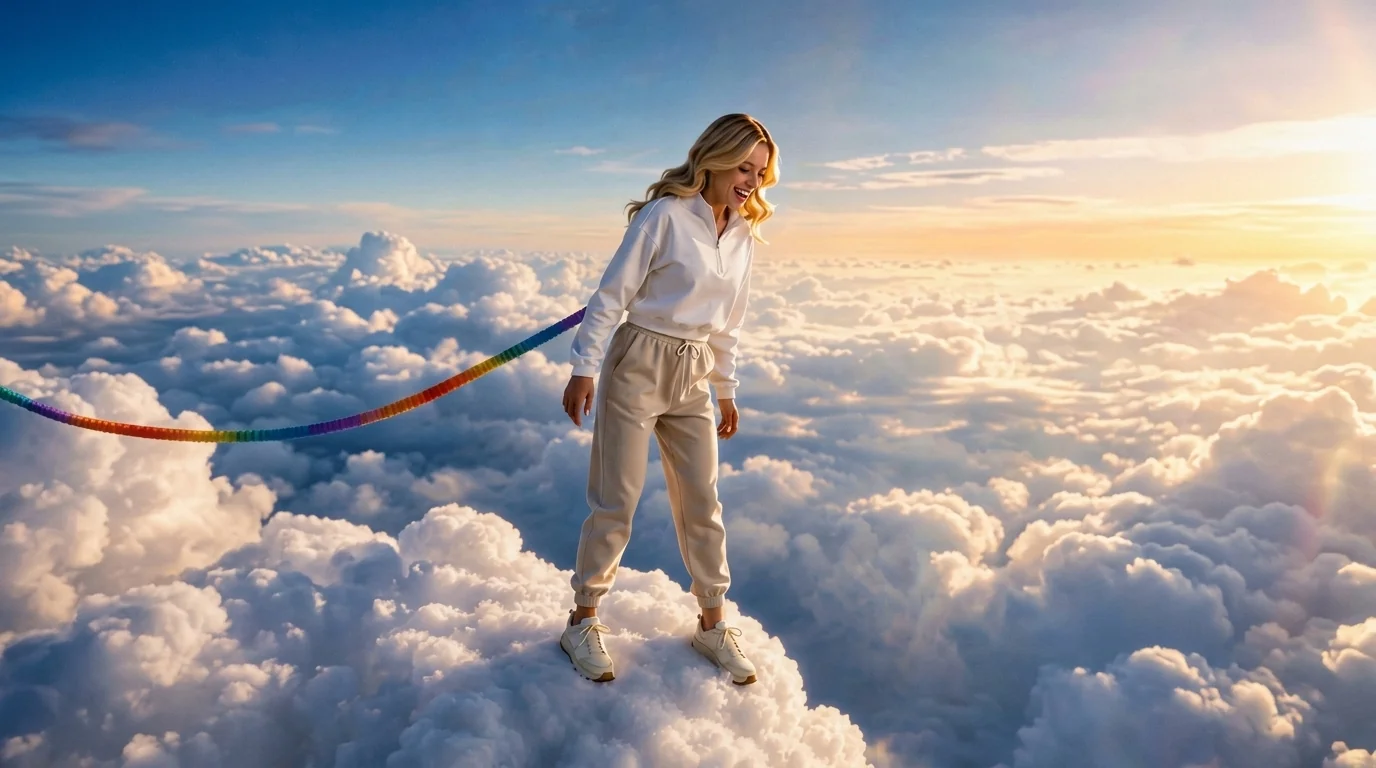
Upload your photo and go bungee jumping above the clouds. That is the official prompt for PixVerse’s newly launched Bungee Jumping Above the Clouds template — a one-photo V6 effect that turns your picture into a 10-second vertical video.
Upload a clear photo and generate. There is no prompt to write and no timeline to edit: pick the template, upload one image, and PixVerse V6 renders the bungee jump above the clouds scene for you.
See It In Action
What Is the Bungee Jumping Above the Clouds Template?
Bungee Jumping Above the Clouds is a new PixVerse image-to-video template. You upload one photo; PixVerse V6 generates a 10-second vertical video. You do not write a prompt — the template prompt is locked, so the effect stays consistent.
Template details
| Field | Value |
|---|---|
| Template name | Bungee Jumping Above the Clouds |
| Template ID | 422329741501696 |
| Output | Video |
| Model | PixVerse V6 |
| Input | 1 photo |
| Duration | 10 seconds |
| Quality | 360p, 540p, 720p, 1080p |
| Audio | Built-in |
| Custom prompt | Off |
| Launched | Sep 02 2026 |
How it works
- Upload one photo — a clear portrait or full-body shot works best
- Select Bungee Jumping Above the Clouds — search the name in PixVerse templates, or use Template ID
422329741501696 - Generate — PixVerse V6 applies the effect automatically
- Download and share — export the 10-second clip for TikTok, Reels, or Shorts
What’s in the Official Preview
The official preview shows the template effect applied to a sample photo:
- Upload your photo and go bungee jumping above the clouds. — that is the locked effect: you go bungee jumping above the clouds
- Vertical 10-second output, framed for TikTok, Reels, and Shorts
- Your uploaded photo drives the scene; the effect is applied to your subject
- Built-in background music, so the clip is ready to share
How to Create Your Bungee Jumping Above the Clouds Video
Step 1: Choose a photo
Use a well-lit shot where the face is clear. Front-facing portraits match the official preview style best.
Step 2: Open PixVerse
Visit PixVerse on web or in the app, then open the template library.
Step 3: Find Bungee Jumping Above the Clouds
Search Bungee Jumping Above the Clouds or look under newly launched templates. Confirm Template ID 422329741501696.
Step 4: Generate
Upload the photo and generate. The template does not accept a custom prompt, so you do not need to describe the scene.
Tips
- Use one subject per photo for a cleaner result
- High-resolution images keep facial features sharper in the final clip
- Bright, front-lit photos render the most reliable results
- The output is vertical 1080p, ready for short-form platforms
Frequently Asked Questions (FAQ)
Q: Do I need to write a prompt? A: No. Bungee Jumping Above the Clouds has custom prompts turned off. Upload one photo and generate.
Q: How long is the video? A: 10 seconds, generated with PixVerse V6.
Q: What quality is available? A: 360p, 540p, 720p, 1080p.
Q: How many photos do I upload? A: One. This is a single-image template.
Q: Does it include music? A: Yes. The template ships with built-in background music.
Ready to try Bungee Jumping Above the Clouds? Open PixVerse, search Bungee Jumping Above the Clouds, and generate from one photo.
Related templates:
- Skateboard Leap Over Cookie Canyon — one-photo PixVerse V6 template from the same batch
- Brazilian Walk Mode — one-photo PixVerse V6 template from the same batch
- Fish Tank Diving — one-photo PixVerse V6 template from the same batch
- Little Gymnast — the tiny-gymnast miniature classic