Bark for Me: Playful Canine Reaction Template on PixVerse V6
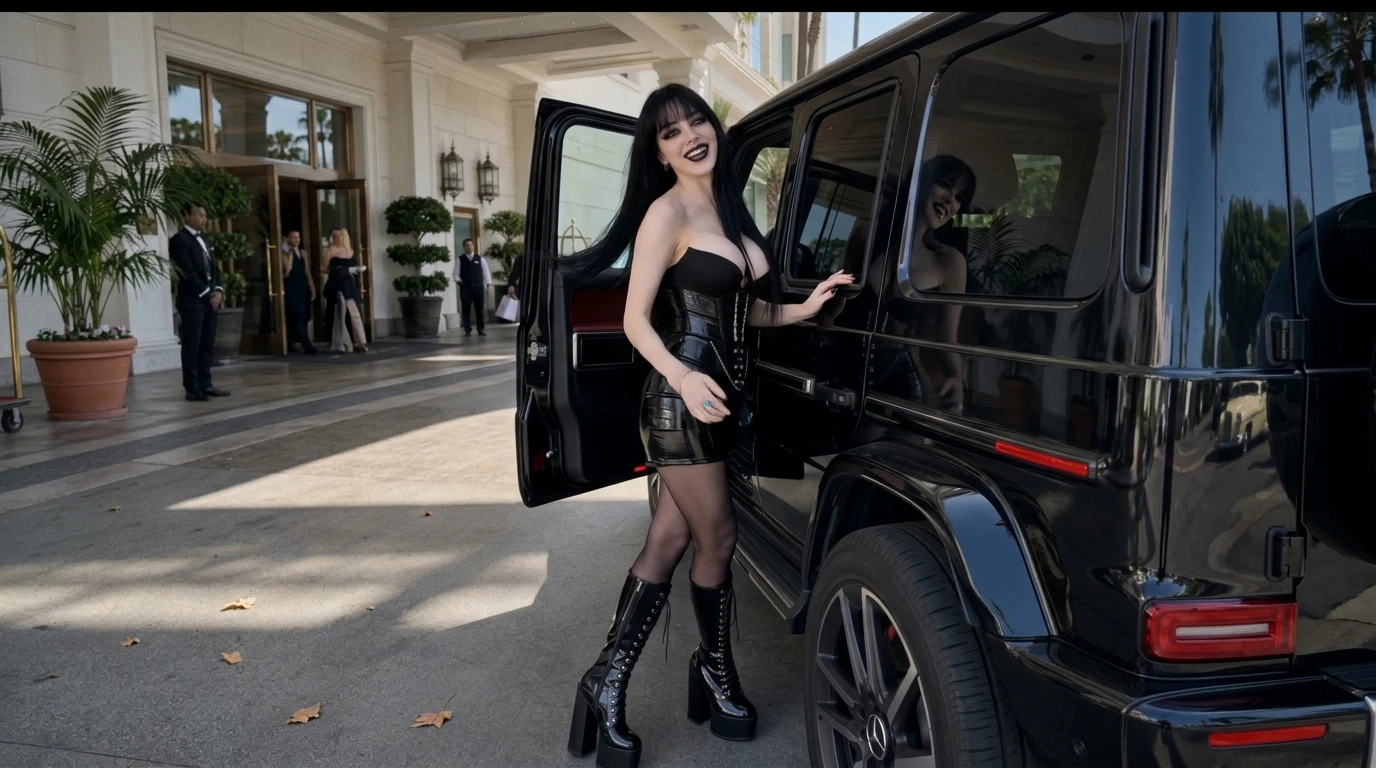
Mm-hmm, okay, good boy.. That is the official prompt for PixVerse’s newly launched Bark for Me template — a one-photo V6 effect that brings this vision to life with fluid motion and stunning detail.
The official preview shows an obedient, charming puppy reaction in response to praise, radiating pure cuteness and loyal charm on cue. The same one-click flow works with your own dog, cat, avatar, or portrait.
See It In Action
What Is the Bark for Me Template?
Bark for Me is a heartwarming animal reaction template powered by PixVerse V6. You upload one photo; PixVerse V6 generates a 5-second vertical clip capturing a sweet, obedient head-tilt and playful bark reaction. You do not write a prompt — the template prompt is locked, so the endearing charm stays consistent.
Template details
| Field | Value |
|---|---|
| Template name | Bark for Me |
| Template ID | 418602029695936 |
| Output | Video |
| Model | PixVerse V6 |
| Input | 1 photo |
| Duration | 5 seconds |
| Quality | 720p |
| Audio | None |
| Custom prompt | Off |
| Launched | Aug 12 2026 |
How it works
- Upload one photo — a clear portrait or well-lit photo works best
- Select Bark for Me — search the name in PixVerse templates, or use Template ID
418602029695936 - Generate — PixVerse V6 applies the effect automatically
- Download and share — export the 5-second clip for TikTok, Reels, or Shorts
What’s in the Official Preview
The template preview showcases a polished, cohesive scene built around the official prompt:
- Charming obedient pup reaction featuring head tilts and eager attentive eyes
- Soft portrait depth of field bringing out lifelike fur textures and reflections
- Expressive subtle facial shifts that convey pure loyalty and affection
- Compact 5-second pacing designed for high rewatchability on social stories
Tailor-made for pet owners and animal enthusiasts who want quick, adorable video snippets of their furry companions.
How to Create Your Bark for Me Video
Step 1: Choose a photo
Close-up pet shots with clear, focused eyes and bright lighting produce the most expressive video outputs.
Step 2: Open PixVerse
Visit PixVerse on web or in the app, then open the template library.
Step 3: Find Bark for Me
Search Bark for Me or browse newly launched templates. Confirm Template ID 418602029695936.
Step 4: Generate
Upload the photo and generate. The template does not accept a custom prompt, so you do not need to describe the scene.
Tips
- Front-facing dog or cat portraits yield exceptionally lifelike head movements
- Human selfies also work for a humorous, pet-inspired filter interpretation
- Keep the background uncluttered to highlight your pet’s adorable face
- Pair with your favorite barking sound or voiceover on TikTok
Frequently Asked Questions (FAQ)
Q: Do I need to write a prompt? A: No. Bark for Me has custom prompts turned off. Upload one photo and generate.
Q: How long is the video? A: 5 seconds, generated with PixVerse V6.
Q: What quality is available? A: 720p.
Q: How many photos do I upload? A: One. This is a single-image template.
Q: Does the video include sound or music? A: No. The video is silent so you can layer your own dialogue or trending animal audios.
Ready to capture an adorable bark reaction? Open PixVerse, search Bark for Me, and generate from one photo.
Related templates:
- Where Did This Cobweb Come From? — funny spiderweb prank clip
- My Little Perler Charm — chibi bead keychain craft
- Everyone Is Obsessed — viral dance that captivates the crowd
- Little Gymnast — tiny gymnast on the rings