60s Dance Night: Twist Like a Movie Star with PixVerse V6
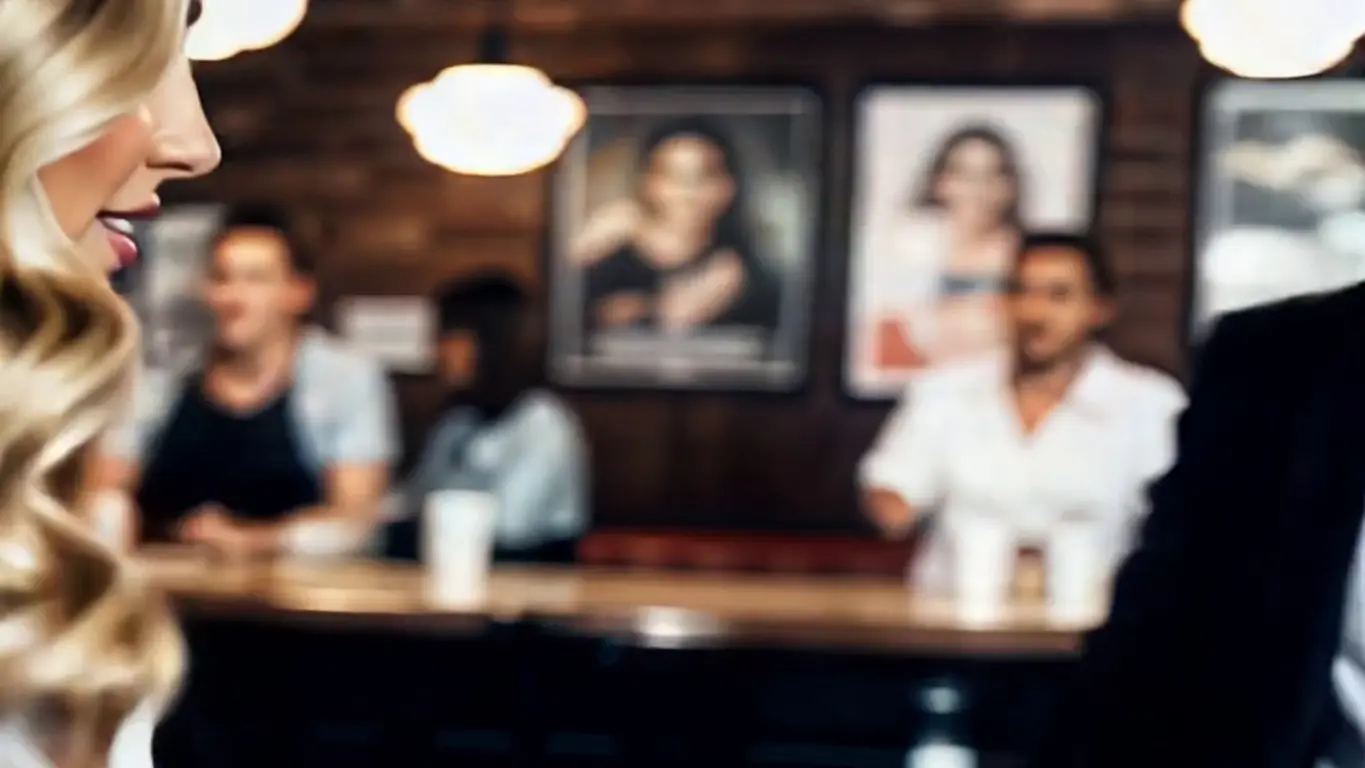
Step into the scene. Twist like a movie star. 🎬🕺 That is the official prompt for PixVerse’s 60s Dance Night template — a retro cinematic V6 effect that drops your subject into an authentic 1960s diner dance floor for a classic twist routine.
The official preview captures the golden era of rock ‘n’ roll and cinema: a vintage retro setting, glowing neon accents, and a dancer twisting with effortless charisma in wide 16:9 widescreen format.
See It In Action
What Is the 60s Dance Night Template?
60s Dance Night is a widescreen cinematic image-to-video template. You upload one photo, and PixVerse V6 creates an 11-second retro 16:9 movie scene with period-accurate twist dancing and music. No custom prompting is needed.
Template details
| Field | Value |
|---|---|
| Template name | 60s Dance Night |
| Template ID | 419494522339520 |
| Output | Video |
| Model | PixVerse V6 |
| Input | 1 photo |
| Duration | 11 seconds |
| Quality | 360p / 540p / 720p / 1080p |
| Audio | Included |
| Custom prompt | Off |
| Launched | Aug 17 2026 |
How it works
- Upload one photo — a clear portrait or full-body shot works best
- Select 60s Dance Night — search the name in PixVerse templates, or use Template ID
419494522339520 - Generate — PixVerse V6 applies the effect automatically
- Download and share — export the clip for TikTok, Reels, or Shorts
What’s in the Official Preview
The official preview showcases the key elements of the template:
- Classic 1960s twist dancing choreography inspired by iconic movie dance scenes
- Widescreen 16:9 cinematic framing with authentic vintage diner aesthetics
- Warm cinematic color grading and subtle nostalgic film warmth
- Seamless audio track blending rockabilly and vintage twist grooves
This is the rare widescreen template in the collection, tailored for landscape video enthusiasts who want high-production cinematic storytelling from a single photo.
How to Create Your 60s Dance Night Video
Step 1: Choose a photo
A waist-up or full-body portrait with vintage or retro flair works wonderfully. Clear lighting ensures the facial likeness shines on the wide screen.
Step 2: Open PixVerse
Visit PixVerse on web or in the app, then open the template library.
Step 3: Find 60s Dance Night
Search 60s Dance Night or look under newly launched templates. Confirm Template ID 419494522339520.
Step 4: Generate
Upload the photo and generate. The template does not accept a custom prompt, so you do not need to describe the scene.
Tips
- Vintage outfits or retro hairstyles enhance the authentic 1960s ambiance
- The 16:9 aspect ratio makes it ideal for YouTube, desktop screens, and widescreen reels
- Sharp facial details stay prominent even against rich retro background decor
- Download at 1080p for the finest film-like visual texture
Frequently Asked Questions (FAQ)
Q: Do I need to write a prompt? A: No. 60s Dance Night has custom prompts turned off. Upload one photo and generate.
Q: How long is the video? A: 11 seconds, generated with PixVerse V6.
Q: What quality is available? A: 360p / 540p / 720p / 1080p.
Q: How many photos do I upload? A: One. This is a single-image template.
Q: Is the video output landscape or vertical? A: 60s Dance Night renders in widescreen 16:9, making it perfect for cinematic landscape displays.
Ready to twist like a movie star? Open PixVerse, search 60s Dance Night, and travel back to the sixties in one click.
Related templates:
- Bathroom Hot Dance — energetic private dance session
- Since NY, I’ve Been Like — chic city street aesthetic
- Trip on Stage, Keep Singing — viral concert stage moment
- Little Gymnast — miniature gymnast on rings